Desert Online General Trading LLC
Dubai, United Arab Emirates
Desert Online General Trading LLC
Dubai, United Arab Emirates

Type Smart, Live Better! 💻
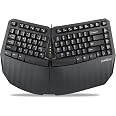
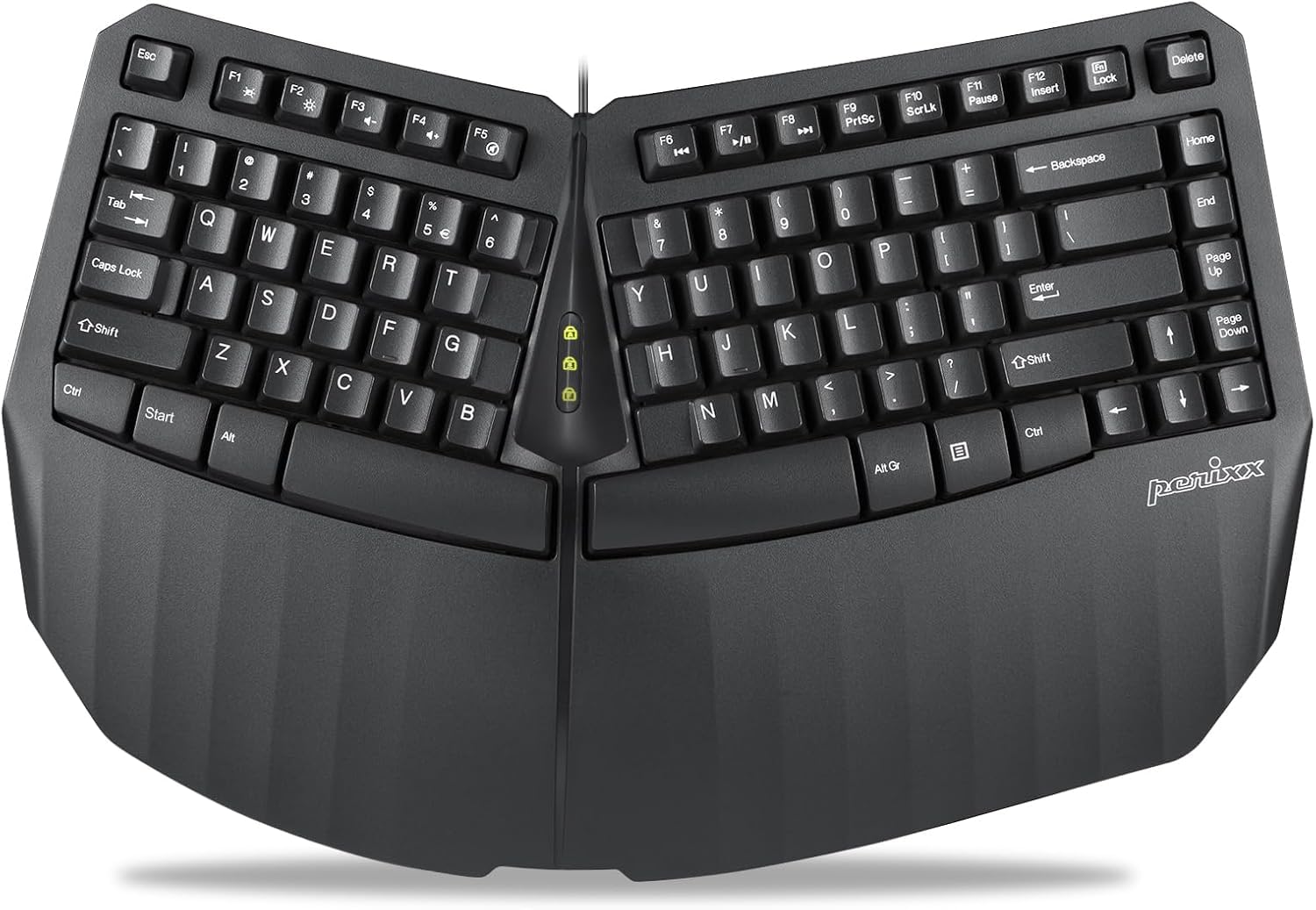
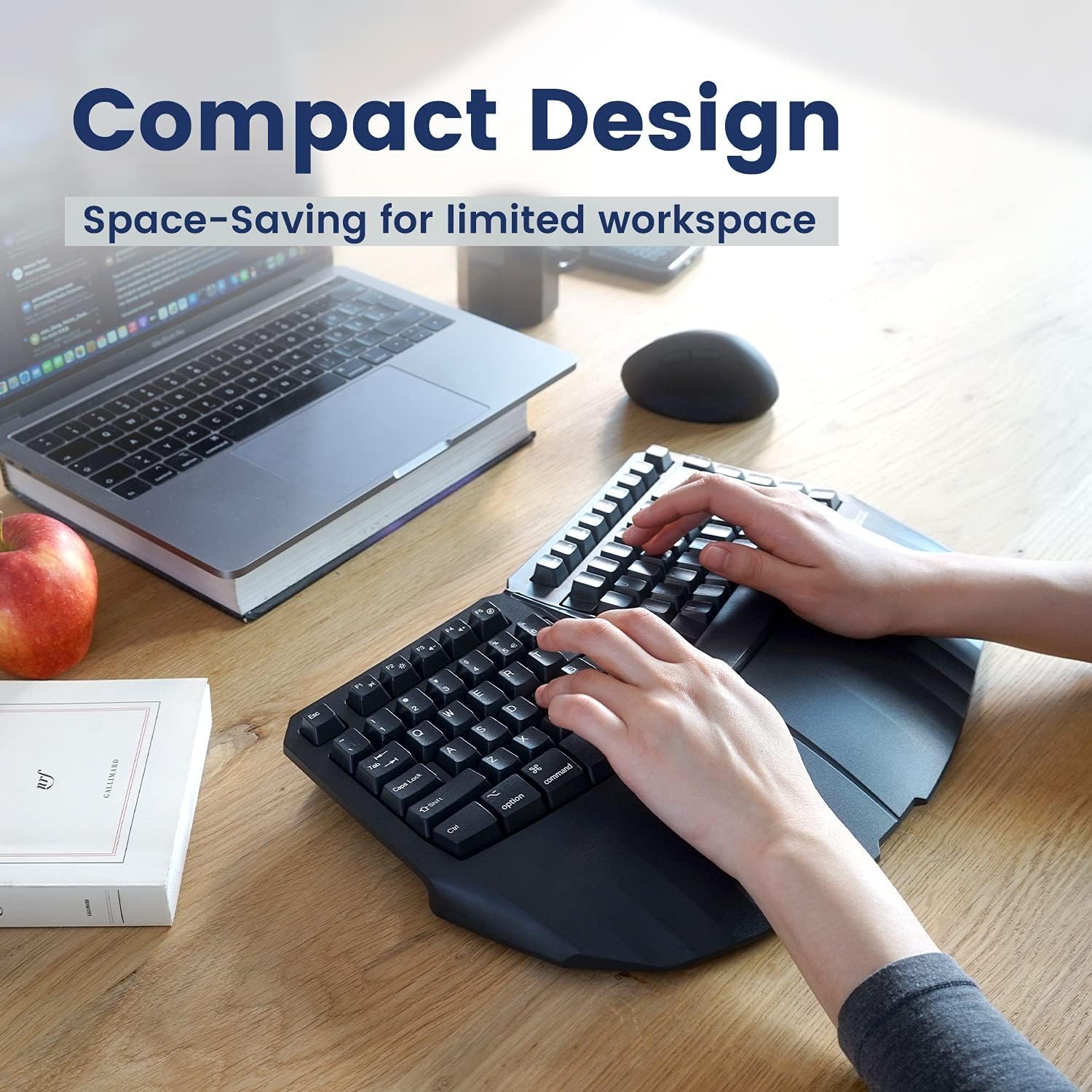
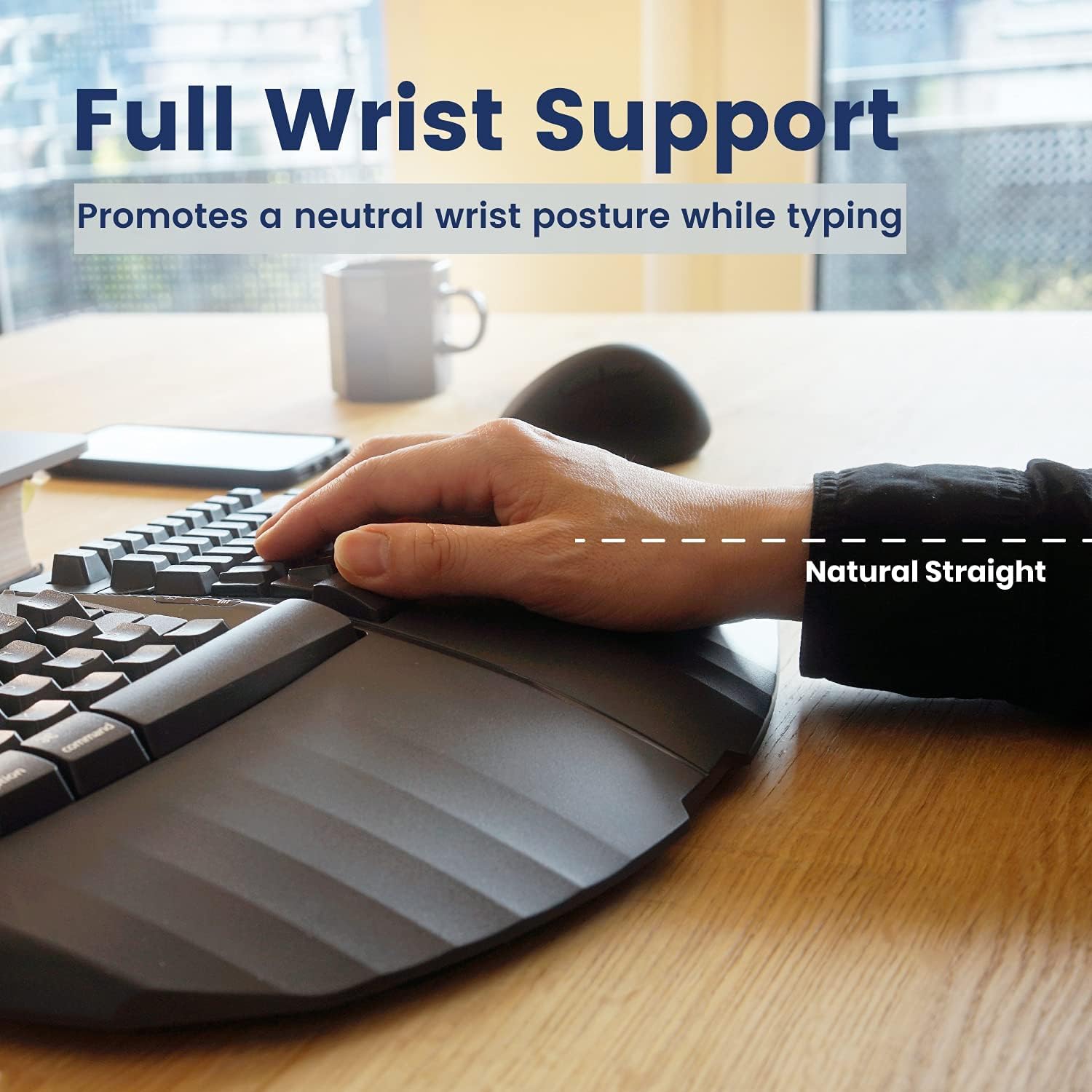
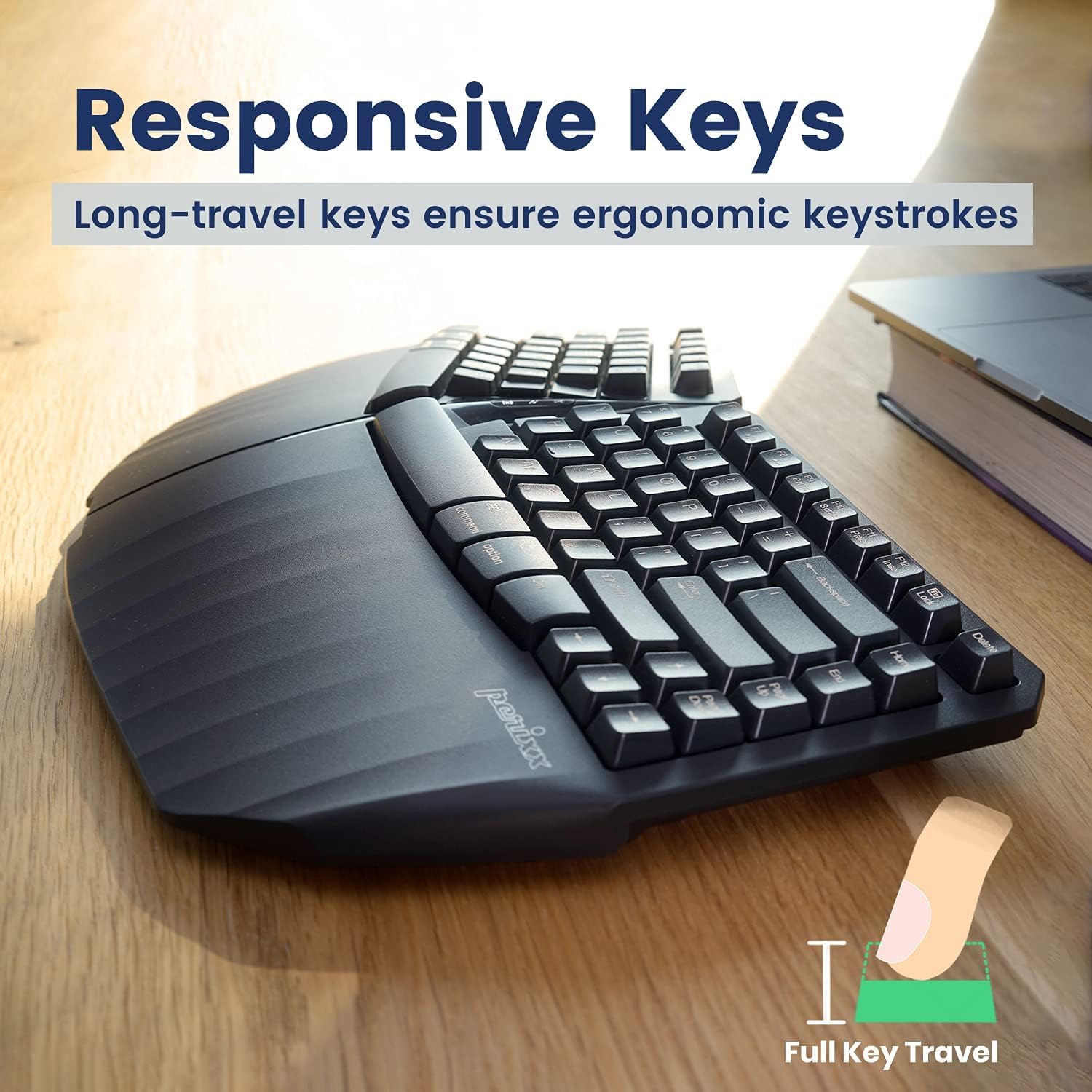
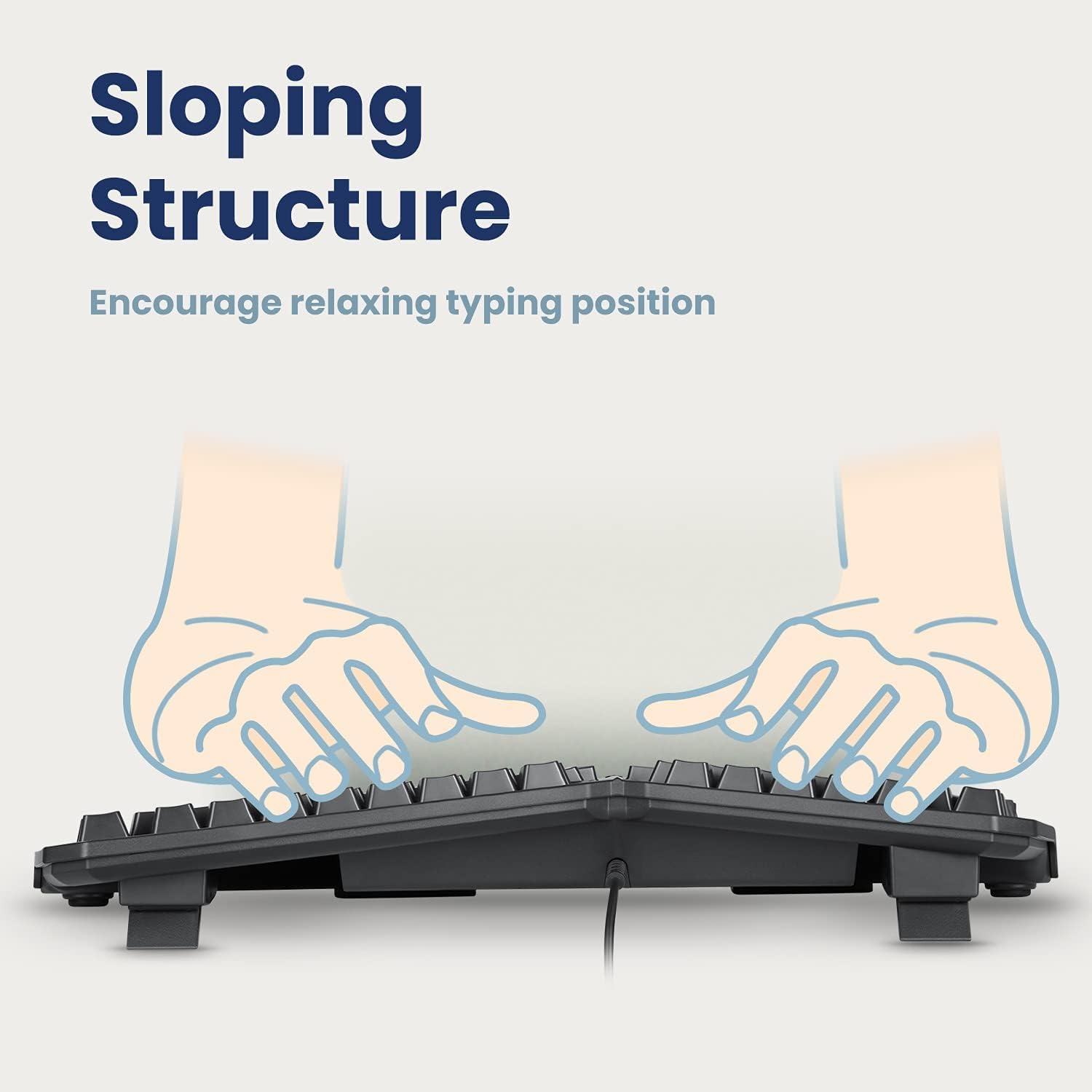
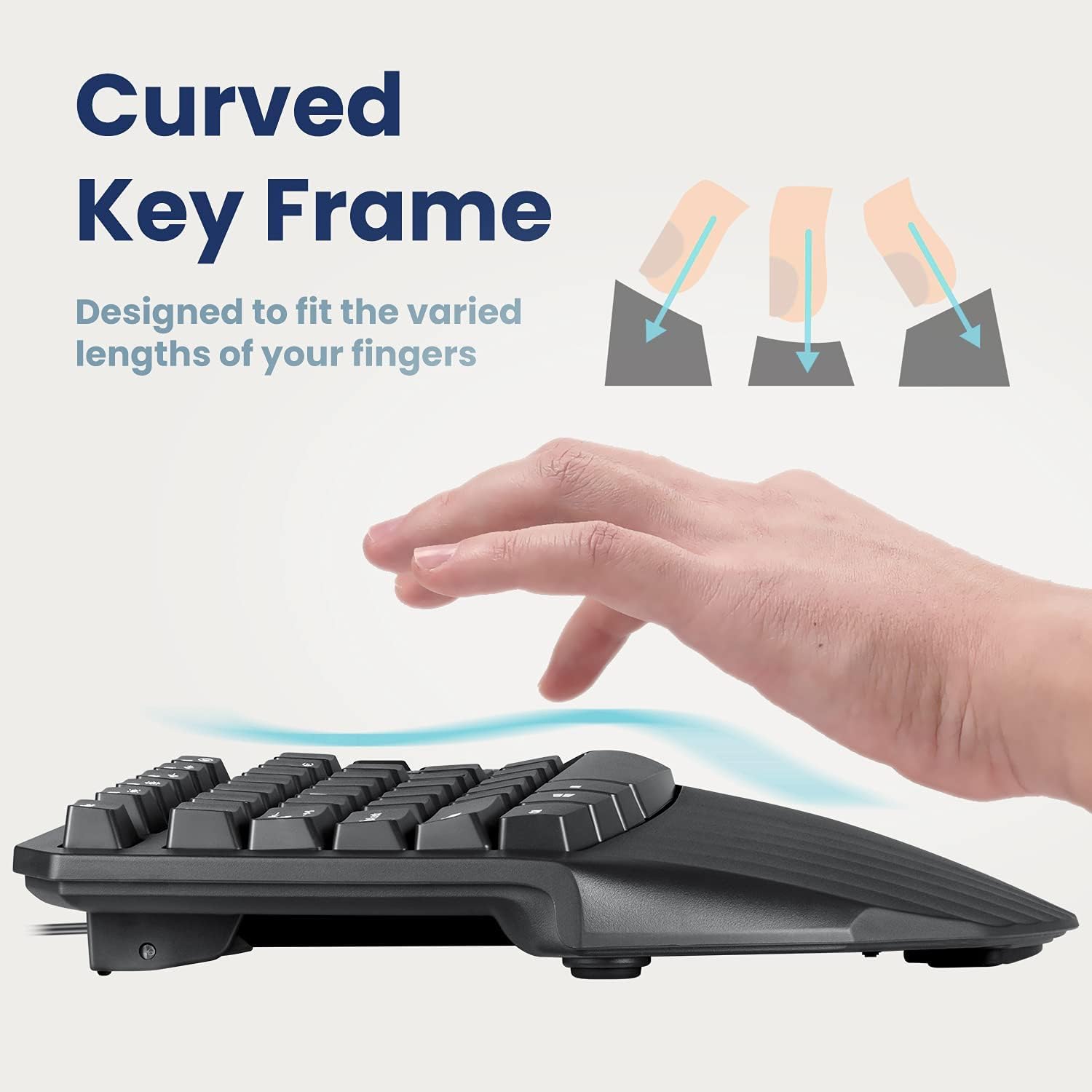
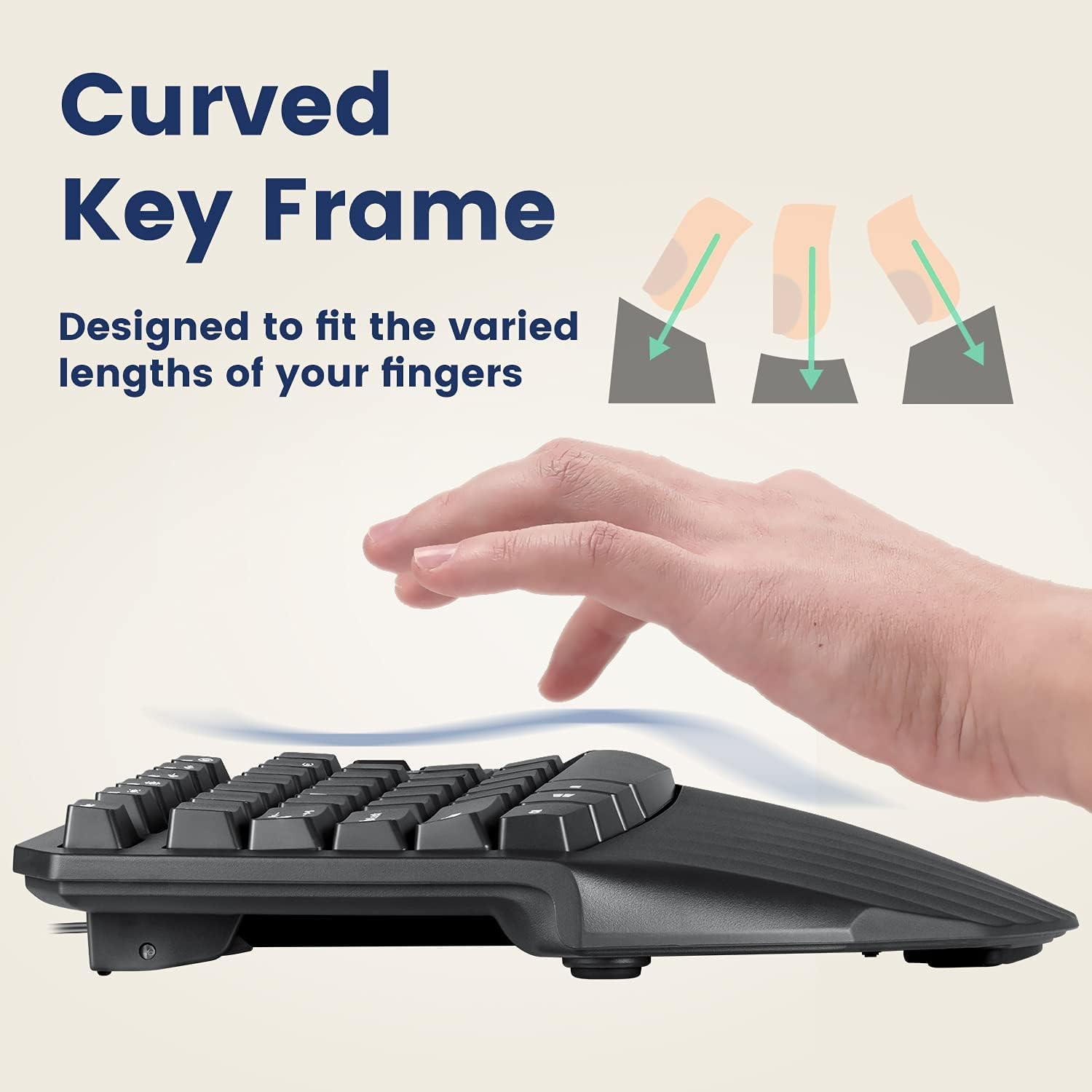
The Perixx PERIBOARD-413B US is a wired USB ergonomic compact split keyboard designed to enhance comfort and productivity. With dimensions of 15.75 x 10.83 x 2.17 inches, it features a curved, split-key design that promotes natural arm positioning, an integrated palm rest for added support, and high-quality key switches for a satisfying typing experience. Compatible with Windows operating systems, this keyboard is perfect for professionals seeking a blend of comfort and efficiency.


| Brand | Perixx |
| Series | PERIBOARD-413B US |
| Item model number | 11798 |
| Operating System | Windows 7 |
| Item Weight | 1.81 pounds |
| Product Dimensions | 16 x 11 x 2 inches |
| Item Dimensions LxWxH | 16 x 11 x 2 inches |
| Color | Black |
| Power Source | Corded Electric |
| Manufacturer | Perixx |
| Language | English |
| ASIN | B09298C2NP |
| Date First Available | March 22, 2021 |
C**R
A great keyboard
My Microsoft Sculpt keyboard finally died (after a cat threw up on it), and I didn't think I could find a suitable replacement until I found this Perixx keyboard. It's nicely arched, gently split, and the keys have a more solid feel than the MS keyboard. Negative reviews scared me a little, but I have had absolutely no problems. I like that it's not quite as wide as most keyboards, since it has no numeric keypad (I still use the MS keypad and mouse that came with the Sculpt).Highly recommend.
A**R
Feedback from a 6+ years Microsoft Sculpt user (work & home)
I am an EOL-Microsoft-SCULPT refugee.Pros:1. Similar wraist angle like MS Sculpt keyboard.2. Inexpensive split keyboard.3. USB-A cable SKU, harder to lost the USB-dongle.Cons (compared with MS Sculpt):4. Not an 100% quiet keyboard. Have to be very careful to make less keystroke noise.5. Longer keystroke/press distance.6. Higher keyboard height: 0.5 ~ 0.7 cm higher than MS sculpt.2025/09/23
J**L
Typeability
I really wanted to love this keyboard - it checked all my boxes (ergonomic, wireless (doggle and bluetooth capable), good price. Unfortunately, I found it difficult to type with the keys. I was frequently mistyping/spelling and this was based on it somewhat harder to press down on the keys than what I am used to. I think it is a great keyboard, but unfortunately it was not the right one for me.
L**N
Great for odd issues
I love this already, but maybe for different reasons than some and I am only going into detail here so someone like me can read it and know that this can actually help. I was hesitant to spend money on something that would not work for me.I have shoulder and back issues when using a normal keyboard because I have to fold in my shoulders and sit far away to use the standard ones. I am a 5'1 woman with a 12" shoulder span, 15" long torso, but a 42" bust. To reach the keyboard I have always had to fold myself around my bust and sit at the farthest distance from the keys as I can since it is literally impossible for me to have my hands straight in front of me any other way. The angle of this board means that I can sit upright with my arms in a natural position and my shoulders back, because lets be honest I have enough back issues without typing adding to it.I got the wired one so I can't speak on the issues others are having with connectivity.I do billing entry so not having a number pad kind of sucks but it is a fair trade for actually being able to type without pain. Also since there is a photo of it I was aware that there was no number pad before I bought it and chose to get it anyway. I find it silly to complain about a thing being missing when I knew it was not going to be there before buying. I am going to look into the number pads that are separate for when I really need to go full speed with that.
S**S
Number "6" key is on the wrong side
This keyboard is ergonomically excellent and the keys are very responsive (though a bit loud). I gave it a rating of "3", deducting a star for each reason I'm a little disappointed.1. For some reason, the manufacturer decided to place the number "6" key on the left side of the split keyboard, so every time I try to type a "6" with my right hand, I hit an empty space and have to stop what I'm doing to type a "6". This will take some time to get used to and that's not what I bargained for.2. The function keys have to be turned on with the "Function Lock" key in order to use the printed functions, such as media controls, print screen, insert or screen brightness, and every time it powers down or is unplugged, it resets to the default of just being function keys that make for a surprise action on the computer. Fairly annoying and again, will take some time to get used to.
K**R
Great ergo keyboard Even has the special right side alt icon!
An old fashioned mini ergo keyboard. Replaces an identical one that got wore done after two years. No numericc keypad (that's why is a mini)
A**R
Roor keypress recognition
This keyboard has exactly the features I need: wireless, split, raised, mechanical press, and without a keypad.Unfortunately, it has poor key recognition when using the USB tx/rx mode, which is my daily driver. Keys either don't consistently register as being pressed; or if pressed quickly in sequence, will register out of order. This happened with a fresh battery and with minimum distance between transmitter and receiver. Regardless of his comfortable the keyboard is, if I'm constantly backspacing, it's not happening. (This is especially annoying for passwords, when I can't see the content!)I didn't try bluetooth mode, and swapped out for an alternative USB rx/tx keyboard to see if maybe it was an RF issue. It was not.In the end, I binned the keyboard and bought a cheap logitech wireless. It's not split, but at least it consistently recognises keypresses!
K**N
The Most for the Least Space
Love this keyboard. It's the perfect ergonomic keyboard for limited space offering the most in the most compact yet full-sized package possible.
Trustpilot
3 weeks ago
1 month ago