
DOWNLOAD THE APP


Customer Services
Copyright © 2025 Desertcart Holdings Limited
DOWNLOAD THE APP
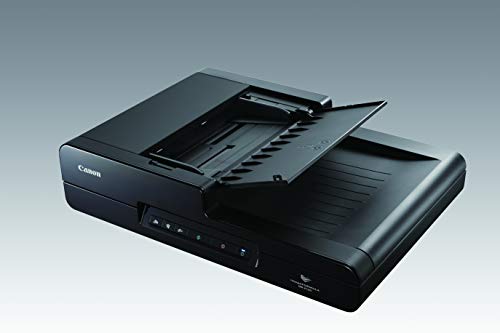
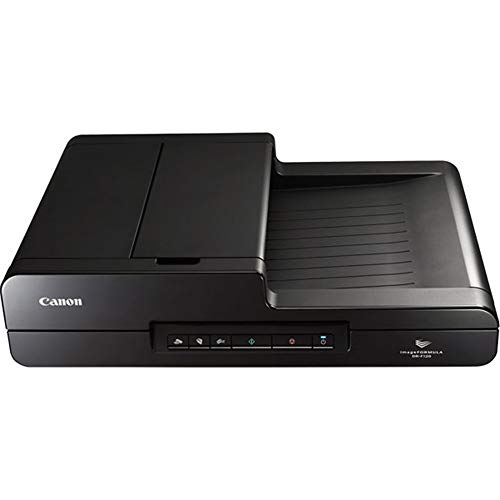

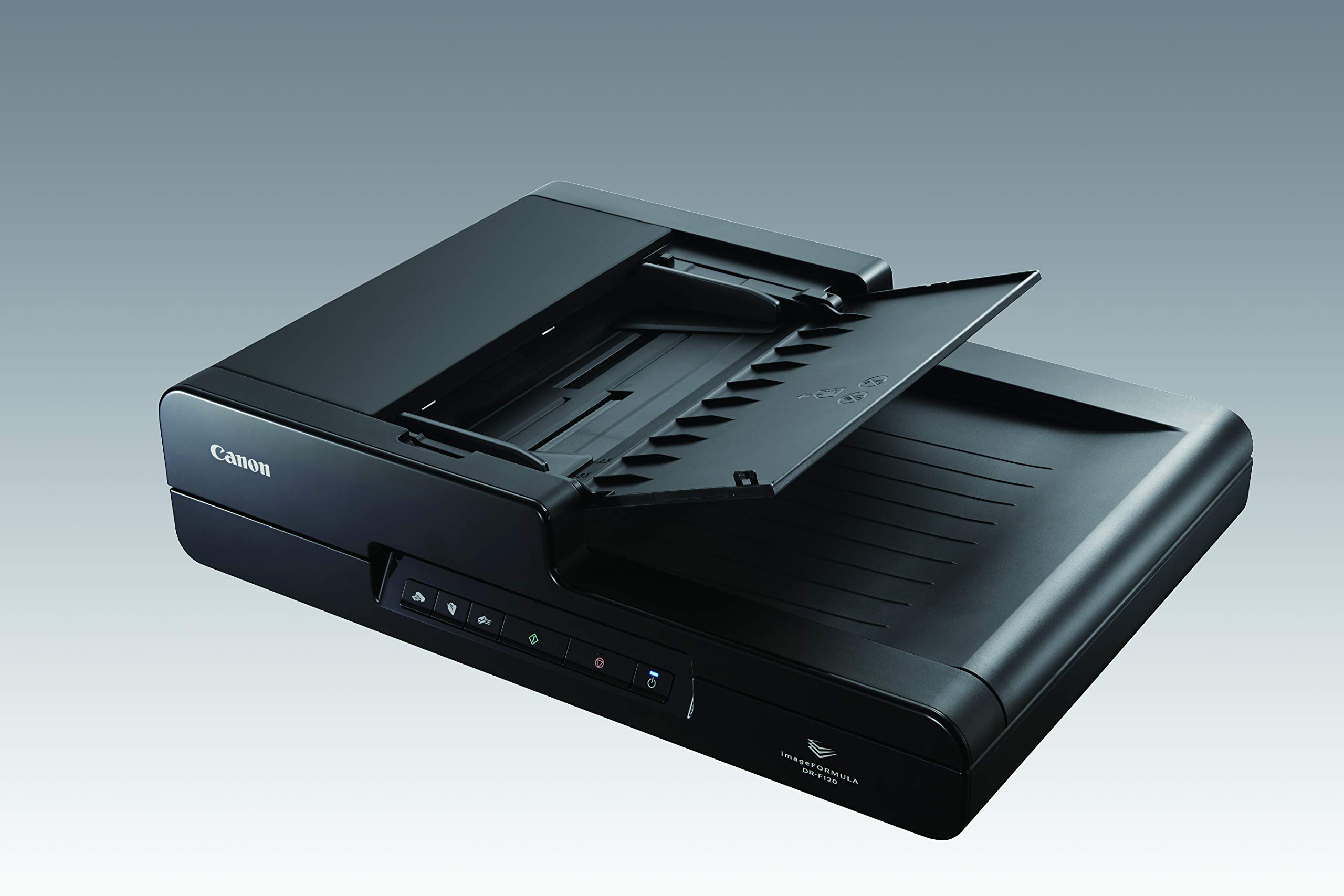
🖤 Scan smarter, not harder — the sleek pro’s choice!
The Canon imageFORMULA DR-F120 is a compact, black document scanner designed for professional environments. It offers efficient, high-speed scanning with a power consumption of just 19.9 watts. Weighing 4.6 kg and measuring 33.5 x 46.9 x 12 cm, it fits neatly on any desk. Trusted Canon quality ensures reliable performance, making it ideal for busy offices seeking a blend of speed, style, and efficiency.
| ASIN | B00OLTZKW4 |
| Are Batteries Included | No |
| Brand | Canon |
| Colour | Black |
| Country of Origin | India |
| Customer Reviews | 4.5 4.5 out of 5 stars (18) |
| Date First Available | 26 October 2014 |
| Item Dimensions LxWxH | 33.5 x 46.9 x 12 Centimeters |
| Item Height | 4.72 Inches |
| Item Weight | 4 kg 600 g |
| Item Width | 18.46 Inches |
| Item model number | 9017B002 |
| Manufacturer | Canon |
| Product Dimensions | 33.5 x 46.89 x 11.99 cm; 4.6 kg |
| Voltage | 120 Volts |
| Wattage | 19.9 Watts |
G**I
Best in the segment
Very good
N**Z
product came damaged
Had come damaged; subsequently the company repaired the same.
C**N
Excellent scanner. I bought this scanner to digitize genealogy records. About 95% of these documents were either done with a typewriter or a printer therefore the text was quite legible. The scanner worked flawlessly to scan these documents and the software did an excellent job of creating the PDF files and also the OCR work. Just about all of these documents I was able to feed through the document feeder. I would say the paper thickness ranged from about 40 pound down to 10. I had no problem with any of this feeding through the document feeder. I didn’t have anything that was on what you might call onion skin paper so I don’t know for sure how it works on paper that thin. Normal 20 pound printing or copying paper works flawlessly through the document feeder. When using text mode for the scanner, which is easily selected in the software, it took about 2 seconds to run an 8.5 x 11 sheet of paper through the document feeder. If the pages are double-sided then that comes out to be a second per page. I was well pleased with that speed. Some of the multipurpose machines that I’ve used are agonizingly slow when it comes to scanning, even with the document feeder. Some of the genealogy records were written on spiral ring notebooks. I didn’t want to destroy these notebooks so I had to scan these pages individually on the flatbed. It took some time but the scanner did an excellent job. The software didn’t even attempt to do OCR on the handwritten pages which is reasonable. But the legibility of the PDF files it created is excellent. Using text mode, the speed on the flatbed was about 5 seconds per page. That’s the time it took for the scanning mechanism to run all the way across the flatbed. I did have some photographs to scan in and I used the flatbed for them. The pictures would not have survived going through the document feeder. Scanning in picture mode takes longer than it does for text mode but I didn’t time it. The quality of any pictures was excellent as was expected. Overall I like to the software that came with the scanner. Being an experienced computer user I found the interface to be intuitive. It was easy to make the settings I needed to match the media I was scanning in and save it to the location I wanted on the computer. My only complaint would be that when a page is scanned in, there’s no way in the software to rotate it if you happen to get it oriented wrong. The only option is to reorient that page and rescan it. I’d like to see that changed. I had no problem at all installing the scanner or the software that came with it. I used it on a Hewlett-Packard laptop that runs Windows 7. I had no problems at all with any of the functionality of the scanner or the software. It all worked flawlessly. This Canon scanner exceeded my expectations. That’s why I give it 5 stars.
S**7
The DR-F120 is a very effective scanner that does a good job and produces quality results. Especially good if you use Windows as the scan to One Drive and other scanning options are good. Still can have a problem with "unable to lock scanner" error that may require disabling WIA but otherwise a very good solution.
B**M
Best bang for the buck and works well.
A**C
Got it on Saturday as a replacement for the Xerox 3220 which I just returned. I have a home-based business and I require the capability to scan documents to maintain for record keeping. I have to scan quite a bit of varied documents. The Canon DR-F-120 is a breeze to install and use. What a breath of fresh air! The image quality is excellent. It's quiet. The only negative I have at this point is the auto-feeder seems to crinkle pages that already have the slightest crease in them, such as a billing statement with the perforation at the bottom or a dog-eared page from staples. It doesn't destroy them, like the Xerox did, but it will crinkle the page. On the other hand, a very thin, half-sheet went through the auto-feeder with no issues at all. I love the Full-auto feature. You place the document for scanning either in the auto-feed or the flat-bed and it figures out the size and color. Only once out of about 25 did it not scan what I wanted, and that was an oddly-colored map with a lot of dots on it. It came out black-and-white instead of color. But still, it had excellent resolution. It costs a little more than I wanted to spend, but am so glad I did, well worth it! Now, if I only could only find the same thing that will scan 11X17 for less than $2,000.
G**L
It works great and will save me a lot of time and money now scanning legal size documents as they can be done in my office instead of having to go elsewhere to get them copied. The service and delivery time was excellent.
Trustpilot
5 days ago
2 weeks ago