
DOWNLOAD THE APP


Customer Services
Copyright © 2025 Desertcart Holdings Limited
DOWNLOAD THE APP
🚀 Power-packed Mini PC: Big Performance, Tiny Footprint!
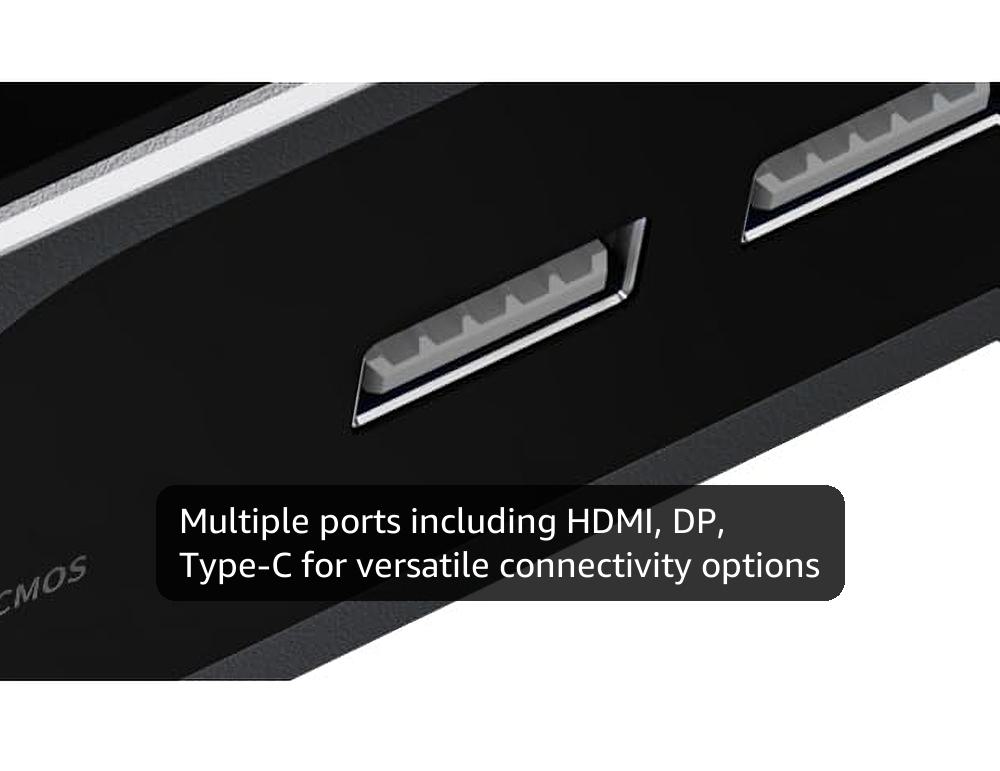
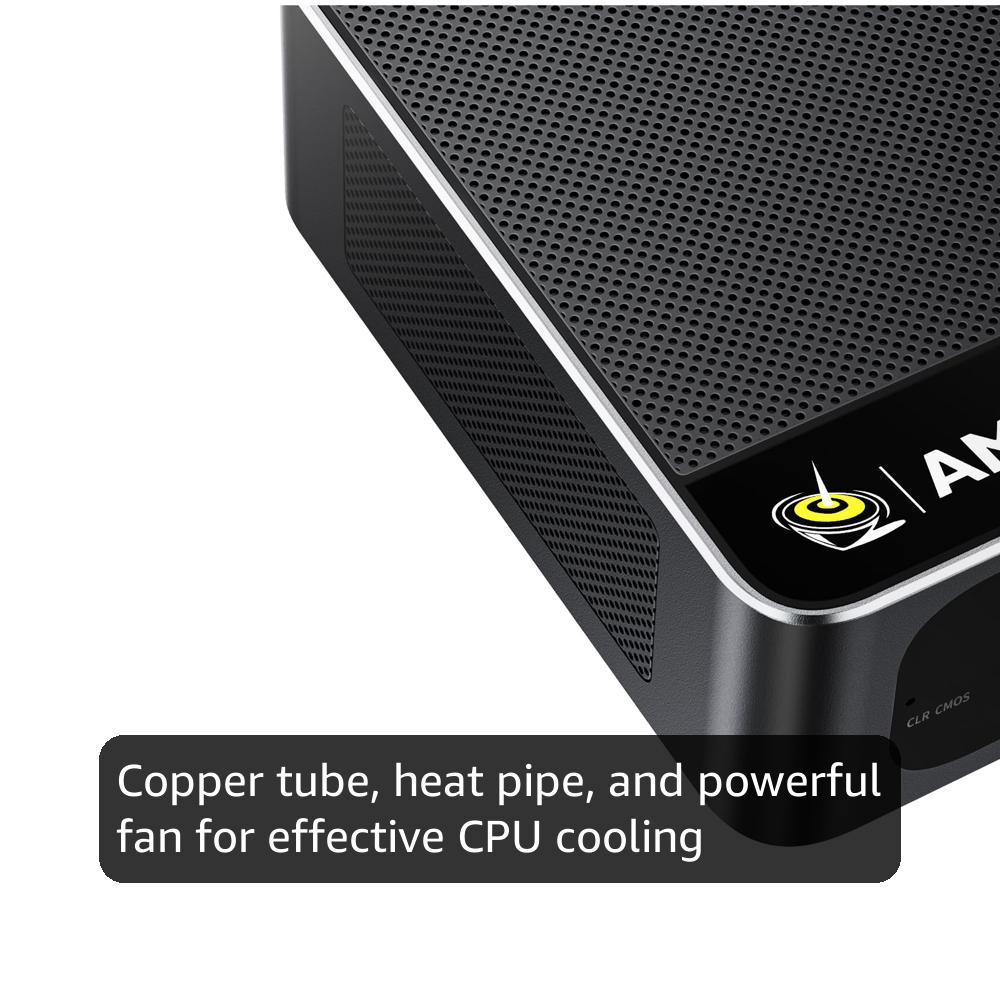
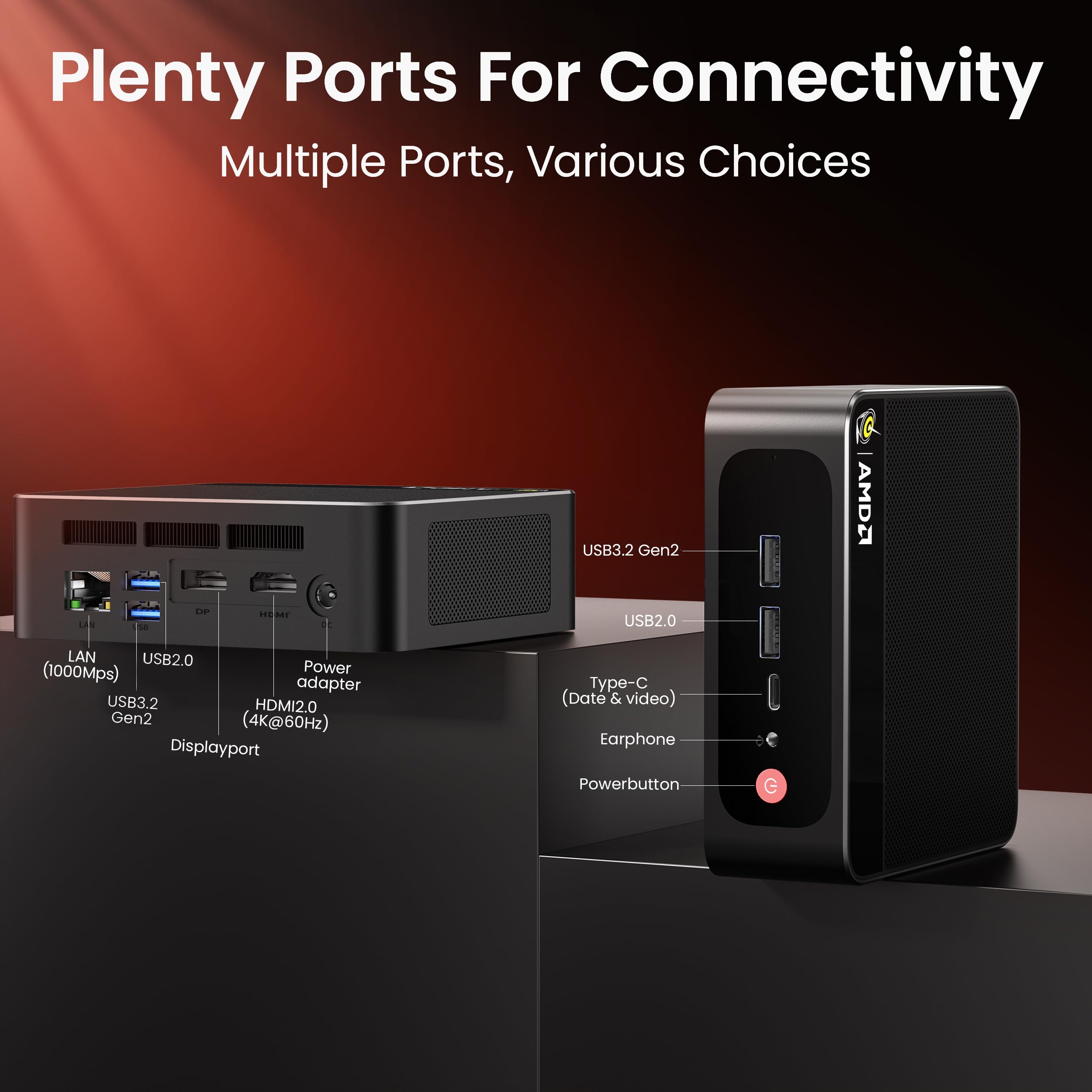
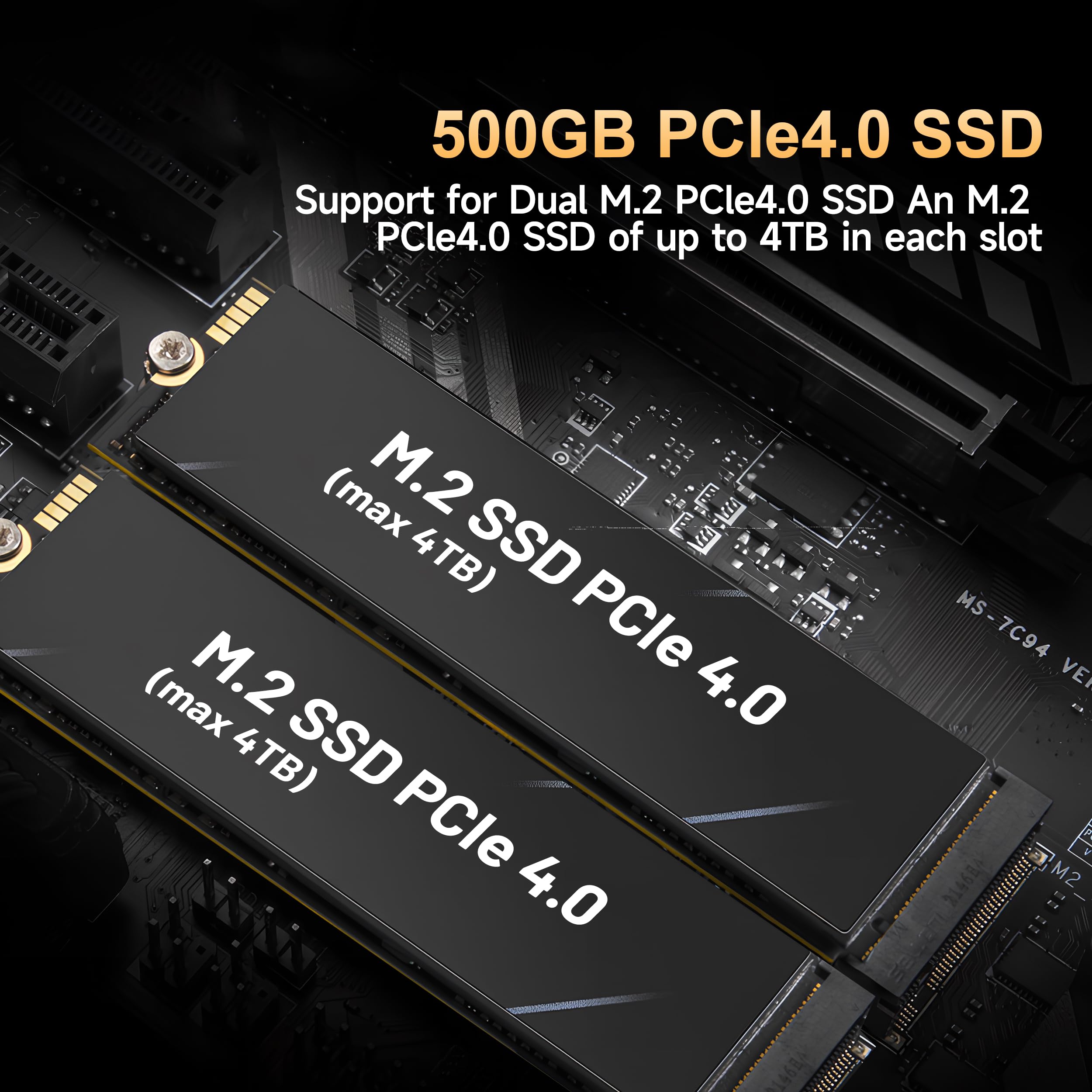
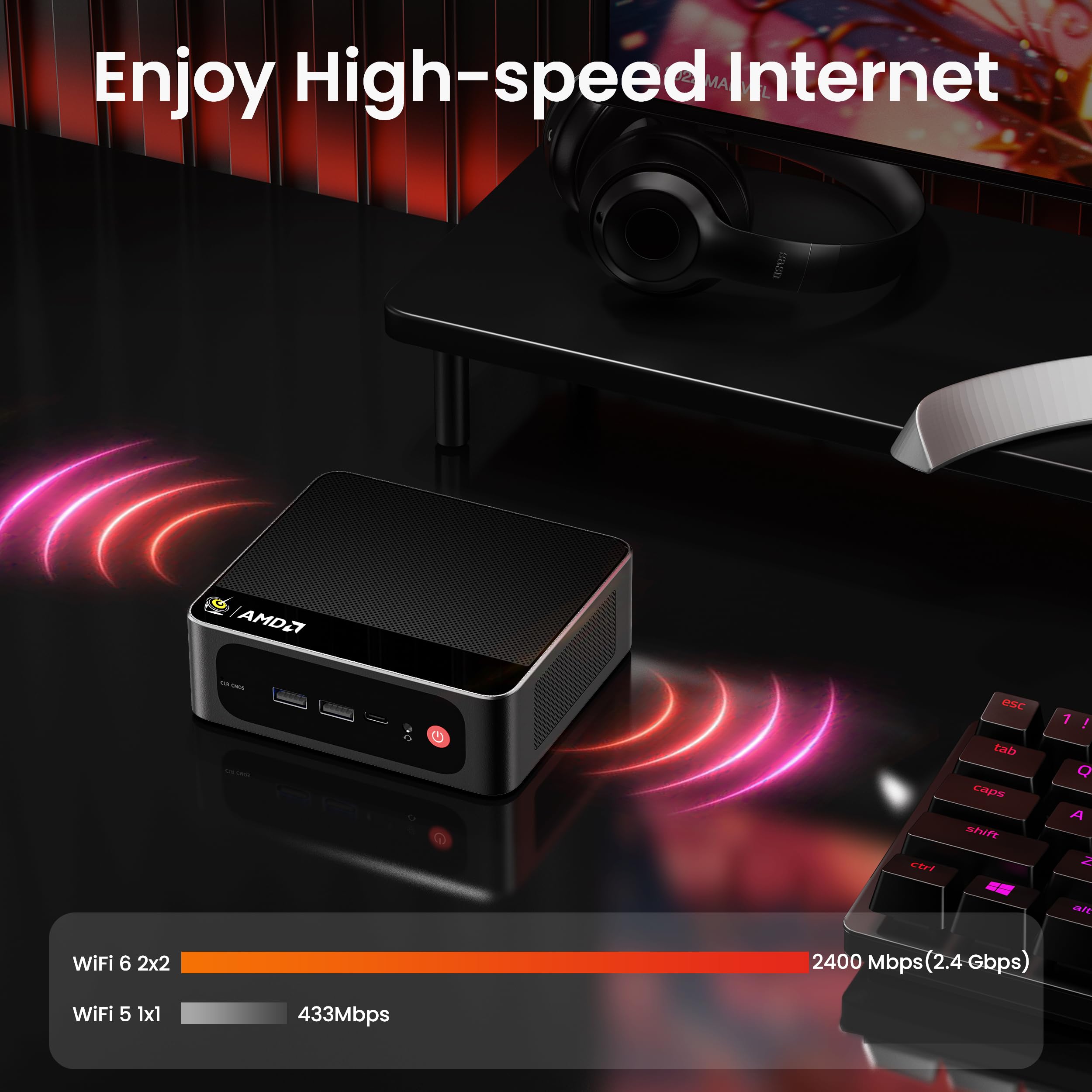
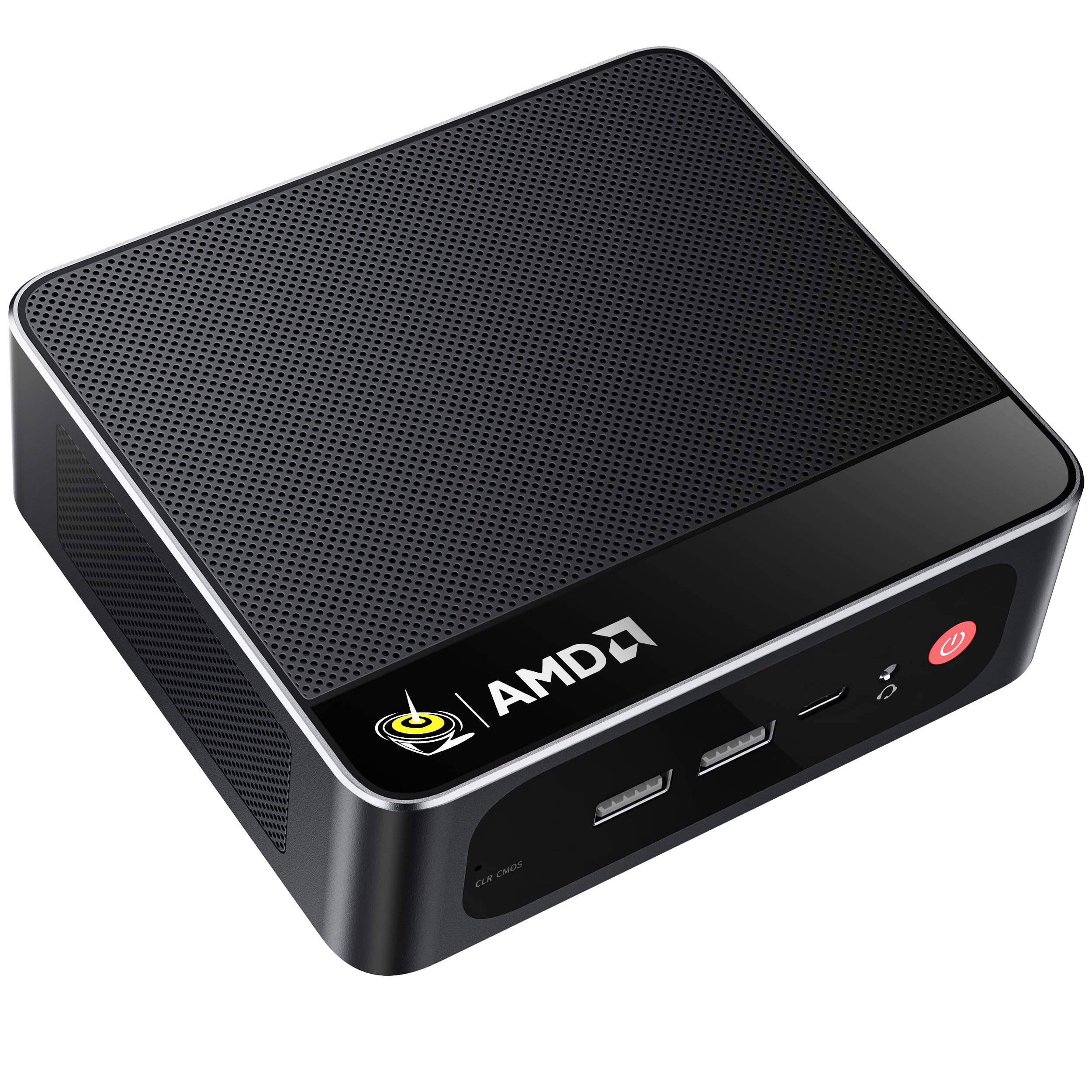
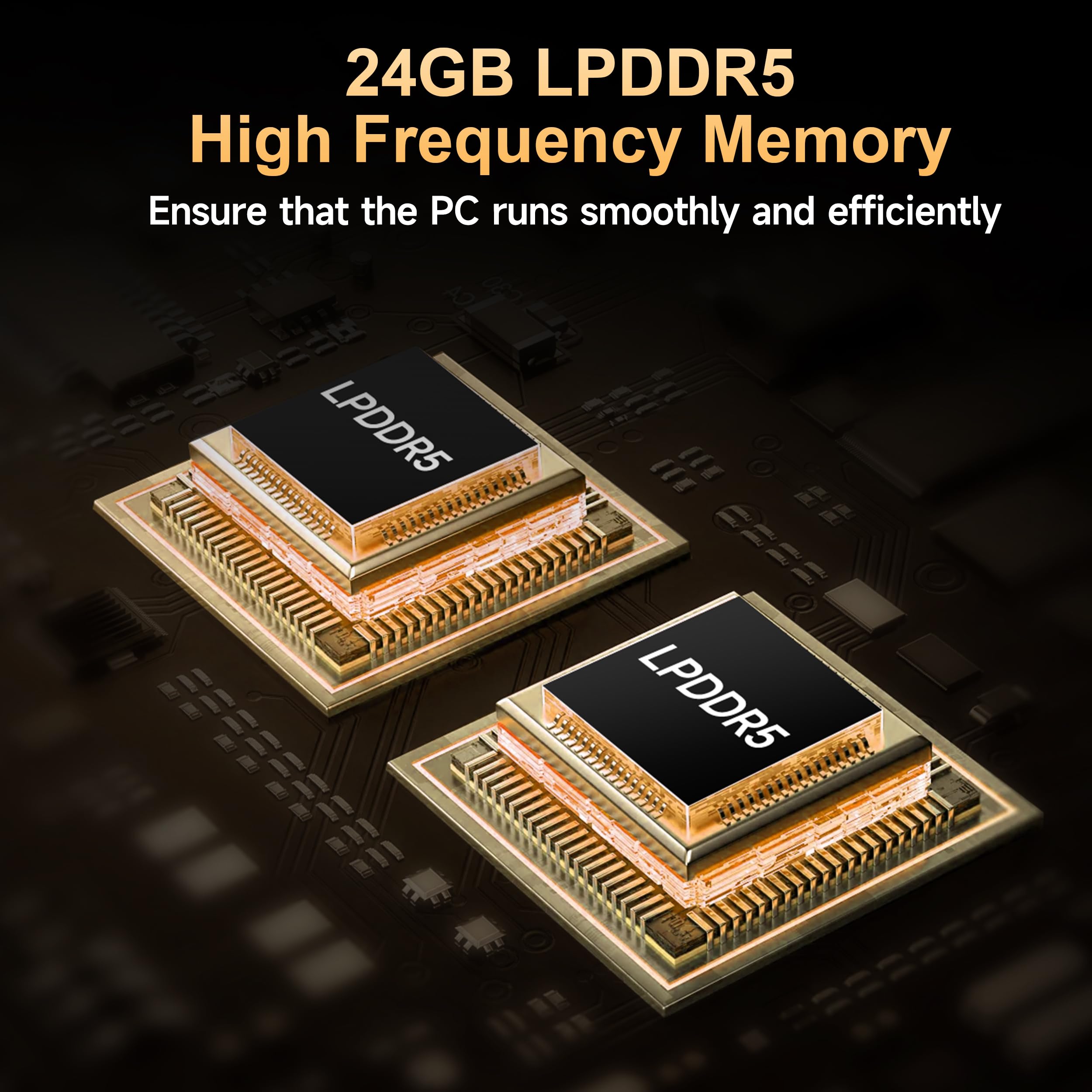
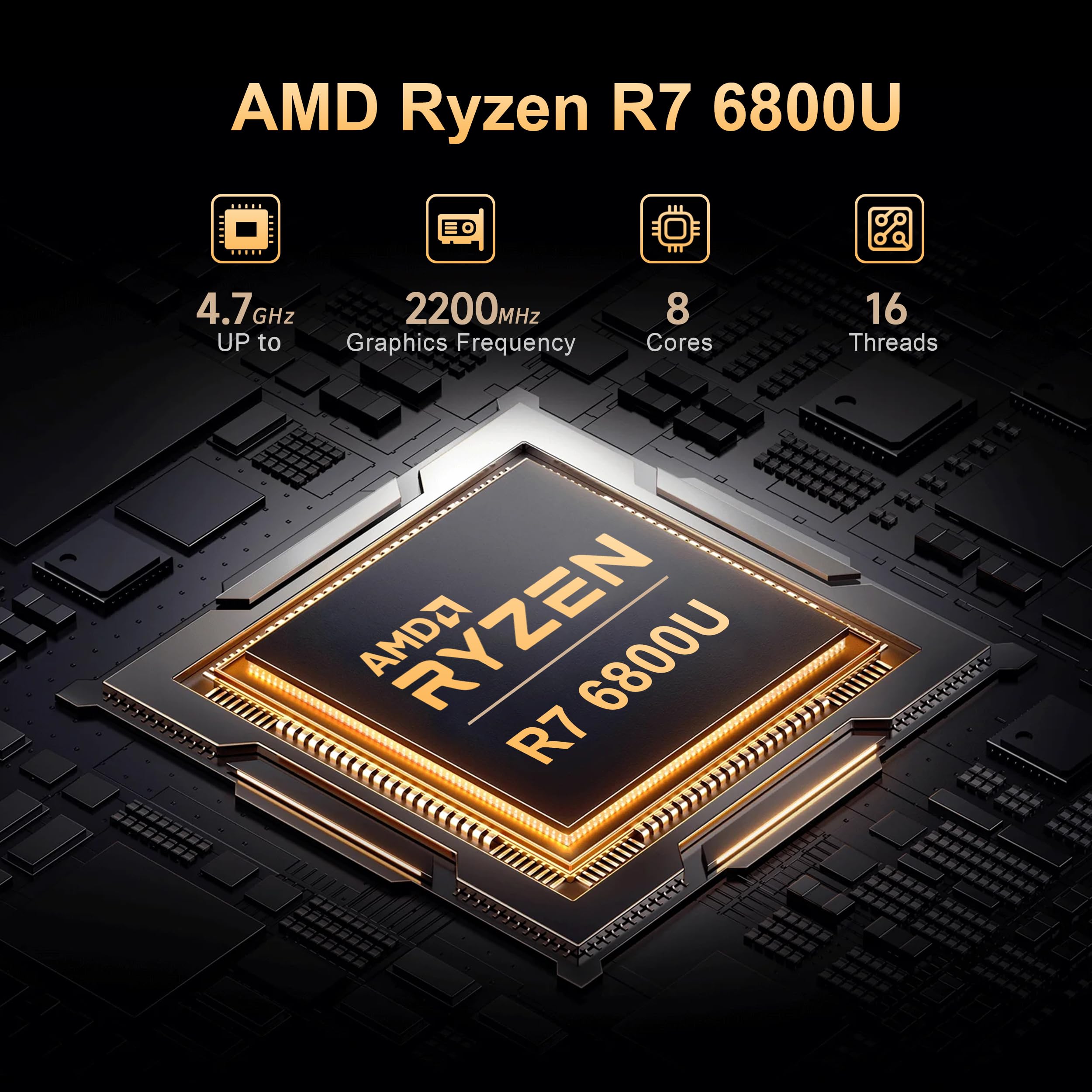
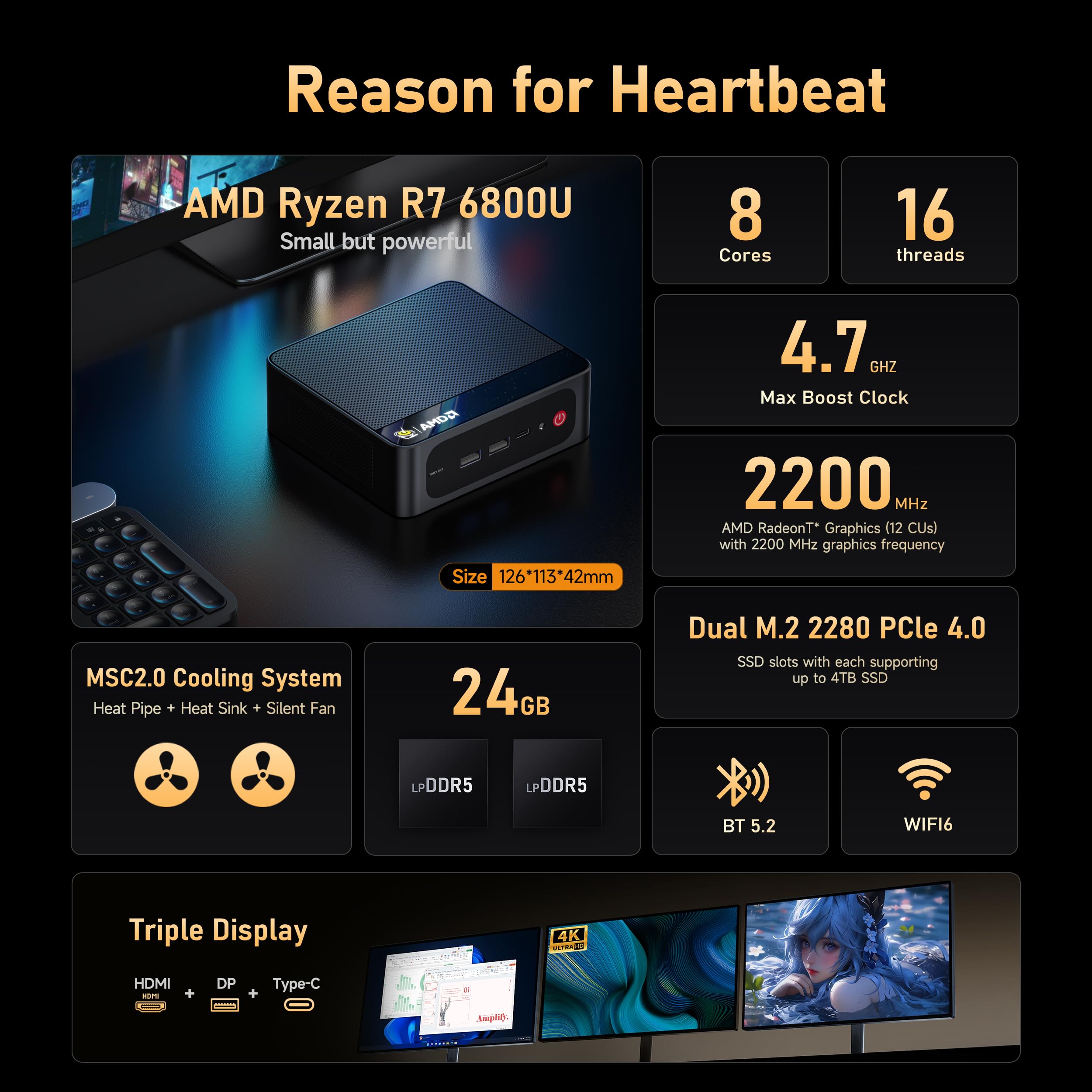
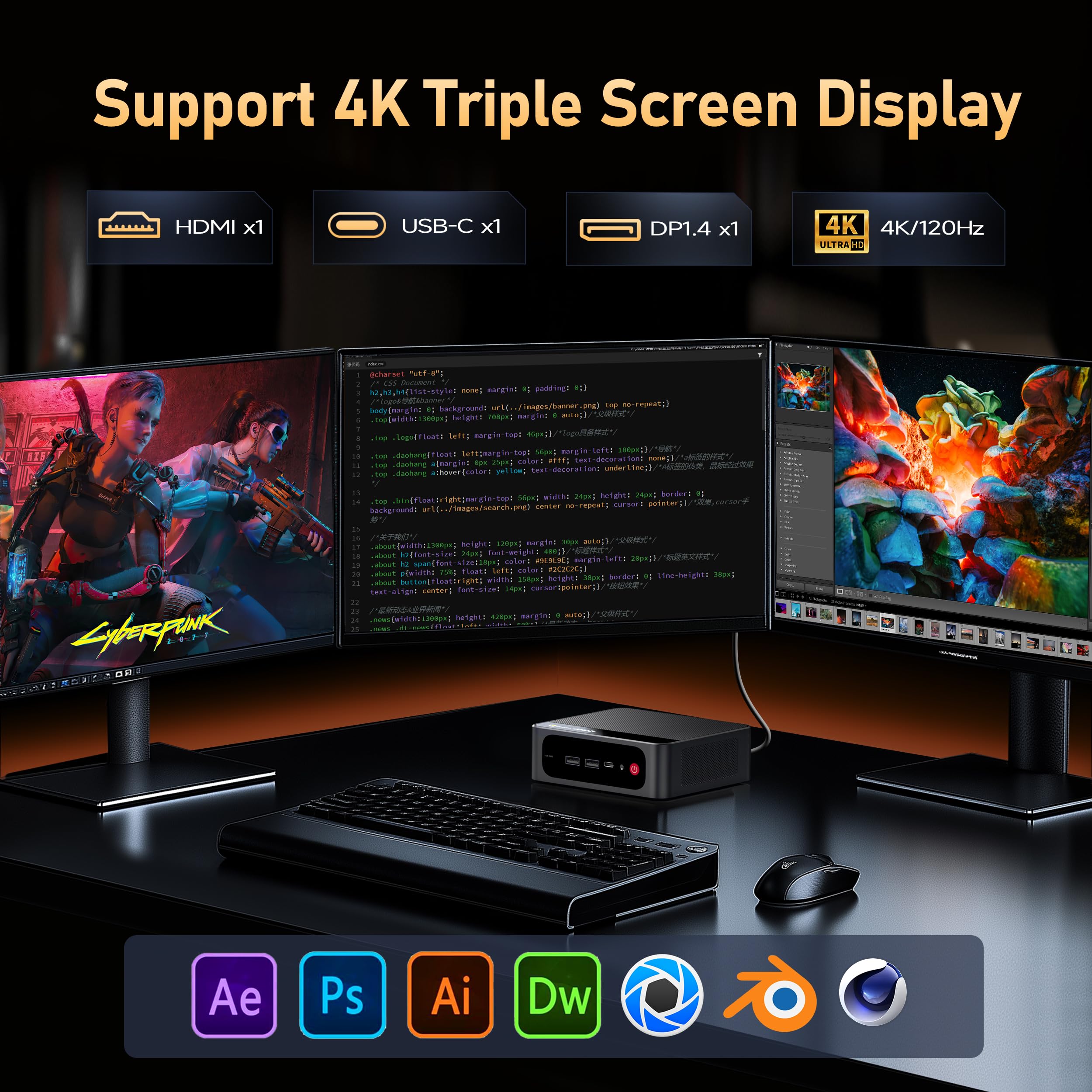
The Beelink SER5 Max Mini PC is a compact powerhouse featuring an AMD Ryzen 7 6800U processor clocking up to 4.7GHz, 24GB of ultra-fast LPDDR5 RAM, and a 500GB PCIe 4.0 SSD. Designed for professionals who demand high performance in a minimal footprint, it supports triple 4K displays via HDMI, DisplayPort, and Type-C, and offers cutting-edge connectivity with 2.5Gbps LAN, WiFi 6, and Bluetooth 5.2. Its advanced cooling system ensures sustained speed without overheating, making it ideal for multitasking, creative work, and even casual gaming—all while saving 90% desk space.


| ASIN | B0F62NFK51 |
| Aspect Ratio | 16:9 |
| Best Sellers Rank | #2,374 in Computers & Accessories ( See Top 100 in Computers & Accessories ) #91 in Mini Computers |
| Brand | Beelink |
| Built-In Media | 1 x Beelink 6800U Mini PC, 1 x HDMI Cables(100cm ), 1 x US Power Adapter, 1 x User Manual, 1 x Vesa Mount with Screws |
| CPU Model | AMD Ryzen 7 |
| CPU Model Number | 6800U |
| CPU Model Speed Maximum | 4.7 GHz |
| CPU Speed | 4.7 GHz |
| Cache Memory Installed Size | 16 MB |
| Cache Size | 16 MB |
| Color | Black |
| Compatible Devices | Keyboard |
| Connectivity Technology | Bluetooth |
| Cooling Method | Fan |
| Customer Reviews | 4.5 out of 5 stars 253 Reviews |
| Display Resolution Maximum | 3840x2160 |
| Display Type | LED/LCD |
| Graphics Card Description | Integrated |
| Graphics Card Interface | Integrated |
| Graphics Coprocessor | AMD Radeon |
| Graphics Description | Integrated |
| Graphics Ram Type | Shared |
| Hard Disk Description | SSD |
| Hard Disk Interface | PCIE x 4 |
| Hardware Interface | DisplayPort, Ethernet, HDMI, USB |
| Human-Interface Input | Keyboard |
| Item Dimensions | 4.4 x 4.4 x 1.6 inches |
| Item Weight | 0.83 Kilograms |
| Keyboard Description | Gaming |
| Keyboard Layout | QWERTY |
| Manufacturer | Shenzhen AZW Technology Co., Ltd. |
| Memory Slots Available | 2 |
| Memory Speed | 6300 MHz |
| Memory Storage Capacity | 500 GB |
| Model Name | SER |
| Model Number | SER |
| Native Resolution | 4K |
| Number of Component Outputs | 3 |
| Operating System | OS |
| Personal Computer Design Type | Mini PC |
| Power Consumption | 28 Watts |
| Processor Brand | AMD |
| Processor Count | 8 |
| Processor Series | AMD Ryzen 7 |
| Processor Socket | FP6 |
| Processor Speed | 4.7 GHz |
| RAM Memory Installed | 24 GB |
| RAM Memory Technology | 24GB LPDDR5 |
| RAM Type | DDR5 RAM |
| Ram Memory Maximum Size | 24 GB |
| Resolution | 4k |
| Specific Uses For Product | Business, Gaming |
| Style Name | Minimalist |
| Total Expansion Slots Quantity | 2 |
| Total Number of HDMI Ports | 1 |
| Total Usb Ports | 5 |
| UPC | 810180172356 |
| Video Output | 1*HDMI+1*DP1.4+1*Type-C |
| Video Output Interface | DisplayPort, HDMI |
| Video Processor | AMD |
| Warranty Description | 1 |
| Wireless Compability | 802.11ax |
| Wireless Network Technology | Wi-Fi |
| Wireless Technology | Wi-Fi |
A**7
value, size, low power
Great all around office or task PC. Not sure about gaming since I don't do that but with 24GB RAM you don't need to worry how much memory Windows takes up as it evolves with major updates - you can still have all your office apps and a browser with a dozen or more tabs open all day and it will not slow down. I have purchased about 6 of these over the past 2 years in various AMD configs to use as kiosks and 'cash registers' at a local business and no issues running some with the older AMD 5700u CPU for 2 years now. Unfortunately at the very end of 2025 the massive cost increase of memory is affecting this (as all) PCs now, but its a still a good deal and solid performer for general use. It's tiny size and what it packs into a small footprint is impressive.
M**D
Awesome performance for the price
Solid mini-pc. Its got a small footprint, but excellent performance for the cost. I use this with proxmox to power a few different homelab projects, and it handles everything with no issues whatsoever. The only thing I would call out, is it had an initial Windows 11 install on it out of the box. This is probably fine for most users, but in order to get the Windows 11 Key, I had to dig into the file system using a temporary boot image. Not really that hard, but I wish they had just provided the key. Even if you do intend to use Windows, I would strongly consider you contact them for the Windows 11 key, wiping out what was factory installed, and installing Windows yourself. Another small thing - I initially had trouble getting to the BIOS. I thought maybe something was broken, but I realized this was booting so fast, my keyboard wasn't initializing before the BIOS check passed. I used a different keyboard and it worked fine. Googling around, it appeared there were some BIOS settings you could modify to prevent this issue, but getting into it the first time may be tricky.
H**M
Great buy
best Pc for offices stores, great specs for the price is cheap super compacted, fits anywhere you can take it with you anywhere you go, not noisey at all, super powerful for office work, POS in a store, more than what you need, just dont play video games on it, not desinged for that. you hae 4 usb ports Type A 1 usbc aux and hdmi i think it has a display port dont recall 100%
V**D
Great computer with 1 caveat
I really like this little guy. Pros: tiny footprint, super quiet, and great bang for the buck. The only negative is the power supply. It was shutting off during high cpu events so I replaced the provided power supply with a 3 amp unit from an old laptop and the issue went away. Other than the power issue, this would be a 5 star purchase.
S**L
Solid value. Runs my recording setup no problem.
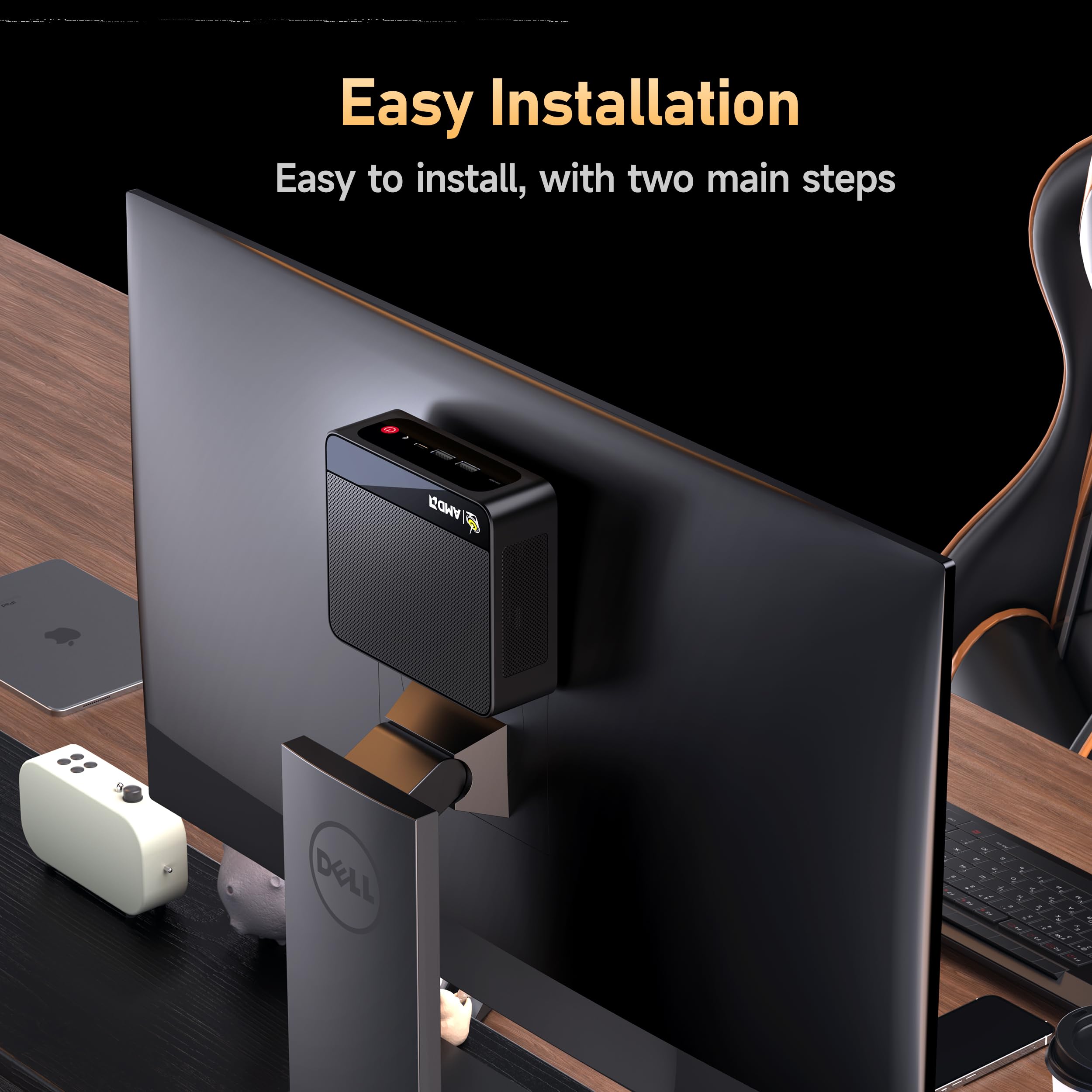
*slaps the hood* This little thing is a beast. Needed a new mini for my recoding setup. Currently mounted to the back of my 27" monitor, so it takes up literally zero desk space. This runs Adobe Audition with a full FX load + spectral view and doesn't even blink. Only issue I could even think of is the single HDMI out. It has one HDMI out and one DP out, so I have no issue running two monitors, but not everyone has a DP cable laying around. Pros: Fast, Quiet, Small, Easy set up, Inexpensive, Runs cool, Sturdy Build Cons: Single HDMI out, placement of USB ports could be better
H**S
Great value for a business environement. Just keep them cool.
These things are great for the price. I've purchased several over the last 2 years. I choose ones with the AMD processors and get 24 to 32G RAM. They come with Win 11 Pro. The Pro version allows you to configure them w/o having a Microsoft PIN. This is needed if you are deploying into a business -- which I am. The graphic card is built-in, so it will use some of the available RAM. I personally don't think 16G is enough for modern systems when multiple apps will be used. Even a single browser with a lot of tabs open (15-20) will chew up more memory than you'd think. Future proof yourself - get 32G or 64G of RAM. Remember, with these small devices you may be forced to remove RAM before you can increase it, thus increasing the cost of a memory upgrade down the road. Better to do it at purchase time. In a business environment I prefer to go with more RAM and less local drive space. 500G is enough when 'work' is stored on a network drive or file share. And the NVMe drive is fast. 2 things commonly damage electronics: Power cycling, and heat. To minimize the heat, go into the BIOS and turn of WiFi if you can (many businesses use Ethernet). Turn off Bluetooth also if you can. And place them where they get good air flow. I've not yet mounted one to the back of a monitor because of heat concerns. I believe if you run these cool, they will last a long time. These are also very quiet -- an attribute I really appreciate. Be aware, if you want to run multiple monitors, you will need diverse connections. These support up to 3 monitors, but you have to use one each of the HDMI, DisplayPort and USB 3 connectors. We use these with KVM's at some desks and they work well with KVM's that support digital video (DVI, HDMI, etc.) I'm very happy with these. They free up space and perform very well. I've been deploying these in a jewelry shop for the last 2 years, where they use CAD, 3D printing, and lots of high color picture editing in addition to their Point of Sale and office software. No issues so far. These exceed my expectations.
M**Y
eWaste waiting to happen & Advertised features do not work
Not sure if mine is defective, but, the Display Port doesn't work. Only the HDMI and USB-C video is working. The BIOS is unlocked, and normally that would be a good thing, but the BIOS is completely unlocked, with generic options that do not even apply to this model (e.g. things related to Intel/NVidia -- and this PC does not have an Intel CPU or an NVidia GPU, so those settings should be hidden / removed), some of the settings have no explanation at all, and they are so abstractly labeled, even searching technical manuals & websites won't tell you, and they can basically turn it into a brick (even something like, "Turn on video port 3", now it's a brick). It will not recover on it's own either -- you have to manually pull the battery out, and unplug it and wait a week (there is no reset jumper, and waiting an hour or two won't fix it... you literally have to wait quite a while for it to lose its settings, so it will POST again). There is a lot of display config in the BIOS settings, but much of it is nonsense, and doesn't actually apply to this model; still though, getting the display port working is not trivial. -- The machine shipped with no manual, and as far as I can tell, there is no avenue of support. I regret buying this.
G**A
Compute good. OS bad.
Setup was simple, easy, and quick. It's only been a few days since I first powered it up. It seems to be a bit of a fire-breathing dragon; performance may be better than my HP desktop bought two years ago. So far, this computer packs a surprising amount of power into an amazingly tiny package. I'll see how it holds up to my spouse (a technophobe who tries anyway), and three grandchitlins (All three are teens, and all three live with us.) Four people who will torture-test this machine, and I will hear "Dutch" when they have a problem I'll have to fix. The coming months will tell whether this little computer is a champ or a poser. The following casts no shade on the manufacturer of this computer. I gave the machine five stars. The OS is another matter. For those who are switching/switched to 11, good luck. So far, 11 is a steaming pile of freshly produced fertilizer. Micro$oft made lots of changes, many are superficial cosmetics, useless and confusing. Change for the sake of change is a dumb idea if you are trying to make something better, but it rakes in serious money if you don't mind deceiving people. Additionally, what choice do we have? Linux is superior, but really for enthusiast. I don't see loads of competitors trying for a chunk of the pie that is the consumer OS market. There has to be something better. In short: I love the computer. I strongly dislike the OS. Go ahead and buy the computer; you can replace M$ Windoze with another, better OS. Good luck, traveller.
Trustpilot
3 weeks ago
1 week ago