🎬 Elevate your workspace with ultra-wide, plug & play clarity!
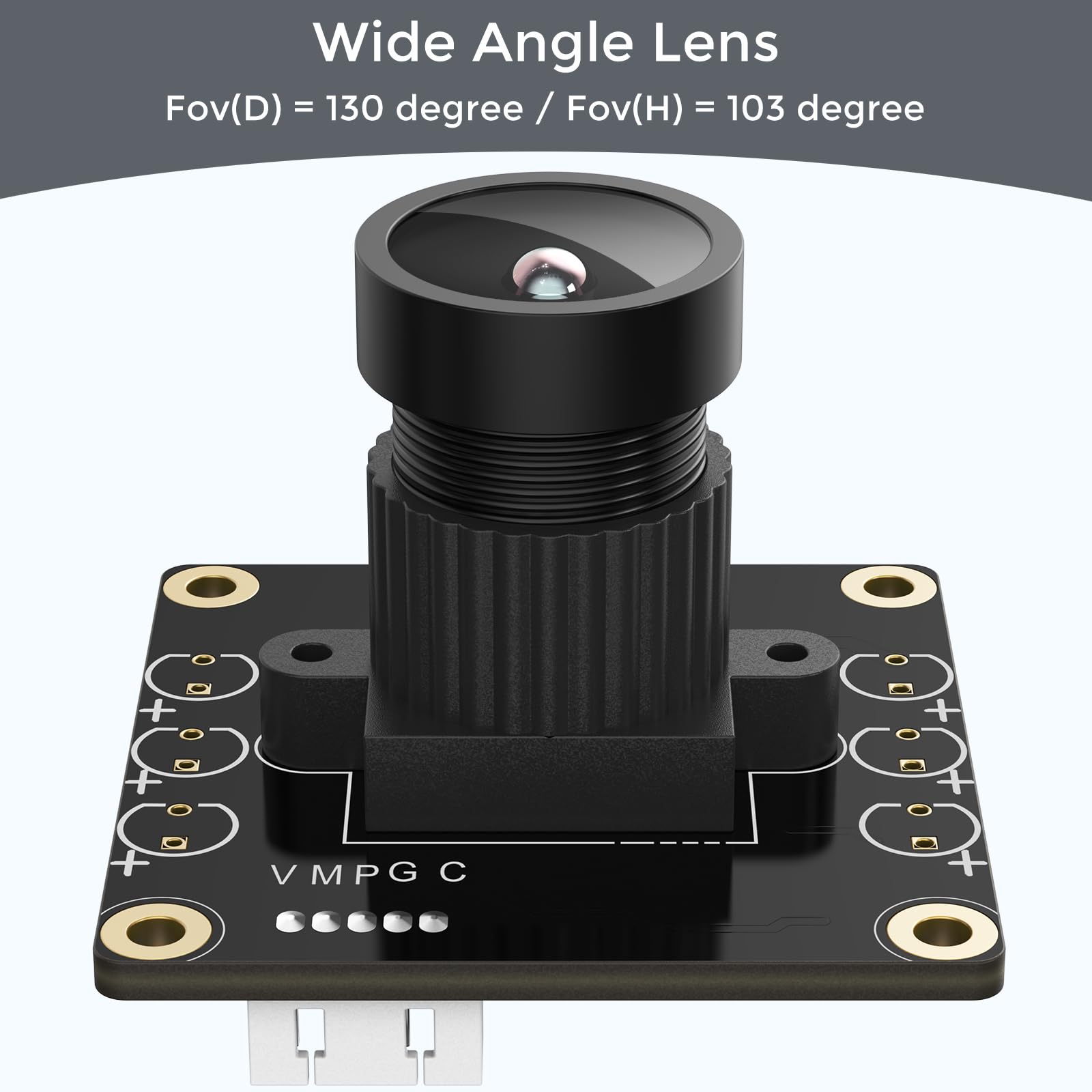
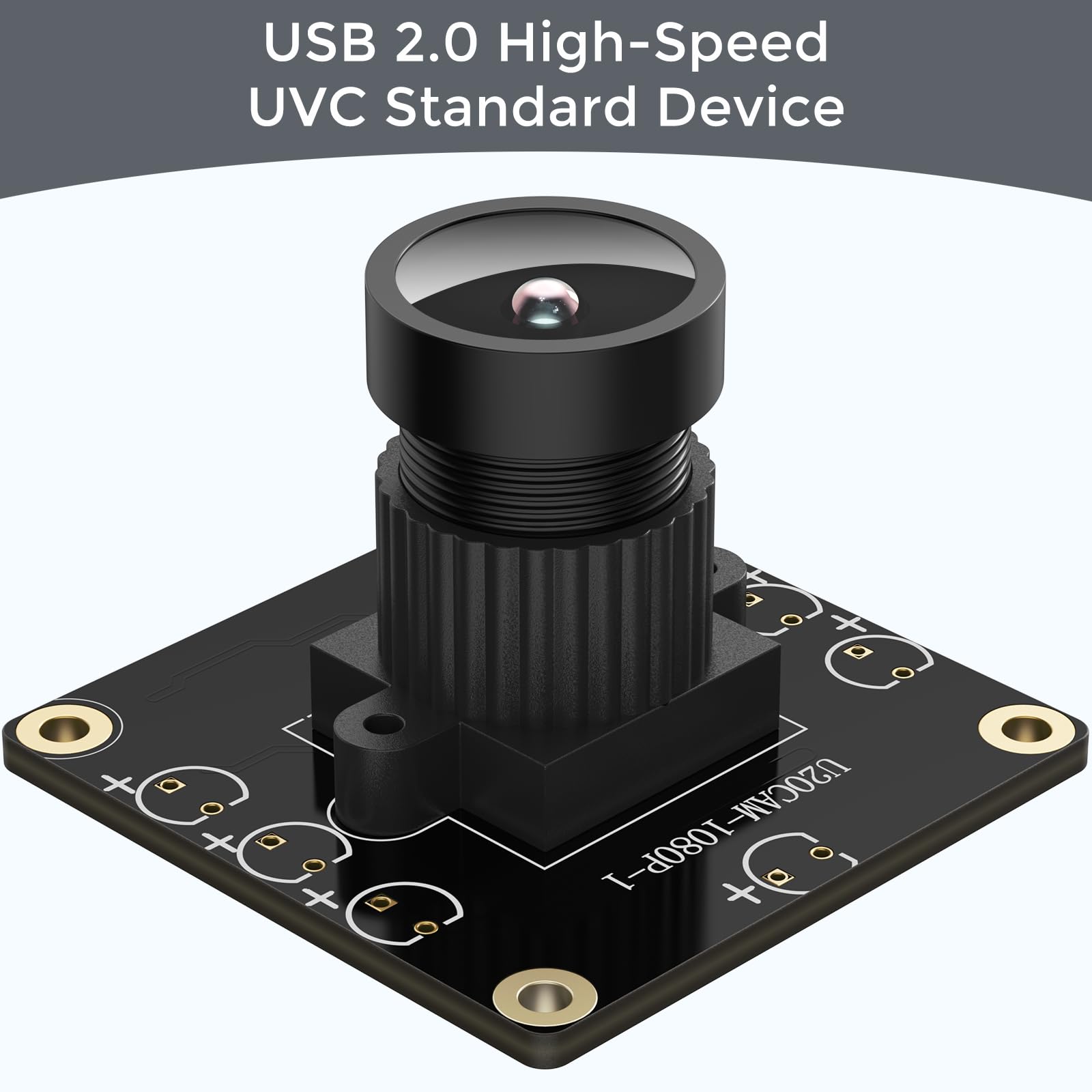
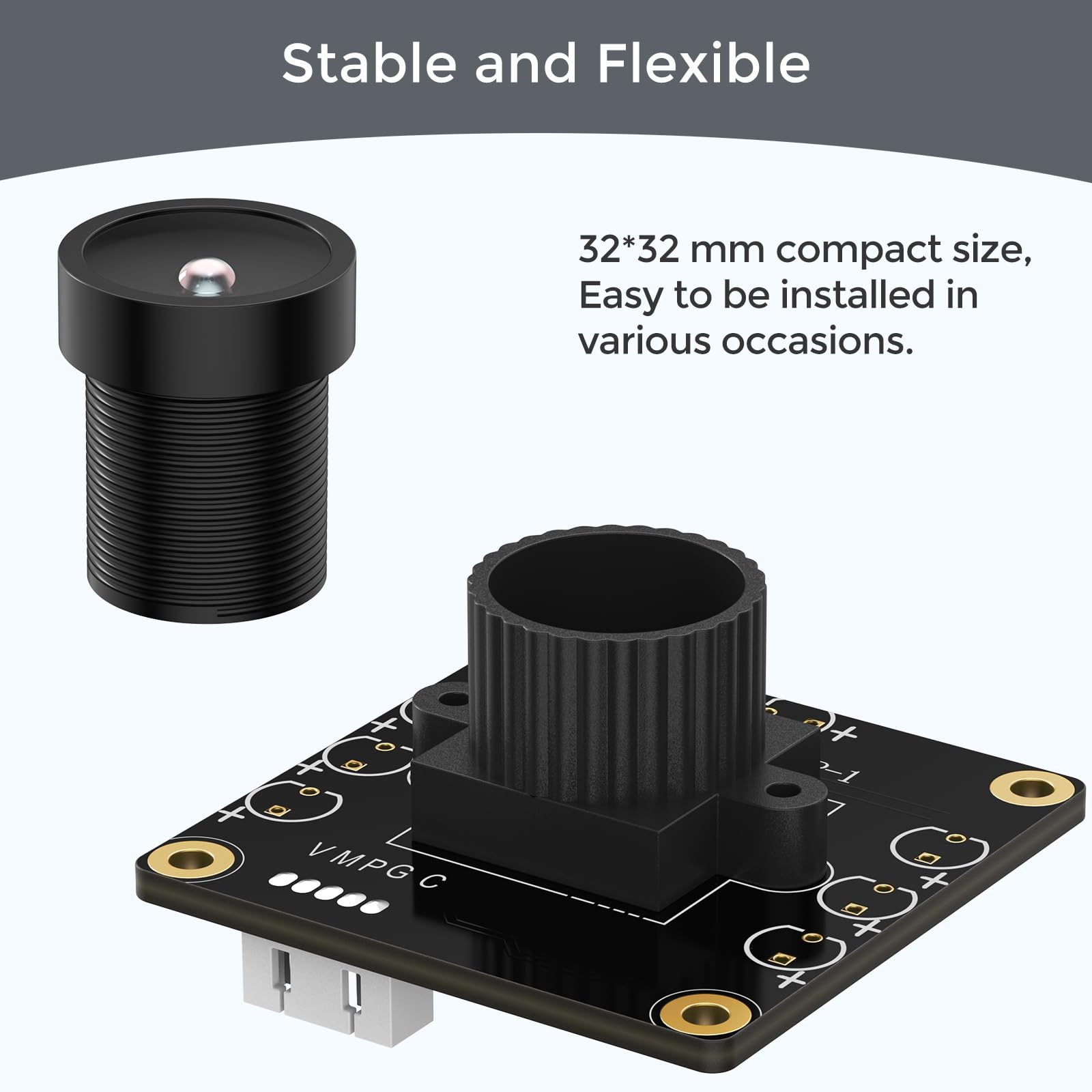
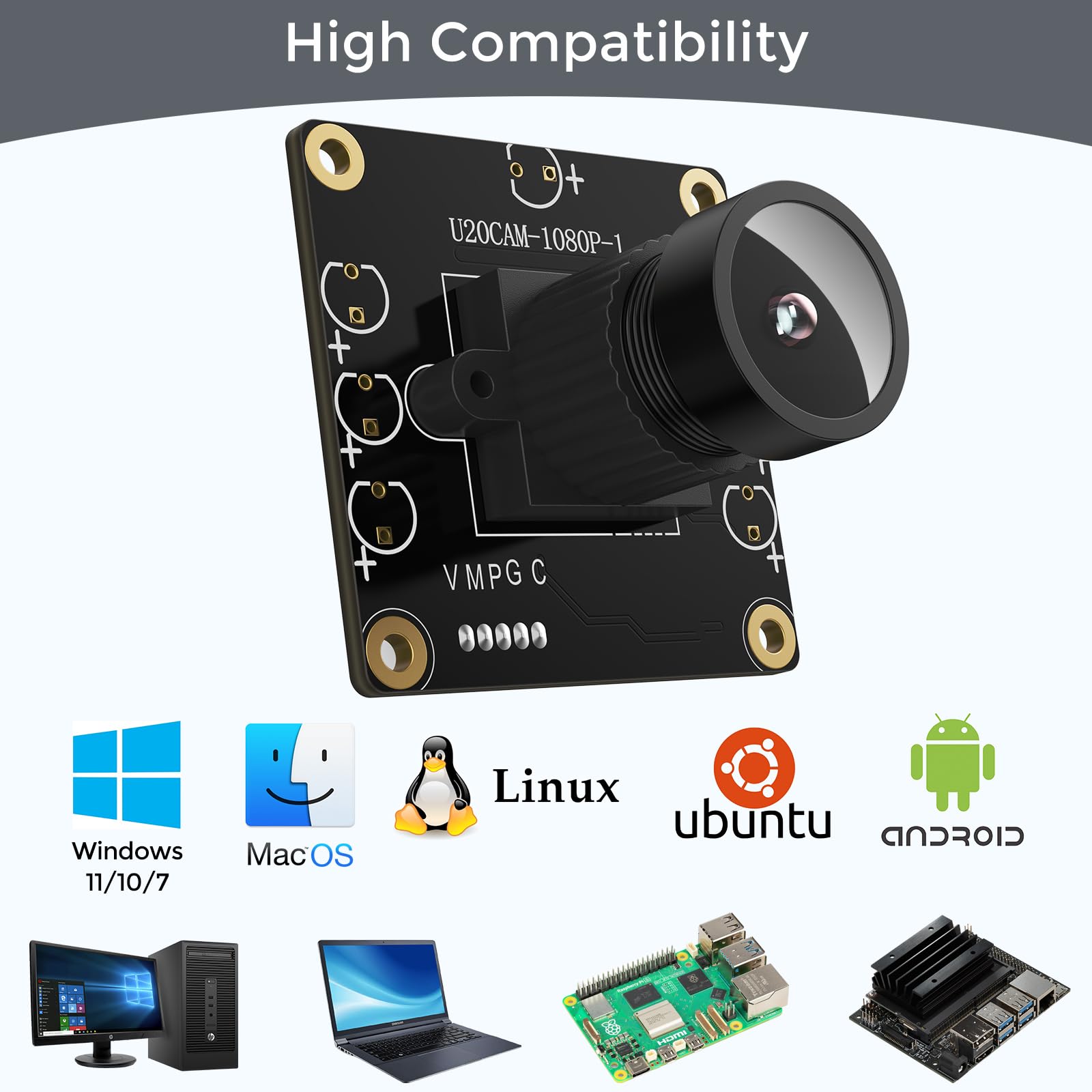
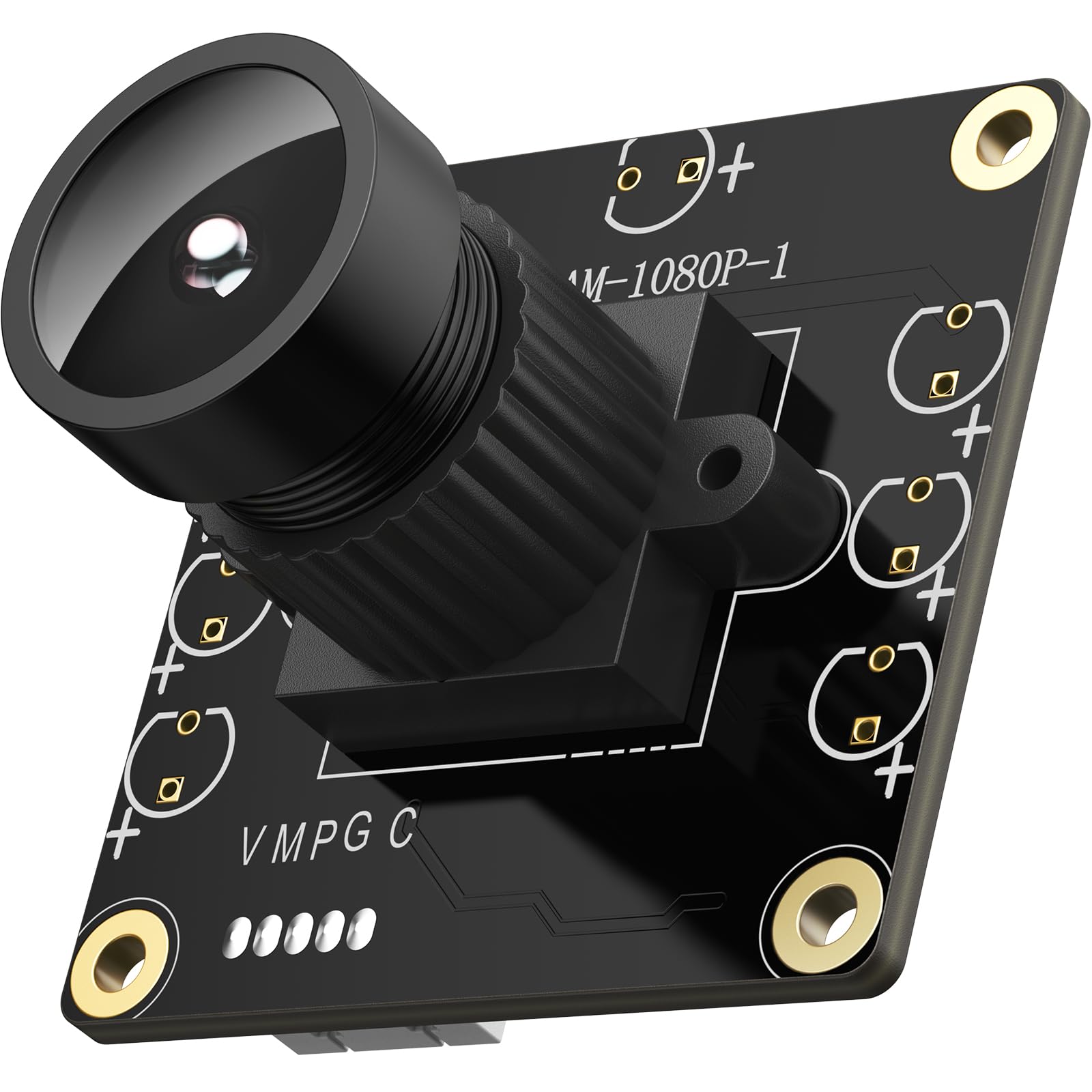
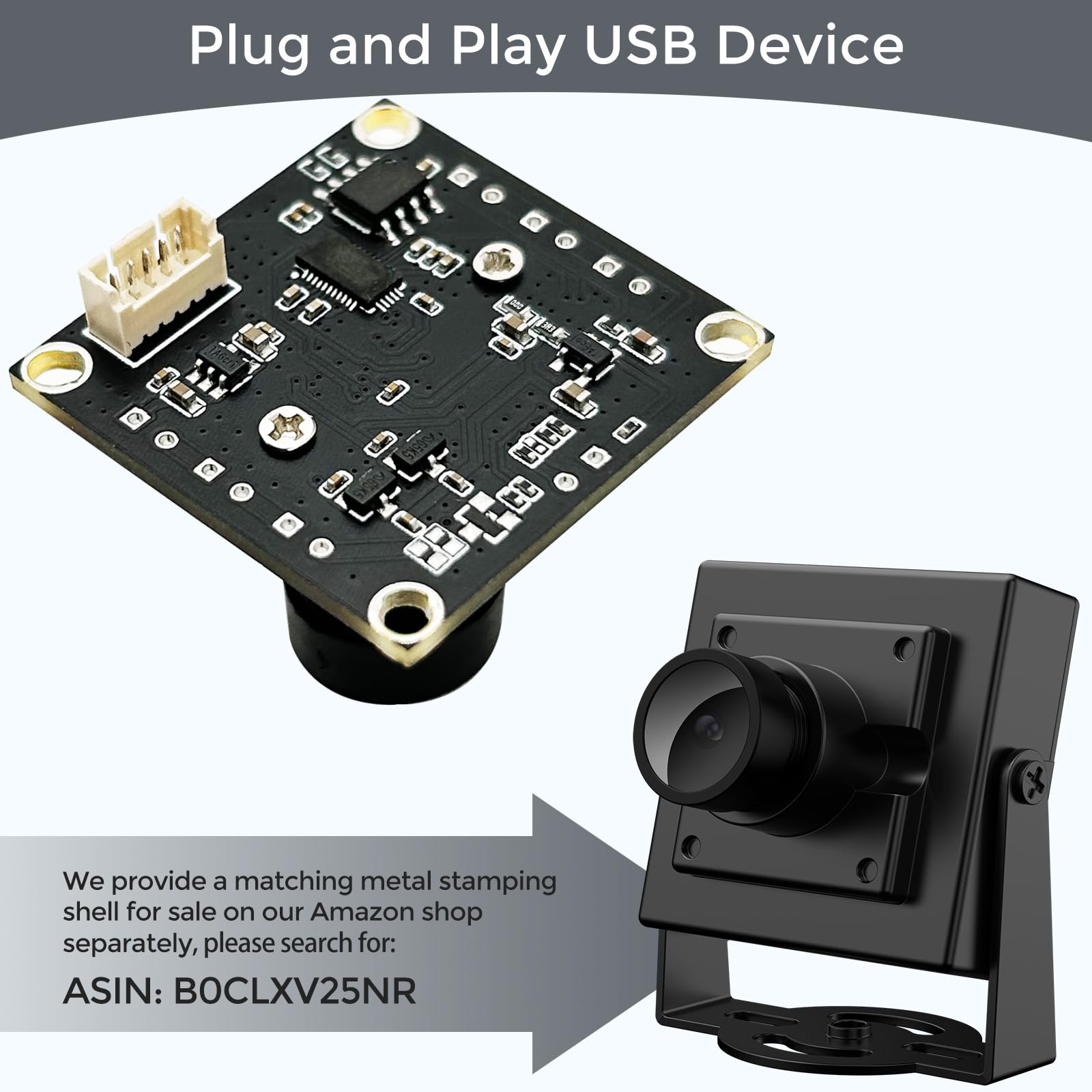
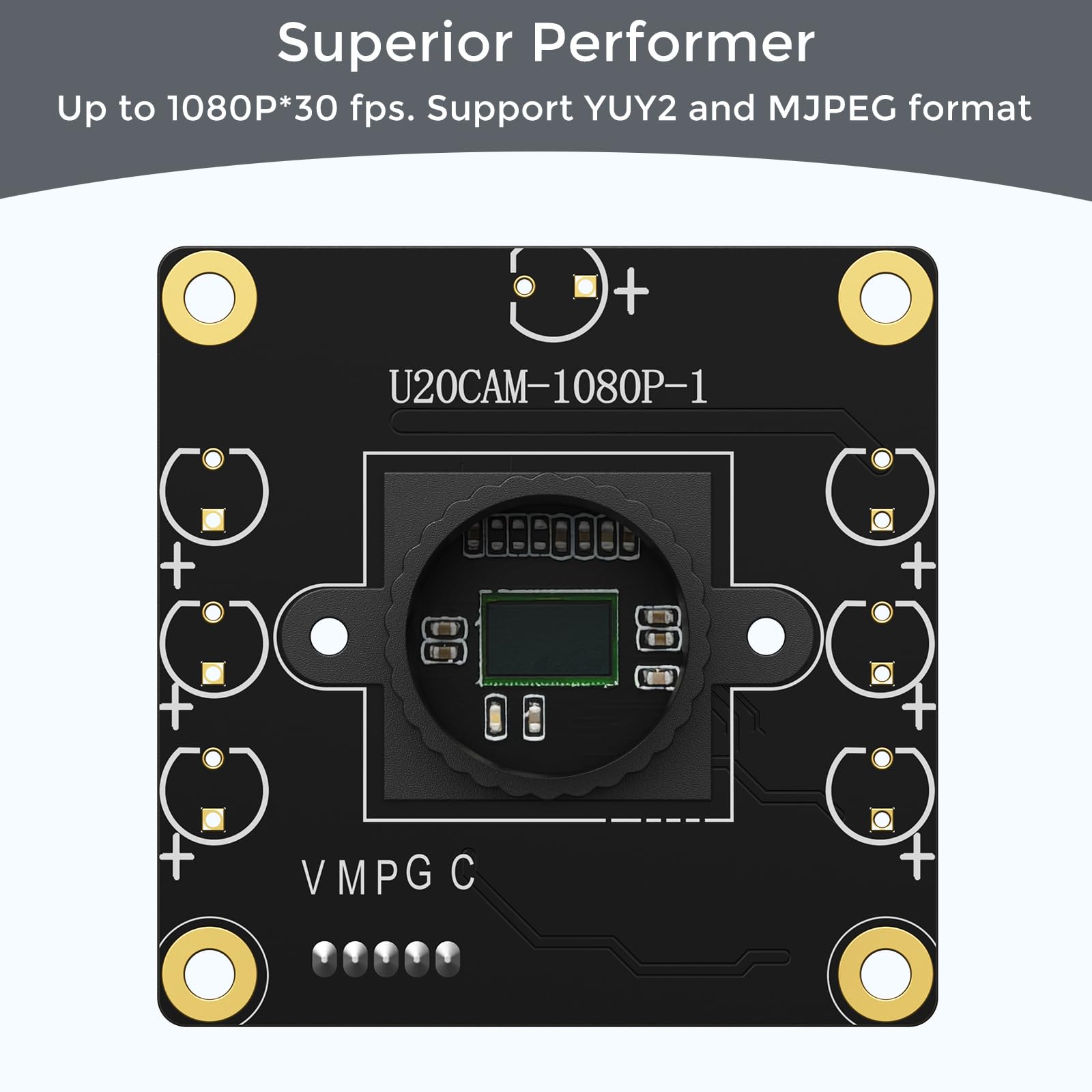
The innomaker 1080P USB2.0 UVC Camera delivers crisp Full HD video at 30fps with a 130° wide-angle lens, ensuring expansive coverage for professional streaming, conferencing, and embedded projects. Its native UVC compliance guarantees hassle-free plug & play across Windows, Mac, Linux, Android, Raspberry Pi, and Jetson Nano platforms. Designed with a compact, OEM-ready form factor and certified for safety and environmental standards, this camera is the go-to choice for tech-savvy professionals seeking reliable, high-quality imaging.




| ASIN | B0CNCSFQC1 |
| Antenna Location | Video conferencing, live streaming, webcam usage for computers or single-board computers |
| Are Batteries Included | No |
| Best Sellers Rank | #128 in Webcams |
| Brand | innomaker |
| Built-In Media | CD |
| Camcorder Type | Webcam |
| Color | Black |
| Compatible Devices | [Broad - USB compatible devices and operating systems listed] |
| Connectivity Technology | USB |
| Customer Reviews | 4.2 out of 5 stars 99 Reviews |
| Display Resolution Maximum | FHD |
| Effective Video Resolution | 1080 Pixels |
| Features | Lightweight |
| File Format | M-JPEG |
| Flash Memory Type | Internal flash memory |
| Flash Memory Video Speed Class | V60 |
| Focus Type | Fixed Focus |
| Form Factor | Compact |
| Has Image Stabilization | No |
| Image Aspect Ratio | 16:9 |
| Image stabilization | false |
| Item Height | 32 millimeters |
| Item Weight | 0.06 Kilograms |
| Lens Type | Zoom |
| Manufacturer | innomaker |
| Model Name | U20CAM-1080P |
| Model Number | U20CAM-1080P |
| Operating System | Windows, Linux, Android, Mac OS |
| Photo Sensor Technology | CMOS |
| Screen Size | 2.7 Inches |
| Sensor Type | CMOS |
| Shooting Modes | Night, Sports, Landscape |
| Style Name | Modern |
| Supported Image Format | M-JPEG |
| UPC | 781520761427 |
| Video Capture Format | M-JPEG |
| Video Capture Resolution | 1080p |
| Video Resolution | 1080p |
| Viewing Angle | 103 Degrees |
| Warranty Description | 1 year manufacturer |
| Water Resistance Level | Not Water Resistant |
| White Balance Settings | Auto |
S**S
Good Quality
Good quality. Plug and play picture quality is pretty good.
T**C
Great camera for Lightburn
Works well with Windows 11. No driver install needed. The cam is recognized by Lightburn and picture looks very good for 1080P.
F**A
only supports 30fps, too much for my raspi zero 2w
as shown in the screenshot, this camera supports various resolutions of mjpg video but only at 30fps which is too much bandwith for my raspberry pi zero 2w over wifi. other than that, it is a quality camera.
R**L
Made for AI and it shows
Connected to a Particle Tachyon and used for AI inference, it's made for that. Outstanding performance in that role with 4 to 6ms inference time (that's 200FPS kids) in human pose model (w8a8 tflite), clear sharp images, the auto_exposure repurposed as an ON - OFF is very handy. I can quickly turn it OFF or ON in code. Needs about 1 second to the first image. I have both the USB and the CSI version and both work equally well. Will be buying more.
V**R
Field of View is half what is advertised
The Field of view is not what it says. It is around 50 degrees(horizontally) instead of 103 degrees. I can see 26" at 40" distance. I have reached out to the seller. No response.
J**L
Works fine, and easy conversion to infrared
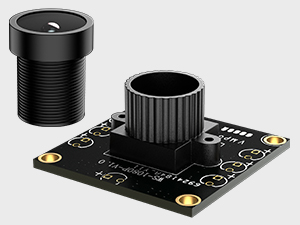
For the price this is a really good hobbyist webcam. It appears to give full 1080p resolution at 30fps (according to Windows camera app) with decent color. What I like best about it is that the IR blocking filter can be removed easily, making it sensitive to infrared. The first photo shows the webcam with the lens removed - it's the one on the left. The glass square is the IR blocking filter. The lens on the right is from another webcam that has the blocking filter on top of the sensor. I used this lens (no blocking filter) on the webcam to take the other two photos. The webcam is on a stand at the bottom, directed at a small aquarium and some aquarium paraphernalia. At top is a monitor showing the webcam output. There is a desk lamp at middle left for visible light and an infrared source at bottom left. First, with the desk lamp on you can see the whole scene in the visible photo and in color on the monitor. Then with the desk lamp off you can see it only on the monitor, and only in the monochrome that the infrared shows.
T**.
Great little camera!
Still trying to find a good place in my 3D printer to mount this camera, but the image quality is far and beyond better than any camera that a 3D printer vendor is shipping with their machines or charging $50 or more for as an accessory. Yes, you have to print/make your own case for this, but it's worth the effort and gives you more control over mounting options. This camera is Raspberry Pi ready, so all you have to do is plug it in, power cycle your printer, and it will be detected on the next boot. Easy as pie.
G**Y
Good inexpensive camera for a specific application
This little camera is good in certain circumstances. You want the area to be well lit. Since I got this for my 3d printer room, I ended up hooking up an IOT switch and a powerful light (just one of those 5 headed hydra one loaded up with bright LED bulbs) so that I could turn on that light if I needed to see into the printers better. It works best if you position in right. Initially I tried putting it right next to just one printer, but it didn't stay very clear. I ended up moving it back, and now I can actually see inside both my printers, side by side, and it stays sharper, but I can't see what's going on in either printer quite as clearly. Most of the cameras I've tested, I'm at half a dozen now, even expensive ones, needed good lighting, so I'm not too surprised. Even the stock Bambu X1C lighting isn't that great, and so in that printer, I upgraded the lighting. Overall, I do think this is a good, inexpensive solution.
Trustpilot
2 weeks ago
3 weeks ago