
DOWNLOAD THE APP


Customer Services
Copyright © 2025 Desertcart Holdings Limited
DOWNLOAD THE APP
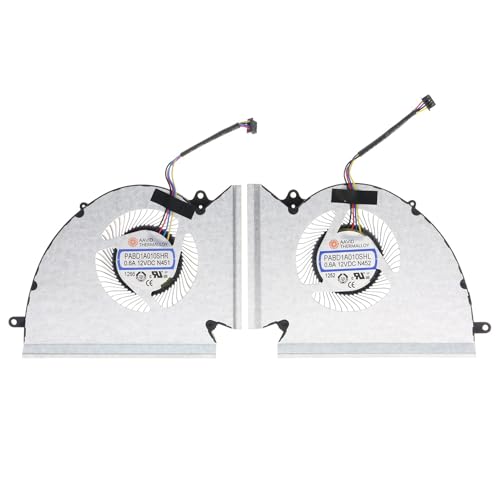
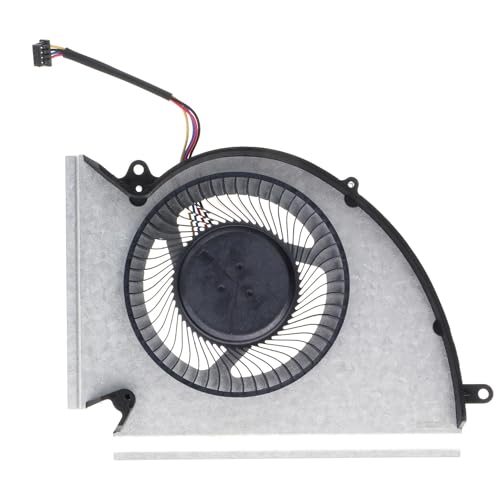
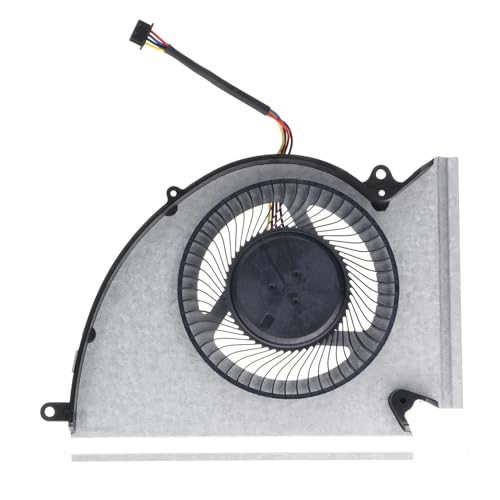
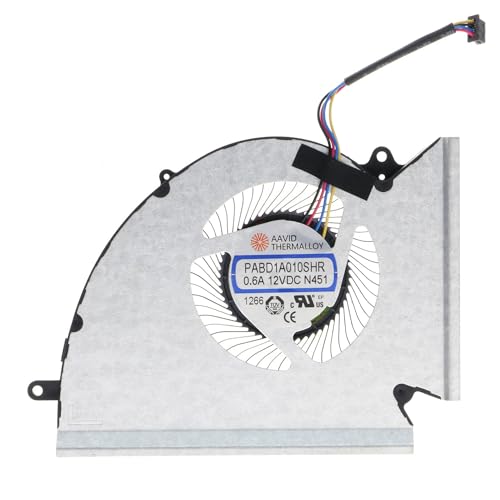
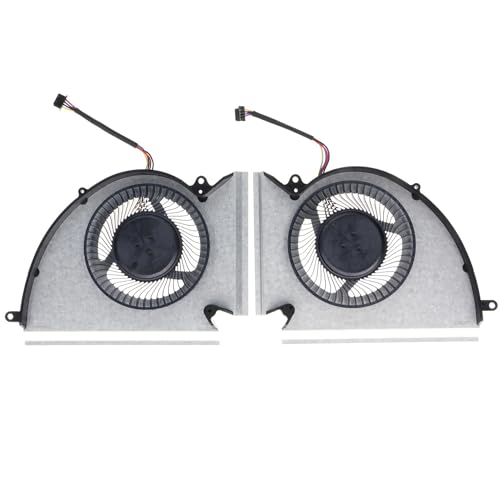


❄️ Keep your MSI gaming beast cool and silent — because overheating is so last season!
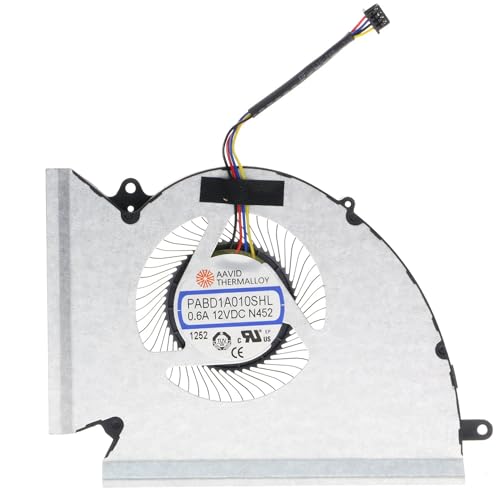
This Wobeater replacement CPU & GPU cooling fan is engineered for MSI GP76, GE76, WE76, and MS-17K2/MS-17K3 laptops. Operating at up to 4700 RPM with a low 40 dB noise profile, it delivers efficient air cooling while maintaining quiet performance. The 4-pin connector and precise dimensions ensure a perfect fit, making it an ideal aftermarket upgrade to restore or enhance your laptop’s thermal management.
| ASIN | B0CKNXXWCB |
| Best Sellers Rank | #3,409 in Computer CPU Cooling Fans |
| Brand | Wobeater |
| Compatible Devices | Laptop |
| Cooling Method | Air |
| Date First Available | October 8, 2023 |
| Item Weight | 3.32 ounces |
| Item model number | PABD1A010SHR N452 N451 |
| Manufacturer | Wobeater |
| Material | Plastic |
| Maximum Rotational Speed | 4700 RPM |
| Noise Level | 40 Decibels |
| Number of Items | 1 |
| Power Connector Type | 4-Pin |
| Product Dimensions | 5.98 x 4.13 x 0.43 inches |
| UPC | 617230423167 |
| Voltage | 12 Volts |
| Wattage | 7.2 watts |
D**K
Fits and Functions as Designed.
This fan cooling system is a solid replacement option. Installation takes some time, so be prepared to follow the process carefully to ensure it’s done correctly. The fan does not come with thermal paste, so you’ll need to purchase some separately if you don’t already have it on hand. That wasn’t an issue for me since I had leftover paste from other projects. Once installed, the product fit well and worked as expected. The noise level is comparable to my old fan, so there wasn’t much change there, and heat dissipation also seems similar. Overall, I’m pleased with the performance and consider it a reliable aftermarket solution.
I**E
Straightforward
I was a little anxious about taking the notebook apart to install the replacement fans. Before you open your notebook, I recommend buying some new thermal paste because you need to redo the CPU and GPU paste. The process requires undoing over a dozen fasteners. Make sure you have the correct tools. Carefully take off the heatsink fan section, prying it evenly and firmly. Clean the CPU and GPU. You can leave the rest of the small components as they are, no cleaning. Replace the old fans with these new ones. The whole process took me about 30 minutes. Take your time and disconnect the battery once the case is open. It’s fairly straightforward. Get a good quality paste and you can expect about 4 – 5c better cooling.
Trustpilot
2 weeks ago
2 weeks ago