Desert Online General Trading LLC
Dubai, United Arab Emirates
Desert Online General Trading LLC
Dubai, United Arab Emirates



🚀 Elevate Your Storage Game!
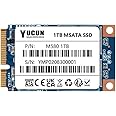
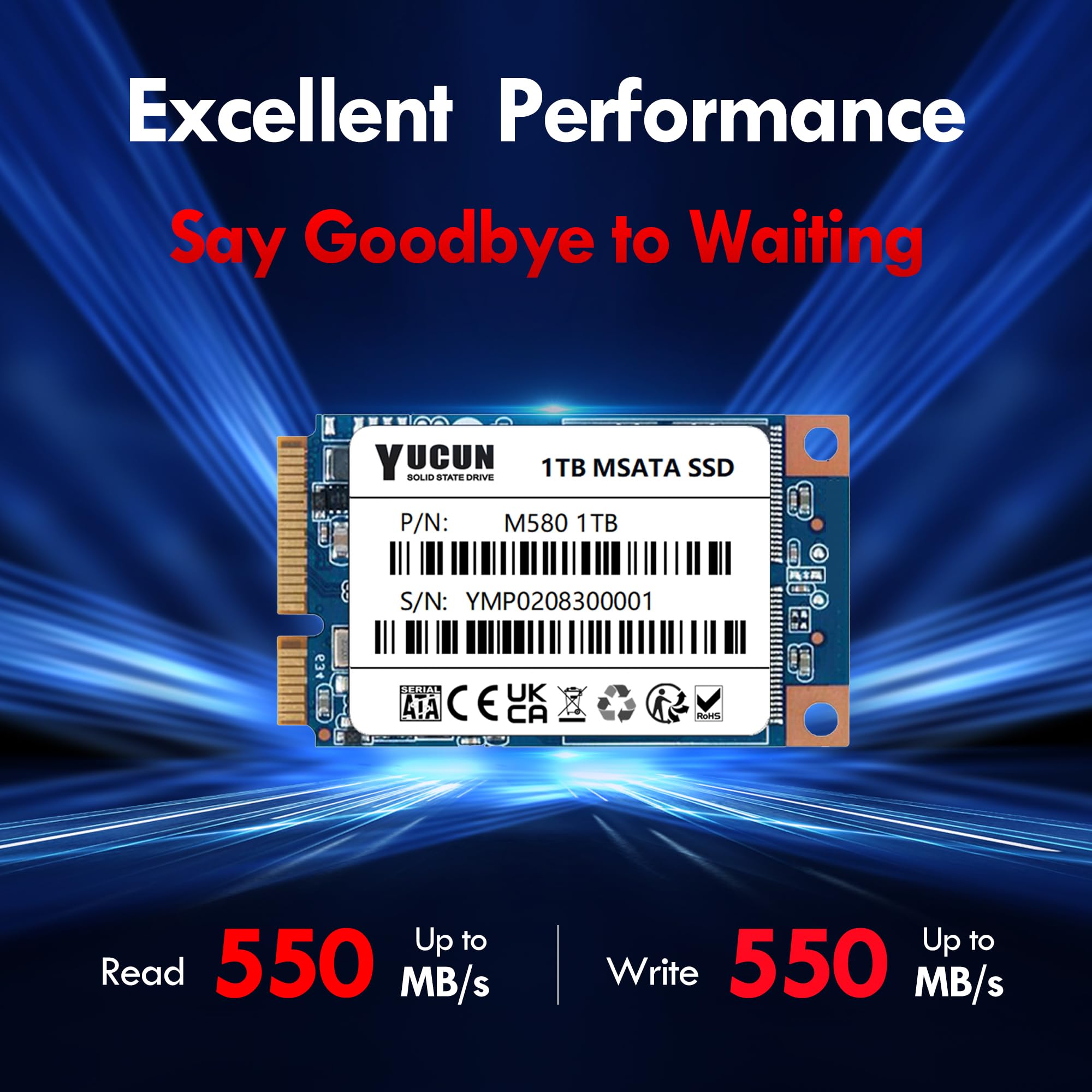
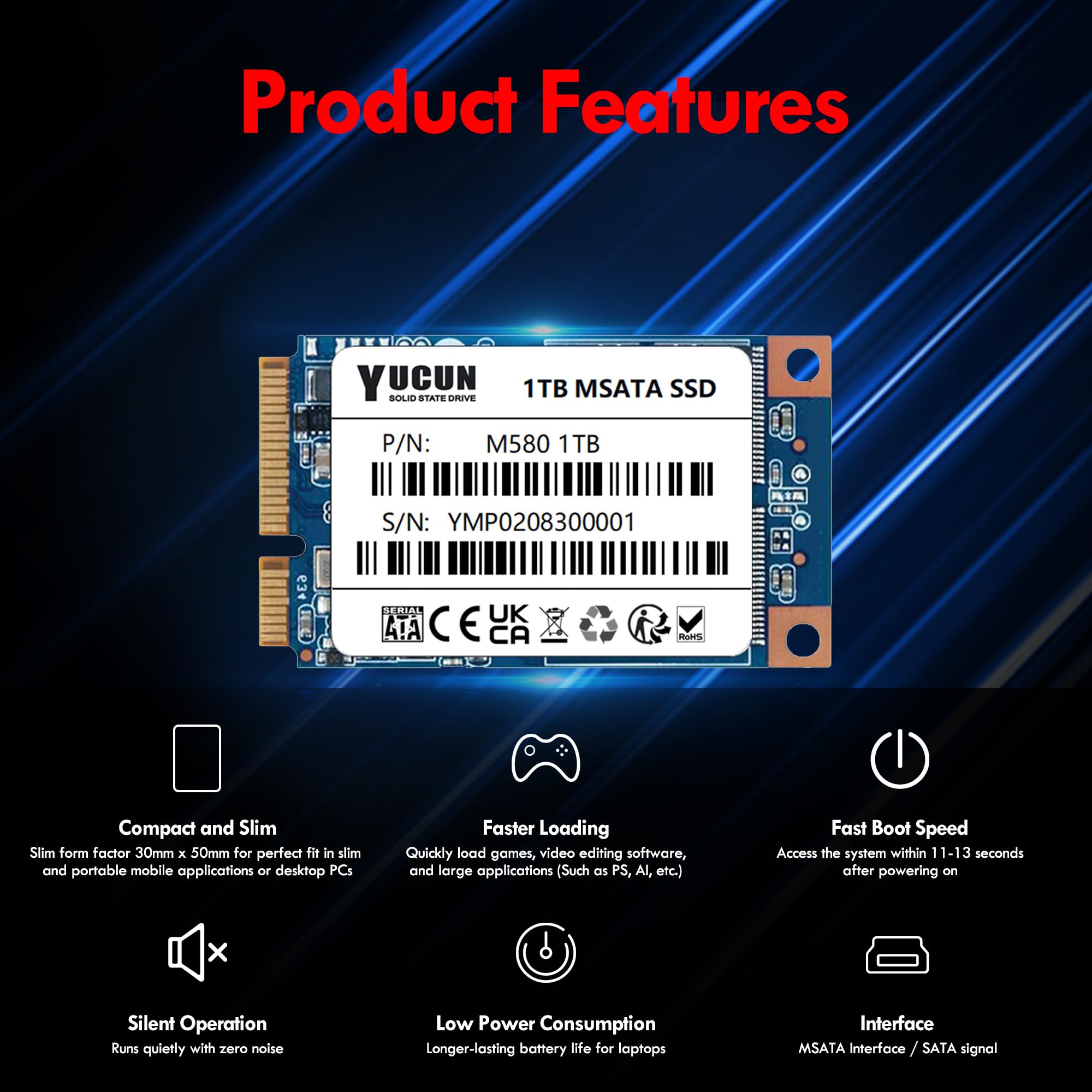
The YUCUN MSATA III 1TB Internal SSD combines high-speed performance with robust reliability, featuring read/write speeds of up to 550MB/s, a lifespan of 1.5 million hours, and a versatile design suitable for various computing needs.


| Brand | YUCUN |
| Product Dimensions | 5 x 3 x 0.3 cm; 20.13 g |
| Item model number | M580 1TB G28 |
| Manufacturer | YUCUN |
| Series | M580 1TB G28 |
| Form Factor | MSATA |
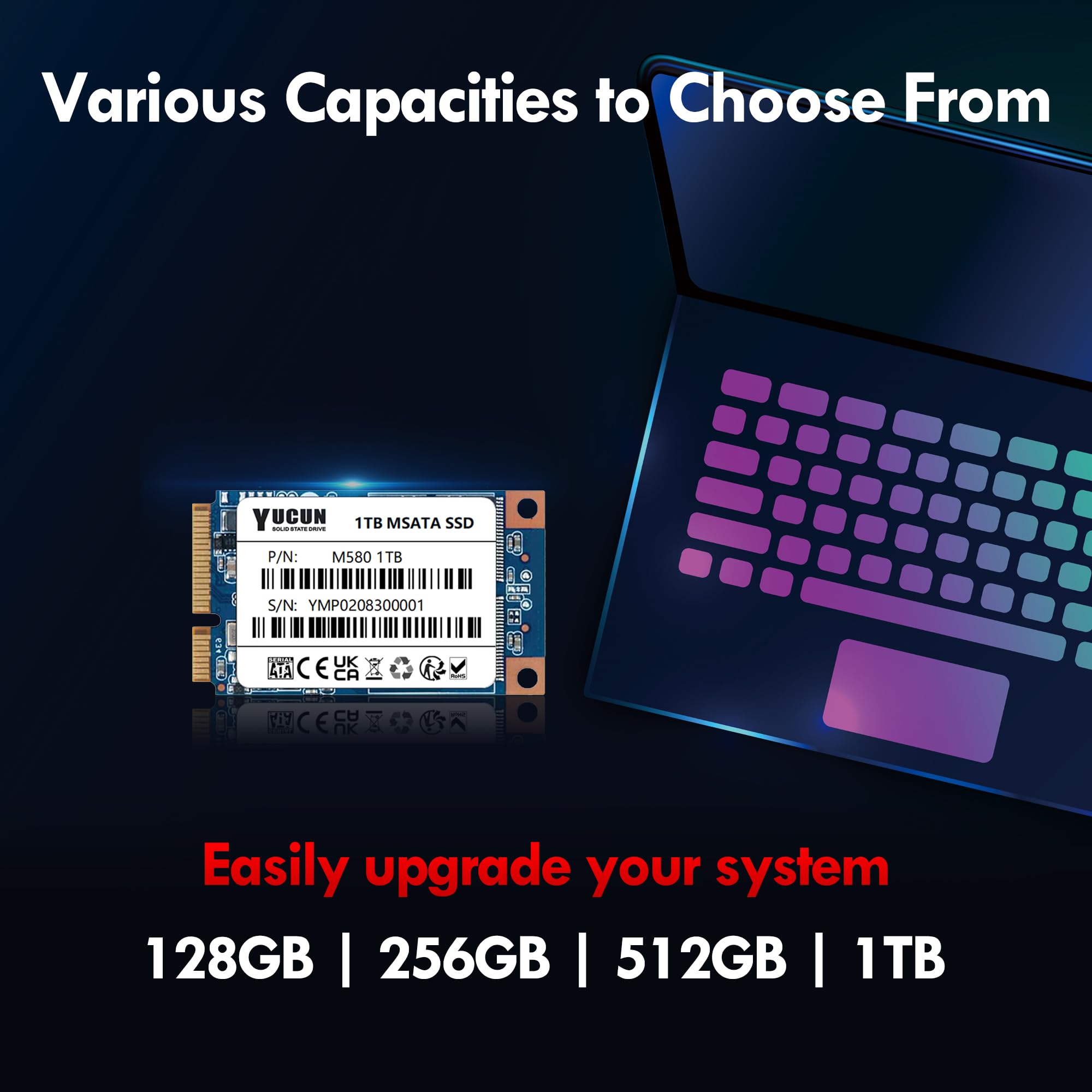
| Hard Drive Size | 1000 GB |
| Hard Disk Description | Solid State Hard Drive |
| Hard Drive Interface | Solid State |
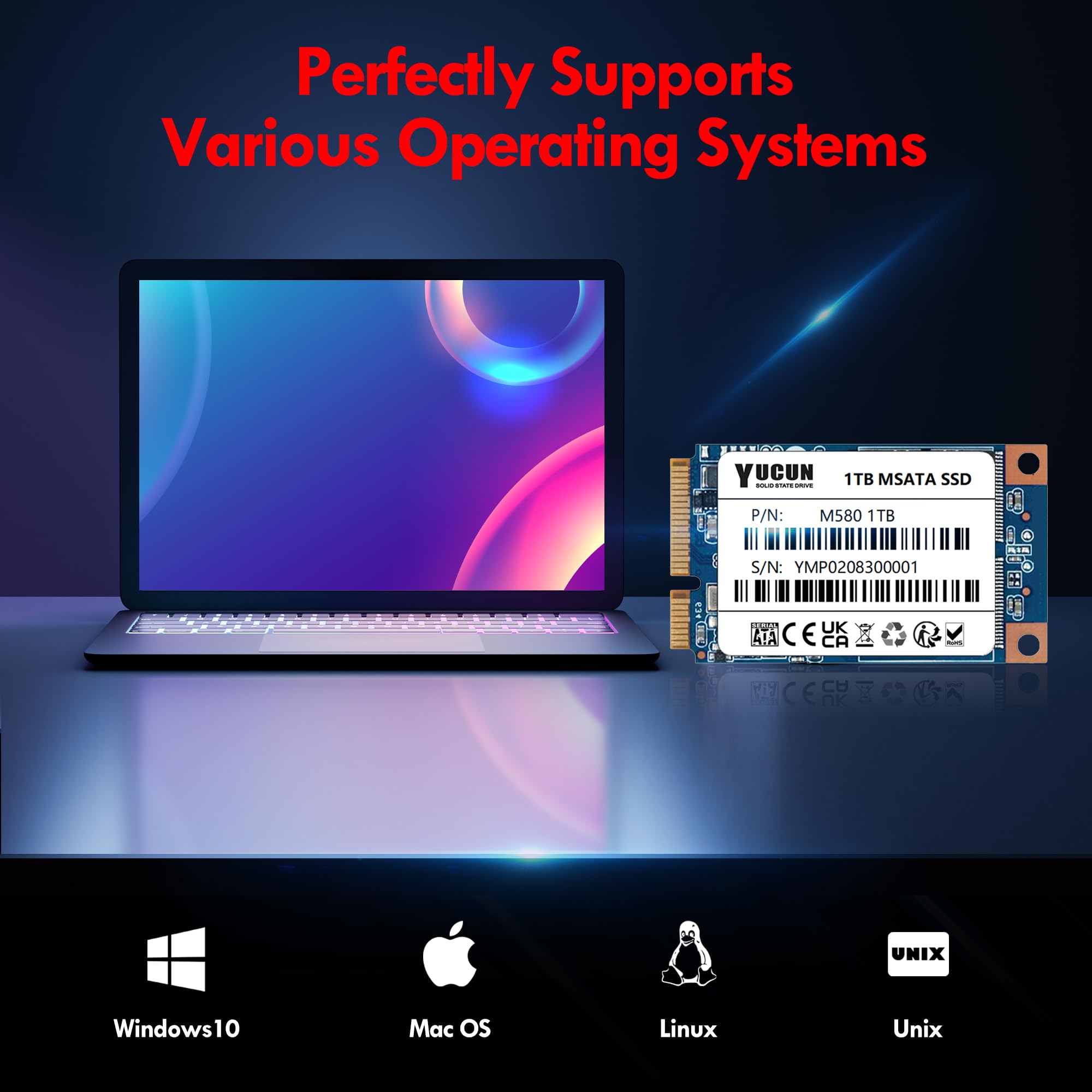
| Hardware Platform | PC/Mac/Linux/Unix |
| Operating System | Windows,MAC,Linux |
| Are Batteries Included | No |
| Item Weight | 20.1 g |
| Guaranteed software updates until | unknown |
K**R
Nice little upgrade for same old hardware
Was replacing the battery on an old gaming laptop so decided to upgrade everything at the same time. New battery, new memory, and some new storage.Since this is the old, pre M2 standard I wasn't expecting miracles but this drive gave some decent performance figures. Also, nice to see they provide some spare fixing screws.Overall, a worth while upgraded especially considering the cost.
M**N
Works really well!!
My old laptop had 128gb of mSATA in it so I just wanted to get a bigger one. When I opened up the laptop though I noticed the empty WWAN socket had exactly the same fitting and an mSATA connection. So I ordered this 240gb SSD, fixed it into the empty WWAN slot and my laptop recognised it as a drive straight away. I then got the free version of Minitool Partition manager and transferred the Windows and all my installed apps onto the new drive. It effectively made a clone of my original drive. I then took out the 128gb and put the new 240gb into the main slot and rebooted. Worked like a charm. It was all exactly as it was before, didn't have to re-install anything. I opened it up again, put the old 128gb drive into the empty WWAN space and then wiped the drive, so now it's an internal storage drive. One thing to note though if you're going to do this yourself, once the transfer is complete from one drive to the other, you should remove the old drive before rebooting off the new one otherwise it will find the operating system on both drives and try to boot off both of them at the same time. Obviously this won't work and it will just come up with a warning message saying a boot device can't be found. there are videos on youtube telling you what to do for installing a second mSATA drive. Watch them first. Performance has been excellent on this YUCUN drive. Fast read/ write speeds. Very pleased with the performance for the cost.
P**D
Works well and easy to install.
Works well and easy to install. Only downside was the delivery time was long but it was Covid lock down at the time.
S**D
Reliable, fast, well produced yet bargain priced mSata
I have bought many Yucun SSDs over the last 2 years and they are good value, well made and perform faultlessly.These msatas are great. I use them in Surface Pros, which they fit perfectly. It happened by accident when my Pro's drive died. I had as go at repairing it myself and succeeded (it isn't easy by any stretch of the imagination though!) and replaced the failed drive with one of these. It's perfect. So I had another Pro with a 64G disk and thought I'd up it to 240G. Again perfect. Recommend them as a solid SSD and their standard SSDs are excellent too.
E**4
Makes use of mSATA connector on older motherboards
These are good little mSATA drives, price is OK for the density of the drive.Really easy to install on an older motherboard with a spare mSATA connector.Can be used as a boot drive, whether that be Windows 10/11 or macOS on a Hackintosh.Have a few of these drives in different systems and they all work perfectly well.I would recommend the YUCAN mSATA 256GB drive if you are in the market for a similar OS boot drive.
T**M
Didn't work. Couldn't be recognised at all.
Although I rated this highly for ease to install and value for money, it only gets one star overall because it simply didn't work.Computer completely failed to recognise it even at the BIOS level despite fiddling with settings and rechecking installation. Tried in another device, same result. Tried with a usb/mSata adapter... Still nothing.I ultimately then went and bought an equivalent Kingston drive from ebuyer (Amazon sellers weren't able to supply the same for a month) and it's worked first time. Cost for Kingston was about £8 more, but it's a well known, reliable brand.Maybe I was just unlucky though I note there are a fair number of other people for whom this drive either didn't work or it failed within months of their purchase. Seems like a case of "you get what you paid for" and for me it wasn't worth the few quid savings going with this.
S**N
Great value, performance is adequate for normal use
Cant fault it for £21 so far. Installed to revive an old 2014 laptop and 0 issues so far. Here are the results from new. The laptop is flying now. I will update if it ever fails but so far so good! Cant go wrong really.
G**S
It is what it says!
I wasn't overly sure this would be legit but it is. Works perfectly, it is 256gb and for the price it's brilliant. Bought a bit of life back into an old tablet pc.
Trustpilot
5 days ago
3 weeks ago