
DOWNLOAD THE APP


Customer Services
Copyright © 2025 Desertcart Holdings Limited
DOWNLOAD THE APP
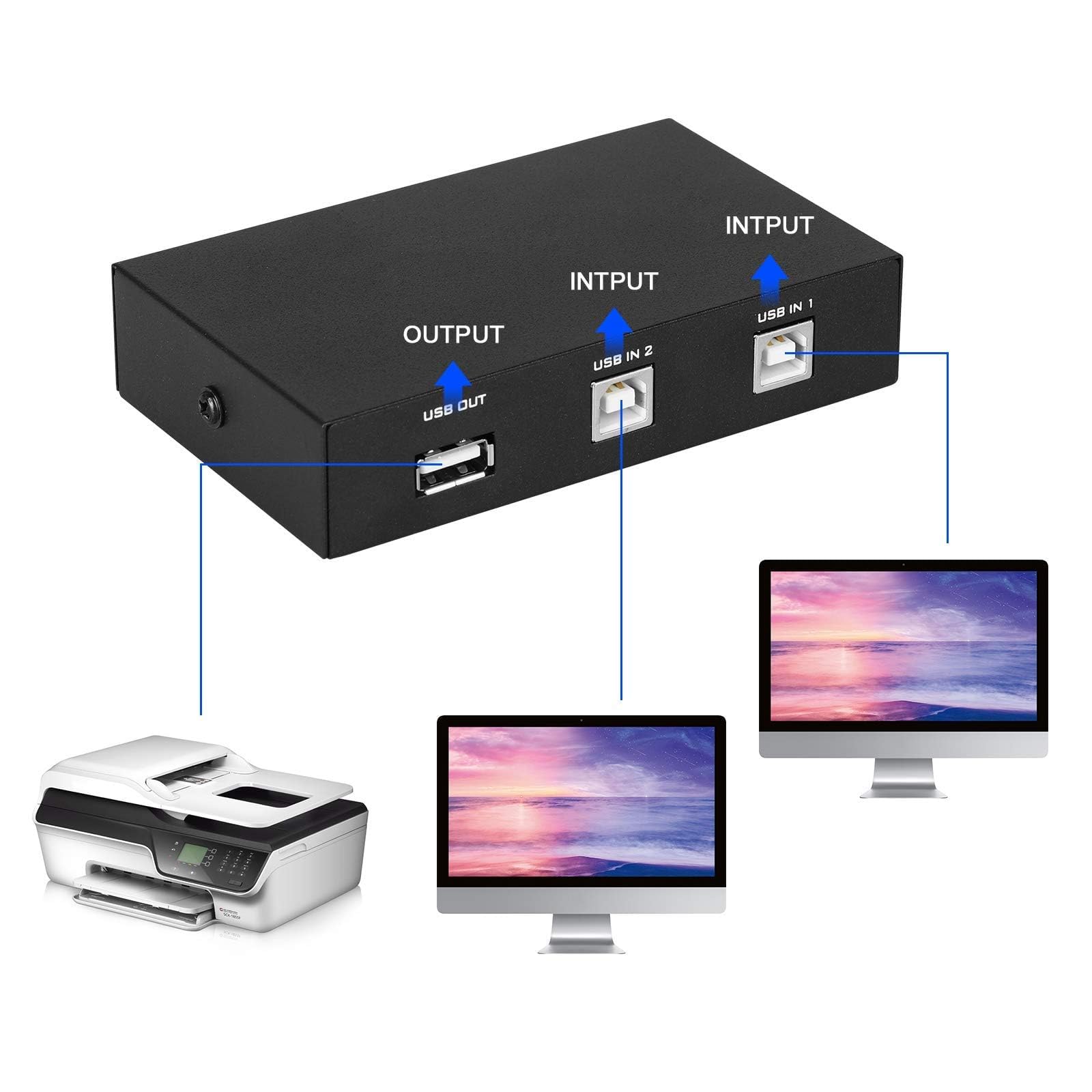
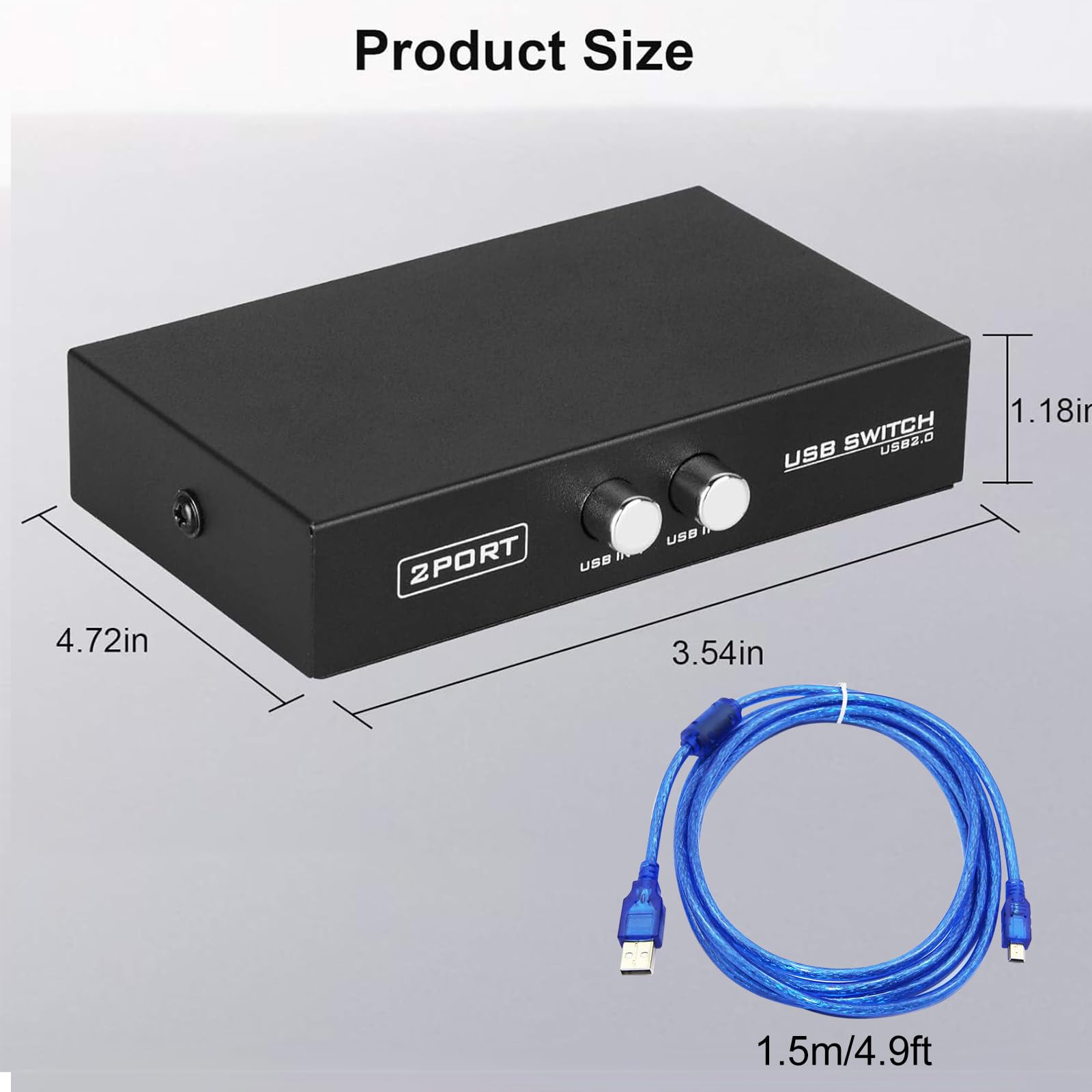
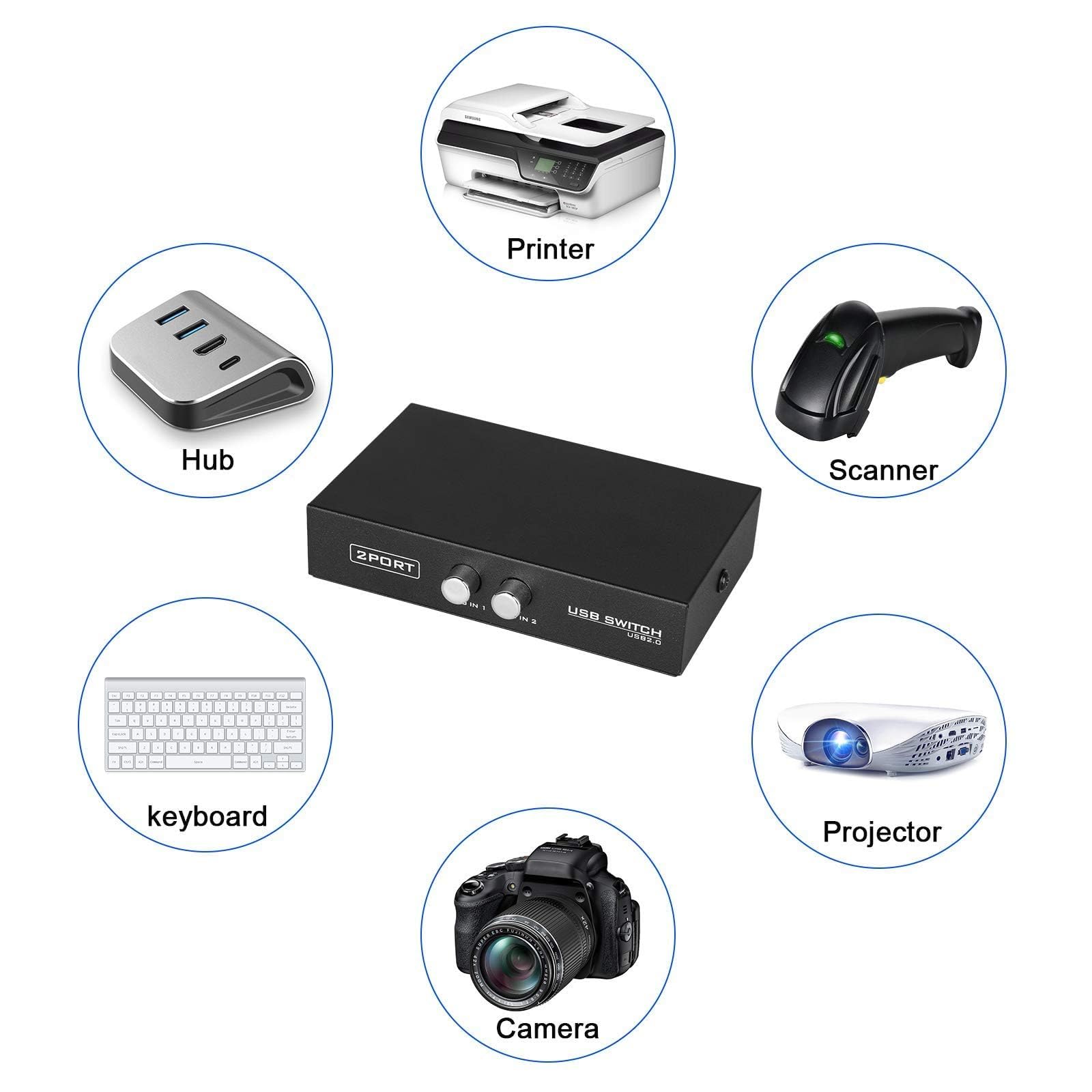
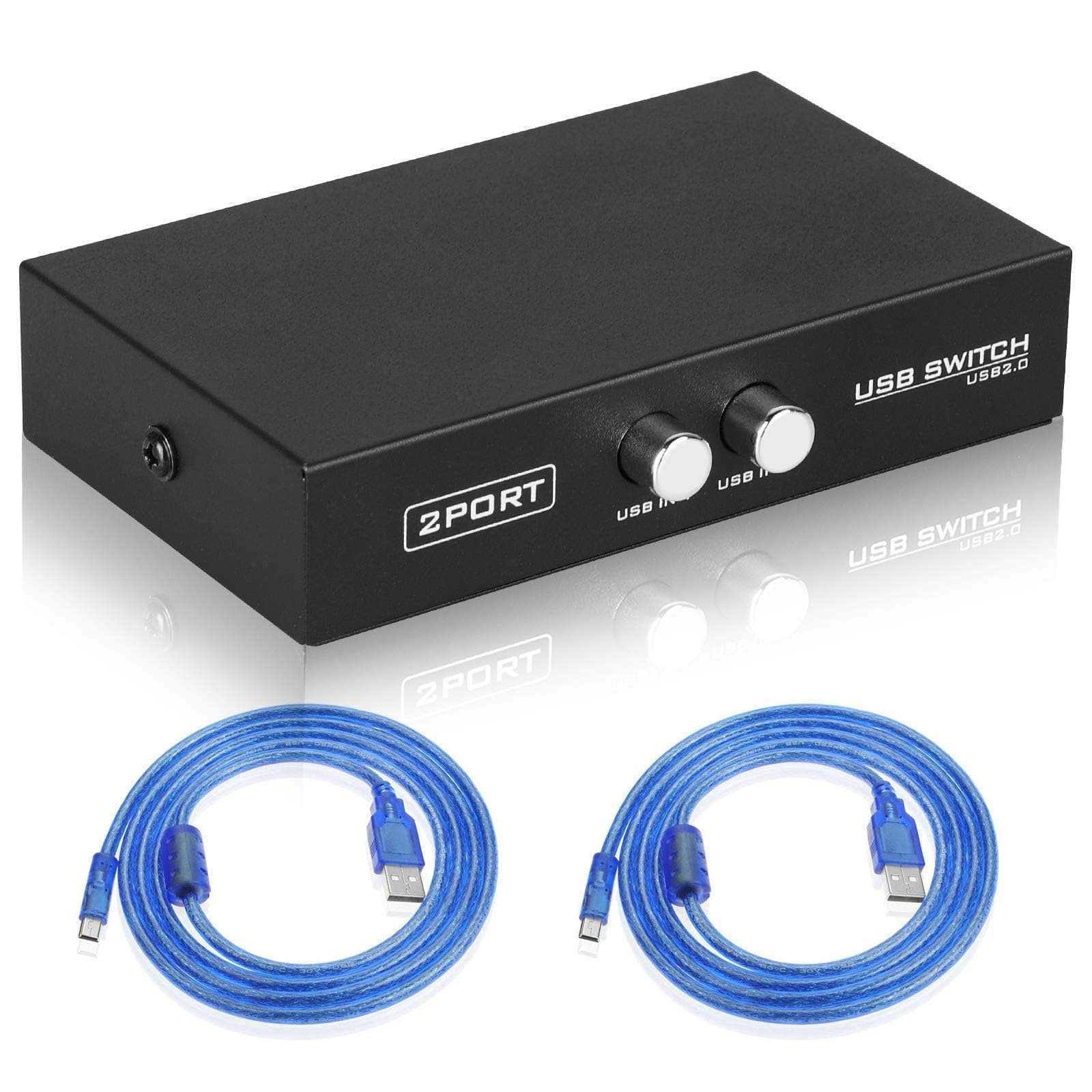
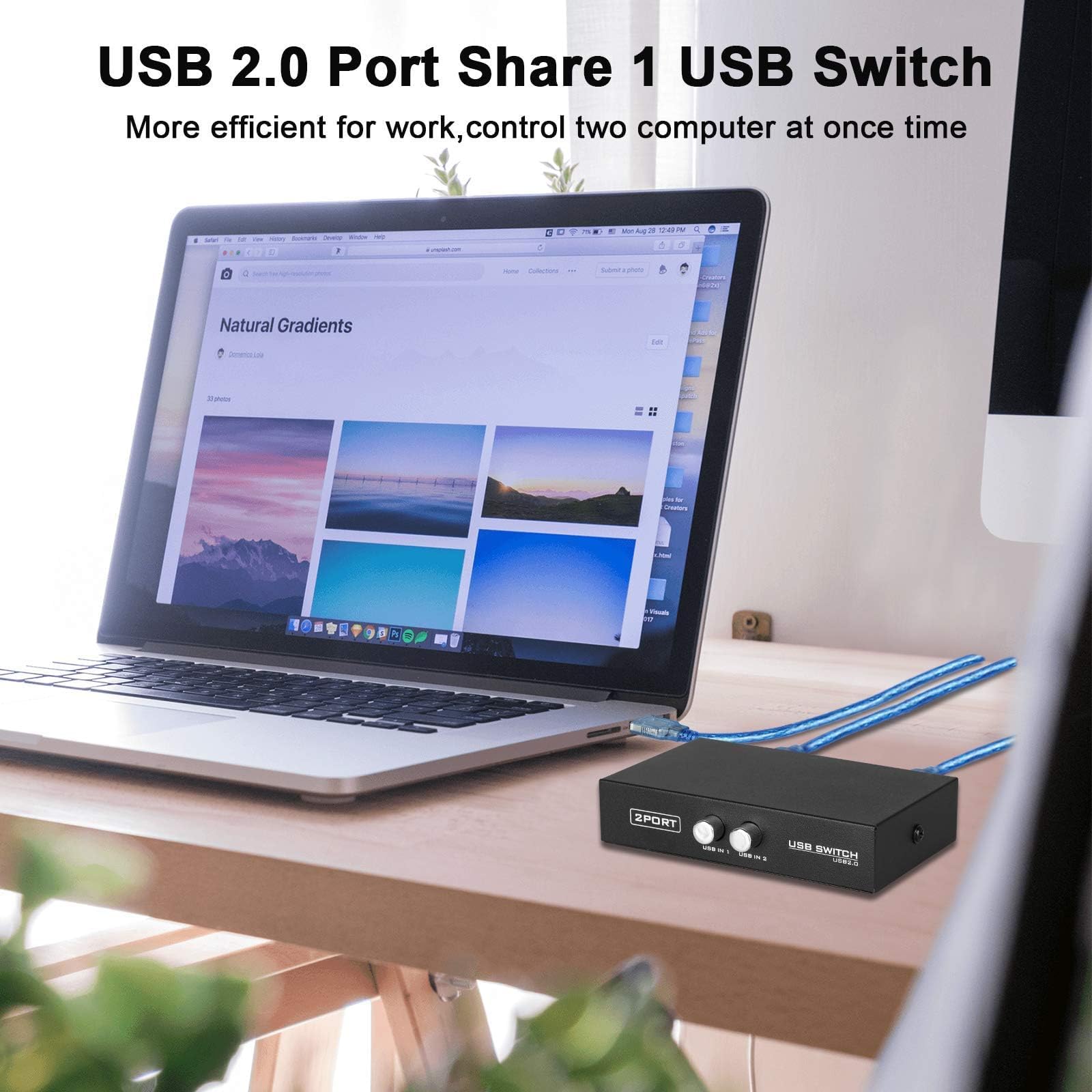
🔄 Double your productivity, halve your clutter!
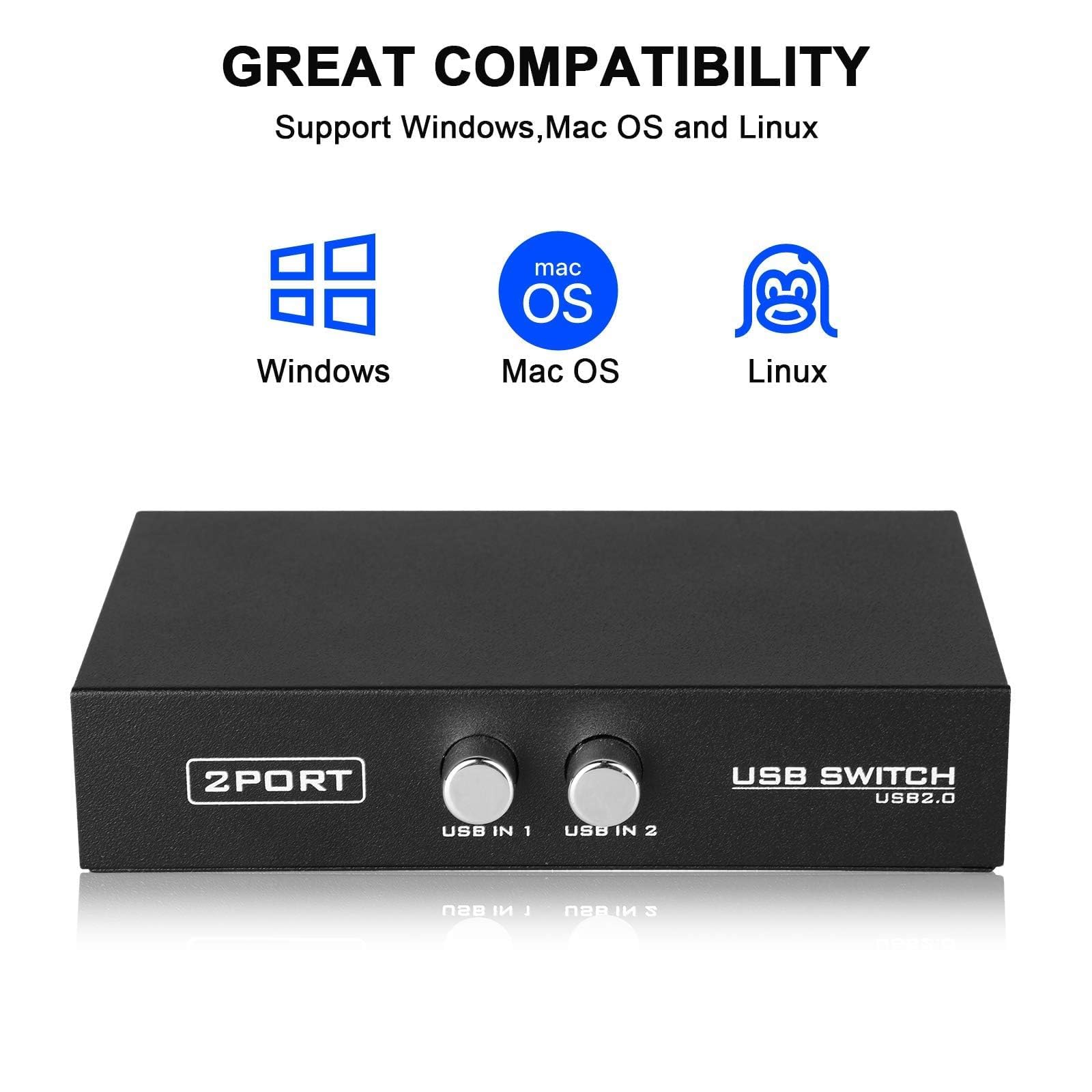
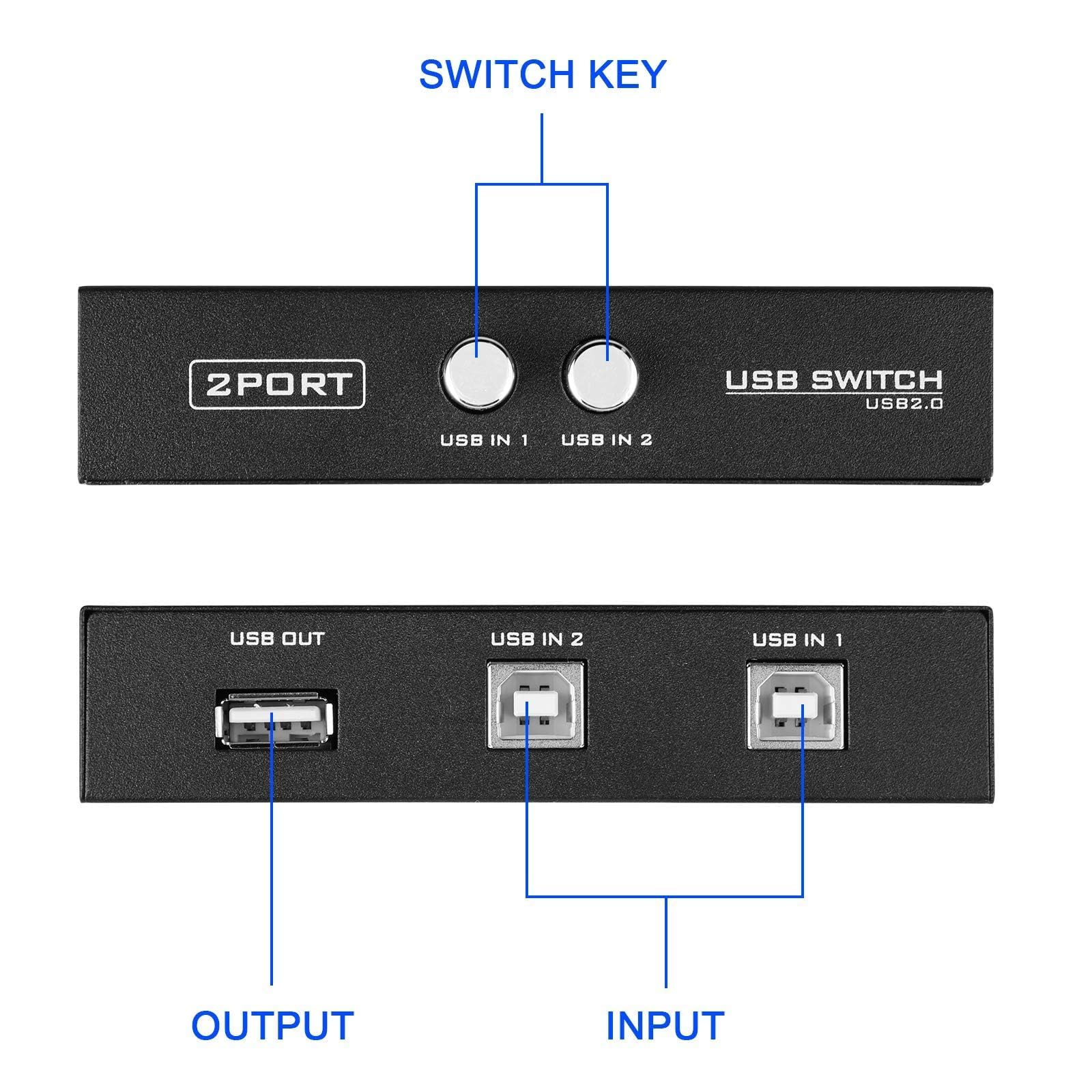
The EEEKit 2 Port USB 2.0 Manual Sharing Switch Hub is a compact, plug-and-play device that allows two computers to share a single USB peripheral such as a printer or scanner. Featuring high-speed USB 2.0 support and included 5-foot shielded cables, it offers seamless switching with a manual button and broad compatibility across Windows and legacy systems—perfect for optimizing workspace efficiency without extra hardware costs.


| ASIN | B009OU8PRC |
| Best Sellers Rank | #3,573 in USB Cables |
| Customer Reviews | 4.4 4.4 out of 5 stars (1,222) |
| Date First Available | October 11, 2012 |
| Is Discontinued By Manufacturer | No |
| Item Weight | 8.8 ounces |
| Item model number | 772116 |
| Manufacturer | EEEKit |
| Product Dimensions | 7.5 x 2 x 5.3 inches |
W**N
SIMPLE to set up - works well
Perfect solution for sharing a printer between 2 computers! adjacent desks, cubicles, sales counter computers, whatever. Imply attach printer cable to USB port and then use the enclosed cables (or longer if needed) to the computers, Make sure both computers have the printer installed and you are ready to go. Push the selector button for whichever computer needs to print and use normal "print" selections. No Wi-Fi capability to connect to your phone or network directly as you should expect at this price point. Great tool for a very specific purpose. Bought one to try it and immediately bought more as soon I had the first one installed in 5 minutes.
H**R
Works great with DD-WRT, Linux, and an OLD Multifunction Printer/Scanner/Fax
Using this to split the connection to an OLD multifunction printer/scanner/fax so that I can (1) connect to the USB port on a router and print wireless; and (2) scan using the other USB port (can't scan wireless because the printer is too old and not supported). NOTE: If it does not work with your devices -- particularly a router -- try a different USB cable. The ones that come with it have a bulb that seems to interfere with my router connection. Once I switched out for a straight USB printing cable, all worked as expected.
J**T
WORKS AS STATED. VERY, VERY SATISFIED. JUST BUY IT. CHEAP OVERALL.....
THIS ACTUALLY WORKED AS STATED. VERY SATISFIED!!!!!!
R**N
2 computers / 1 keyboard (works perfect)
The review with photos by Henry and the throw-back review by whomever referenced an A-B switch from VCR era enticed me to pull the trigger 😃. The unit flawlessly does exactly what I desired: control my hardwired mechanical keyboard between two computers, which are both connected to the same monitor. The monitor essentially has an AB switch within it, and the same is true for my mouse. That left only the keyboard needing a switch to toggle from my work PC to my personal MacBook Pro. My only gripe is that the unit now has a white graphic swoosh painted on top, which is not pictured in the marketing photograph. I can live with this, but admittedly there are times when I look at this thing, then picture in my head a can of black spray paint. I bought this particular model because the USB cables were included. Also, just FYI:, *any* USB switch is by directional.
N**D
Love the EEEKIT 2 Port USB Manual Sharing! Easy, Breezy to Set Up (PLUG & PLAY)!!
The EEEKIT 2 Port USB Manual Sharing works Fantastically for Me & Hubby; its PLUG & PLAY that's it.
O**O
I get servied
works good
G**E
Product does not work on USB 3 Macs!
This unit is small and sleek, fitting nicely into my workspace. Trouble is, it doesn't work on USB 3 ports on Macs. - - - - - - - - - - - I'm updating this review, because I finally did get it working. And Mac users should know two things about this unit. This unit DOES work with Mac USB 3 ports. But there are two serious problems with it. First, this unit has two rocker switches. You push one in, and the other is supposed to pop out..... so that your keyboard and mouse are only connected to one computer at a time. But when it comes out of the box. BOTH SWITCHES ARE PUSHED IN! It is not immediately obvious that these are supposed to be rocker switches, and that before you plug it in you should make sure one of the switches is in the "out" position. Because when I first plugged it into two Macs, it scrambled the USB circuit in one of them, which is what lead me to believe the unit was faulty. Later, and after figuring out that the rocker buttons were both depressed, and restarting the Mac in question, I found it was working. The tech support at the company I purchased it from through Amazon was utterly unprofessional and useless, but seriously, they would have had one angry customer on their hands if this unit had blown the USB port on my Mac. Complicating my debugging of this simple device, I finally figured out that one of the cables shipped with the unit was bad. But I must say, once I worked out those two problems, the box does what it is supposed to do.
A**Z
Easy peasy printer sharing!
This printer switch works flawlessly! Sharing between two PC’s is a snap. Plug and play installation. No need for extra software. Highly recommended!
B**U
Very happy and surprised with product. Does exactly what I needed and a very affordable price. Well up and came with two cords .
J**M
Appareil sans chichi qui faits son travail
A**R
Easy to plug in and worksfine
D**R
It works for our application: 2 separate computers running Windows 10 sharing a Brother colour laser multifunction printer. Works in both directions - printing to the printer and scanning to whichever computer is selected. Very happy with this
R**L
priced right and works well
Trustpilot
2 weeks ago
3 weeks ago