
DOWNLOAD THE APP


Customer Services
Copyright © 2025 Desertcart Holdings Limited
DOWNLOAD THE APP
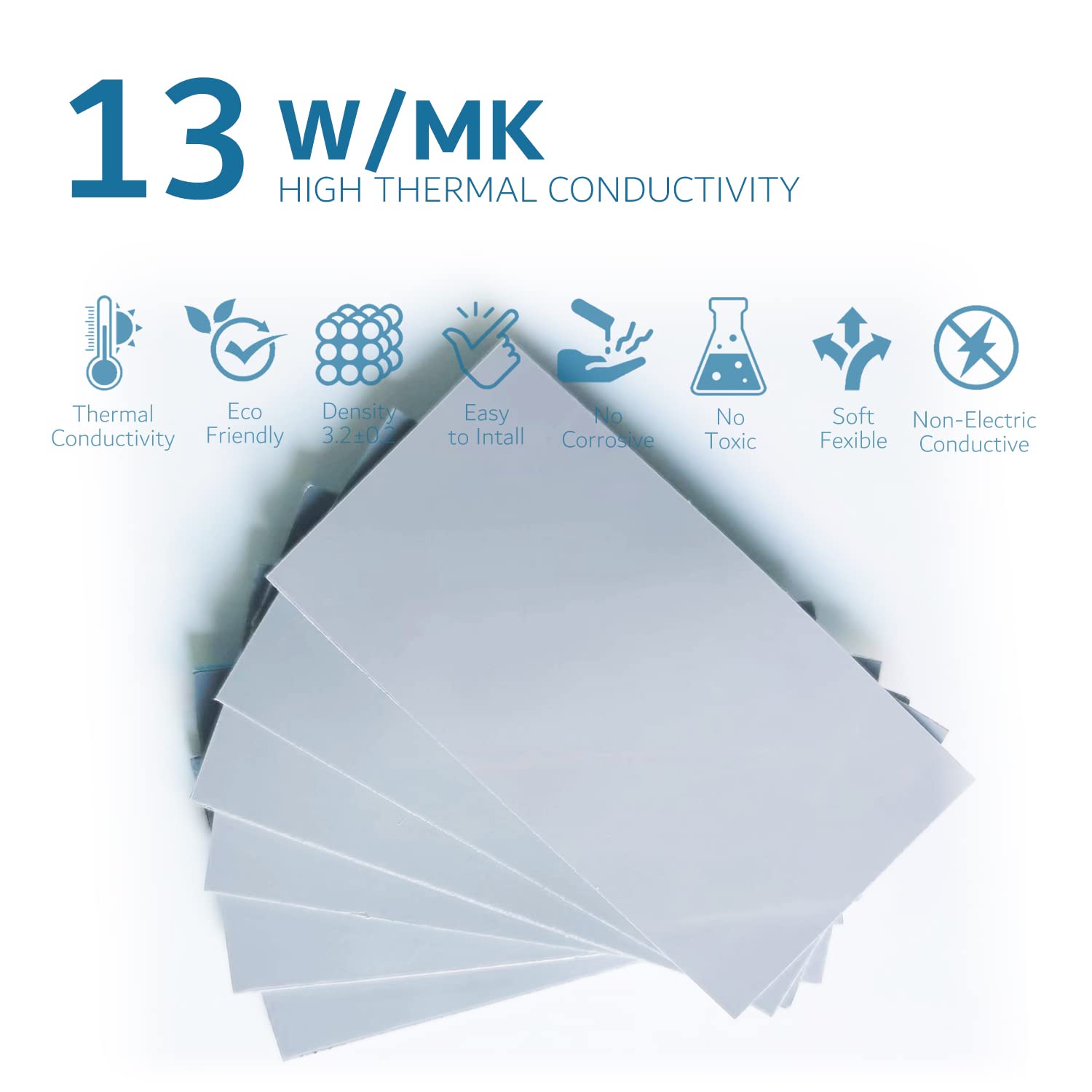
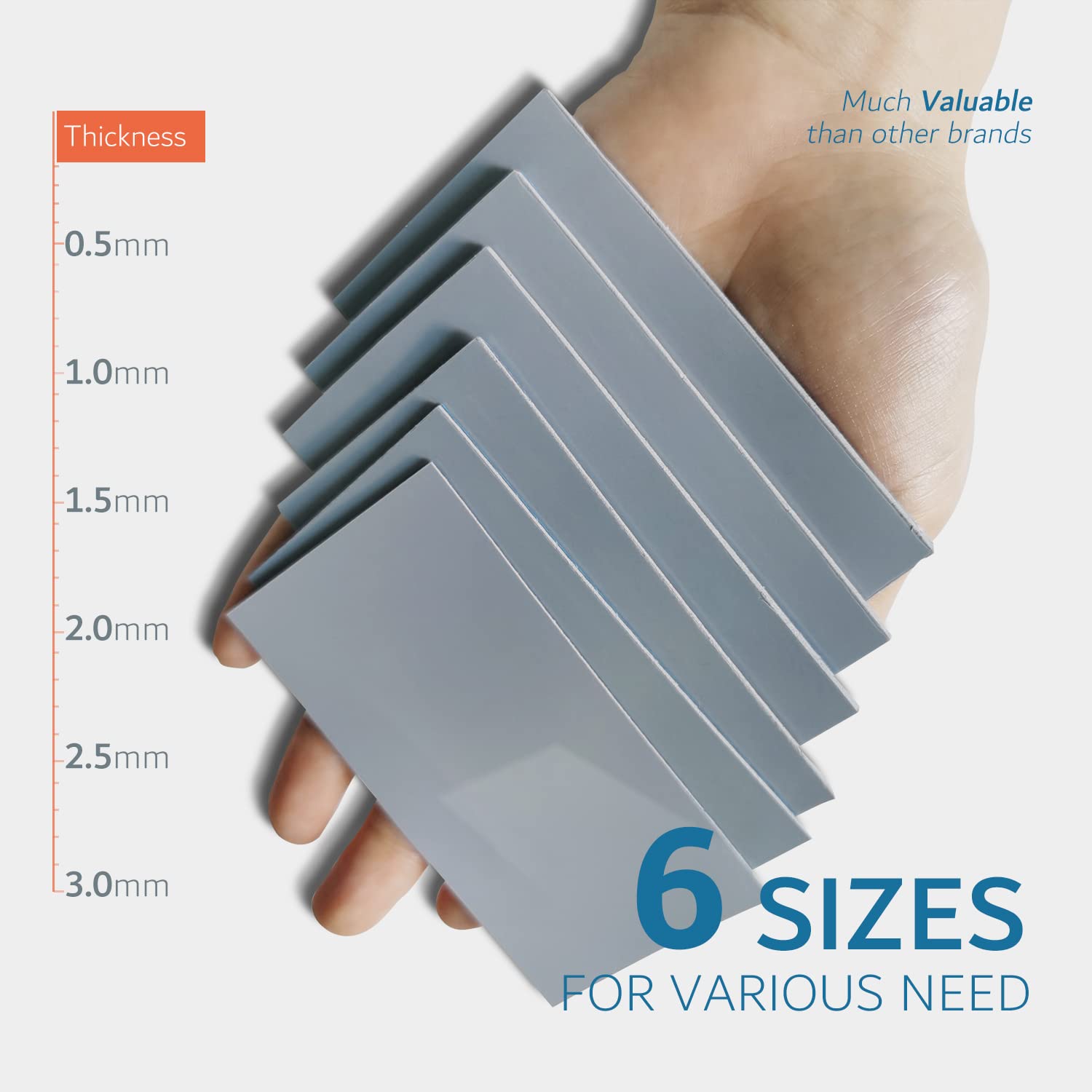

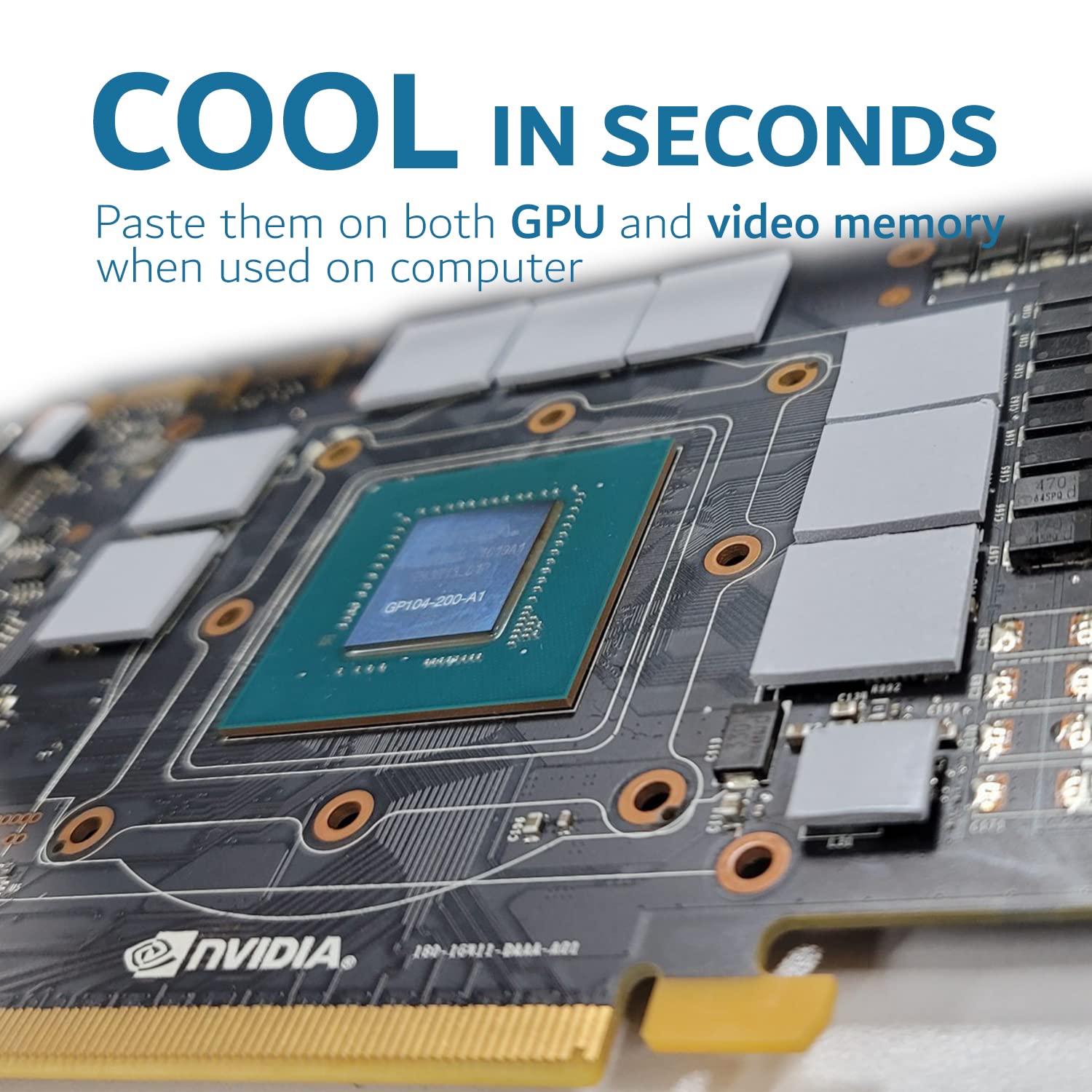

❄️ Stay cool, stay ahead — the thermal pad your high-performance gear deserves!
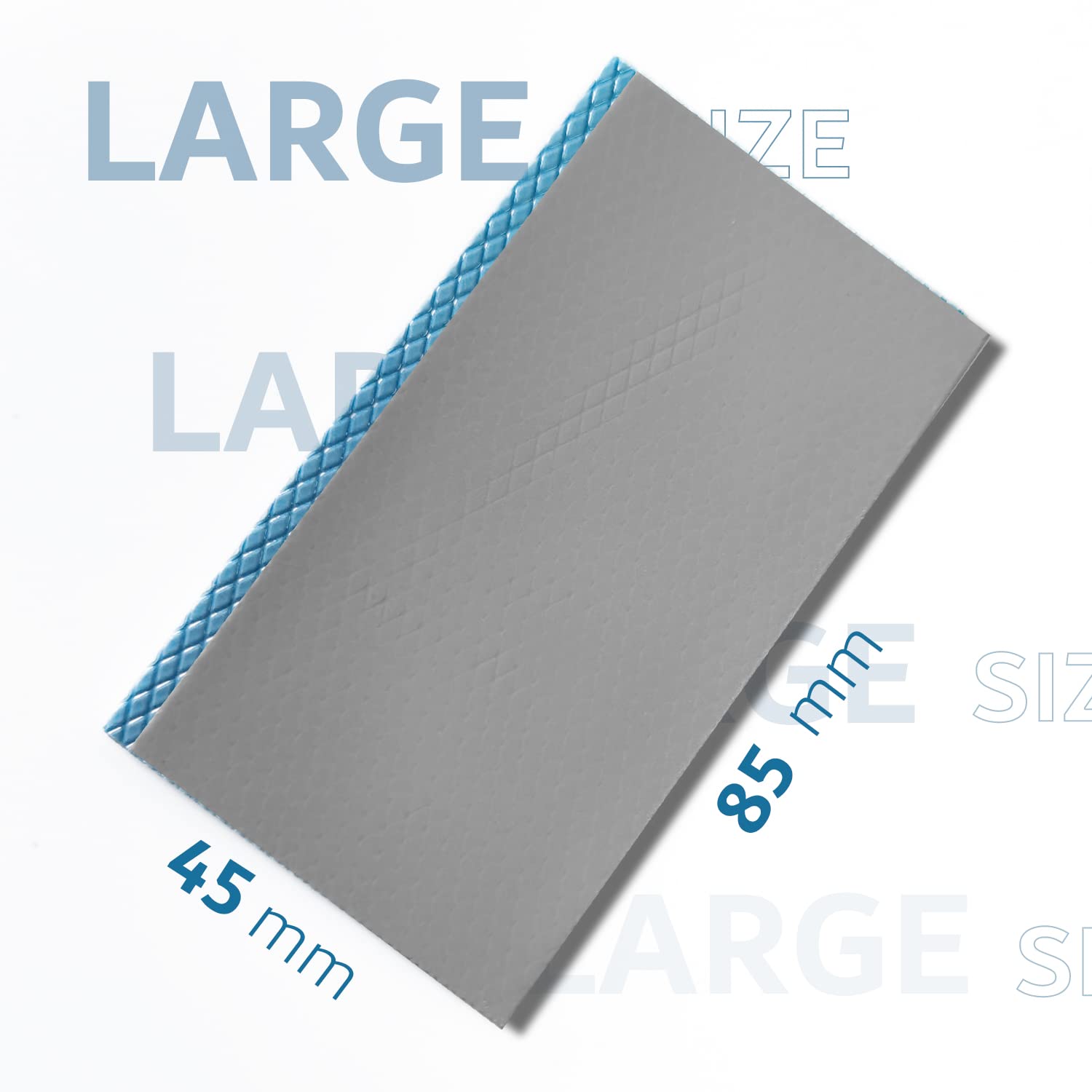
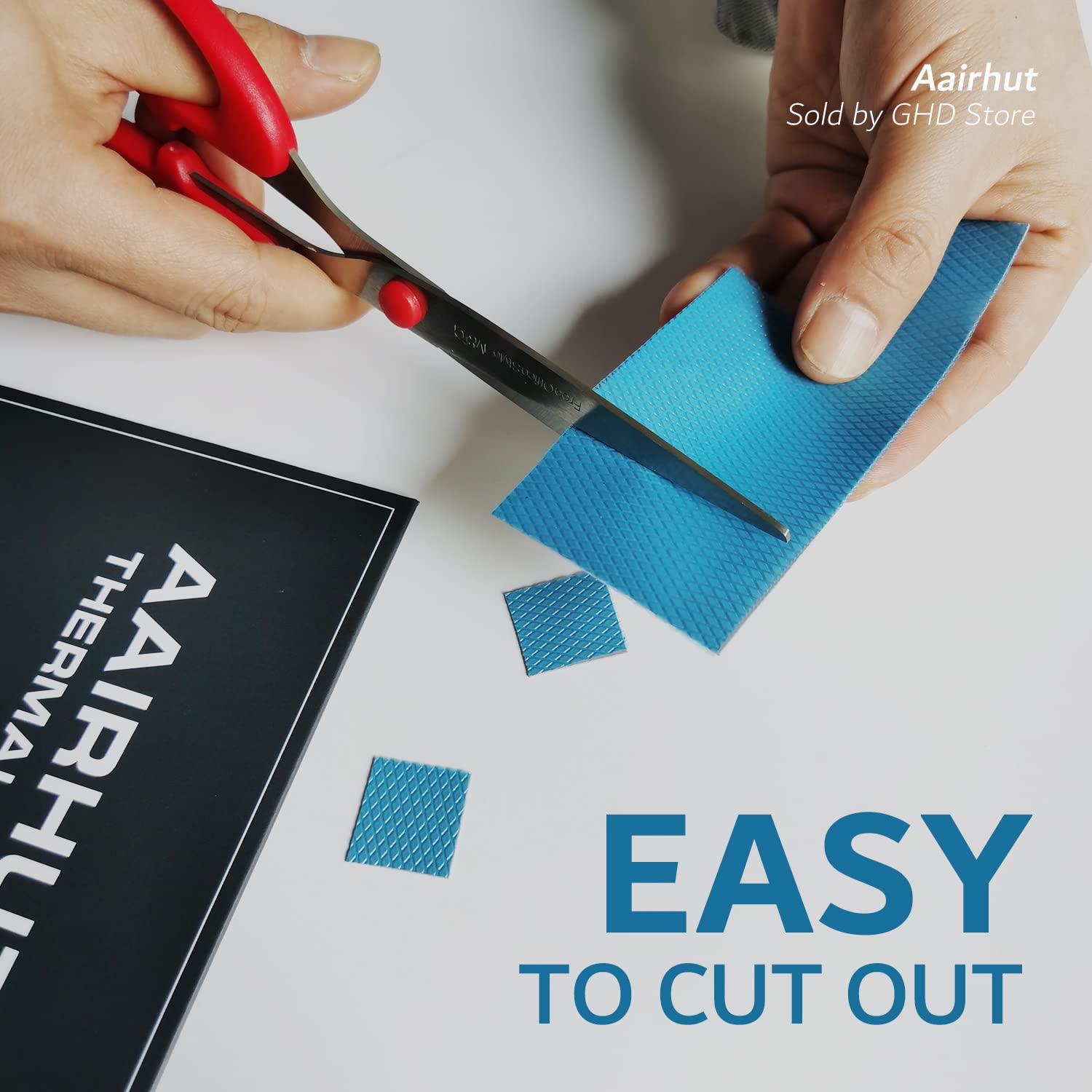
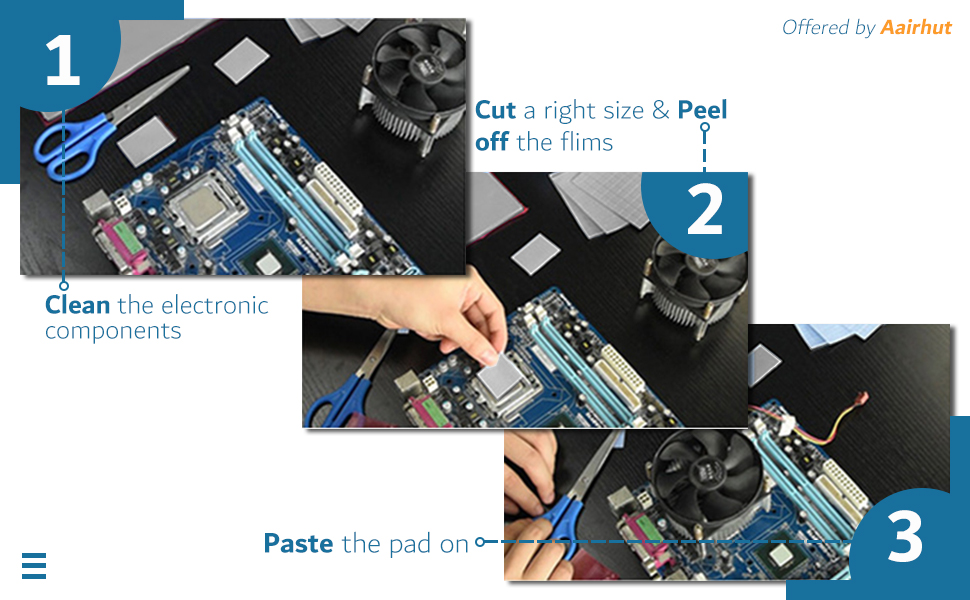
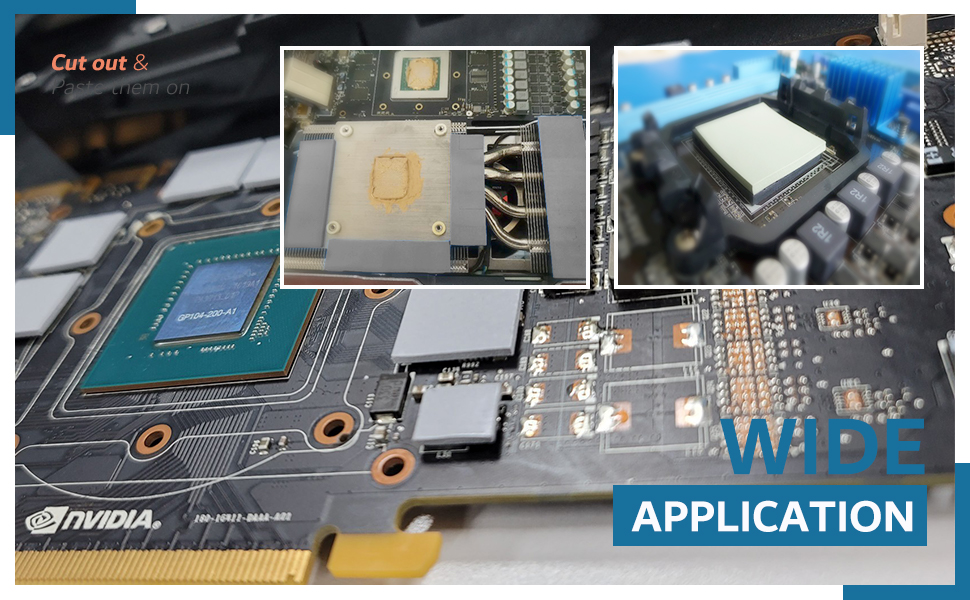
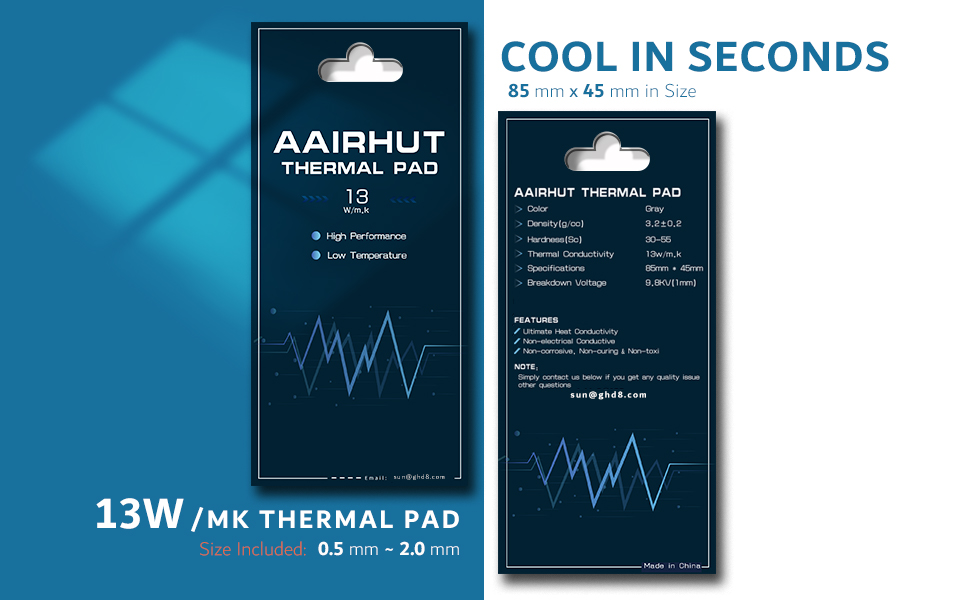
The Aairhut Thermal Pad 1mm delivers superior 13W/mK thermal conductivity, cooling CPUs, GPUs, and chipsets up to 10°C faster than standard pads. Its ultra-soft silicone self-molds for perfect contact, is pre-sized at 85x45mm for easy trimming, and features extreme durability from -40°C to 200°C. Non-conductive, flame-retardant, and safe for high-voltage applications, it’s trusted by electronics pros and optimized for next-gen hardware like RTX 40/50 series and PS5.




| ASIN | B09XJVBPQ1 |
| Best Sellers Rank | #16 in Thermal Pads |
| Brand | Aairhut |
| Cooler Heatsink Compatibility | Universal |
| Cooler Heatsink Material | Silicone |
| Customer Reviews | 4.5 4.5 out of 5 stars (987) |
| Date First Available | April 9, 2022 |
| Global Trade Identification Number | 05059116373558 |
| Item Weight | 0.705 ounces |
| Manufacturer | Aairhut |
| Mounting Type | Chassis Mount |
| Product Dimensions | 3.35"L x 1.77"W x 0.04"H |
C**S
Perfect
Works great. Used to replace the pads on my rtx 3070ti and they worked flawlessly. It was easy to apply and the size was perfect. The temps dropped from the old original pads and have been applied over a year now with no issues.
R**H
High quality thermal pad for Xbox Series X/S
First time using Aairhut thermal pads, compared to Arctic cooling’s TP-3 model thermal pad in the same 1.5mm sizing the Aairhut pads seem slighter heavier and more dense they don’t squish down as easily which I think is a good thing. Used these Aairhut thermal pads to replace junk stock thermal putty on an Xbox series S’s ram chips, heat sink and SSD. Have done this job on multiple Xbox series x’s which 1.5mm thermal pad is the proper size and so is for the series s for anyone wondering. The Aairhut thermal pads are easy to cut, I used a small square and new razor blade and didn’t have any issues at all. Thermal pad installs onto chips and contact areas nicely and adhere moderately well. Can absolutely tell a huge difference in heat transfer to heatsink now, no more frame stutters or “laggy” like game play even at 120fps for hours on end. Would highly recommend the Aairhut thermal pad for whatever your cooling needs may be!
C**O
Very well
Premium, excelent results to a 3080ti vram
C**N
3080Ti Founders Edition
For anyone repadding a 3080Ti FE, I would recommend these pads. These pads are exactly the same to Gelid extremes except you get 5mm more and they seem of higher quality. I used 1.5mm for the die and VRAM side and 2mm for the back plate. One large 2mm pack is enough for the back plate and one small 1.5mm pack is enough for the back plate. I tried 2mm on the die and VRAM but it prevented proper contact and temperatures were high. My GPU was manufactured on 05-02-2021, so its important to check when yours was made so you get the correct sizes. Overall, 1.5mm and 2.0mm should be it!
J**S
good for graphics cards
worked great on my nvidia 3060 temps lowered about 20 degrees idle and 10 degrees under load
D**D
Using w/ SAMSUNG 990 EVO PLUS 4TB & Fanless Speedy 40Gbps M.2 NVMe SSD Enclosure
I used these for updating firmware on a 2280 NVMe M.2 SSD drive using a PCIe M.2 key. I had to remove the ThunderboltEX4 to use the slot. Make sure you have clean, dry hands before handling as these should remain very clean. I also used one for installing the M.2 into the Thunderbolt enclosure. These can be cut (preferably using a box knife), but make sure you get the correct thickness for your situation. If you're not sure which thermal pads to buy just ask the AI — mention the make/model of your M.2, how it's installed and what you're using it for.
****
Cold as my ex heart
Temperatures in my Grafic card are awsome. I ussualy buy grafic cards on marketplace Facebook and mostly EVGA, EVGA are known by having issues with their OEM thermalpads so I replace them with this and I get the best performance from the grafic card. Thanks
W**F
What a difference!
I have (4) of Gigabyte X670 chipset motherboards. HDWiNFO was beginning to show chipset temps on one board at idle of 75°C and up to 105°C+ under load. Spec says up to 95°C on the chipset. Purchased this pad and removed the heatsink from the chipset and replaced the factory pads with this. PITA to remove the heat sink. Motherboard must come out of the case - the attachment screws are on the back of the board. Original pads weren't making good contact with the heat sink. Were ~1.5mm thick. Replaced with a 2mm pad. Idle temps are now 49°C at idle and 55°C under load. Now running 10-12°C cooler than the other 3 boards. Lots of complaints on Reddit about ASUS boards running hot as well. Used the remainder on an Orico 20Gb/s external NVMe enclosure. No throttling while transferring 30-60GB backup image files. MoBo mfrs. recently seem to value aesthetics over function. Still was much less painful than returning the motherboard under warranty. Ordered a second pad to replace on the other 3 boards even though they're not running hot... yet. UPS back to Gigabyte would have been more than the cost the pad and would have taken at least 2 weeks turnaround time.
Trustpilot
3 days ago
2 weeks ago