
DOWNLOAD THE APP


Customer Services
Copyright © 2025 Desertcart Holdings Limited
DOWNLOAD THE APP
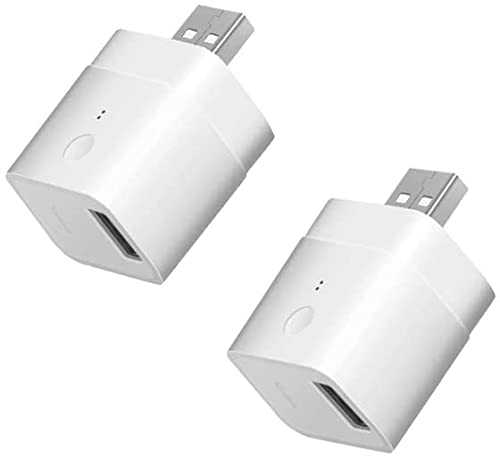
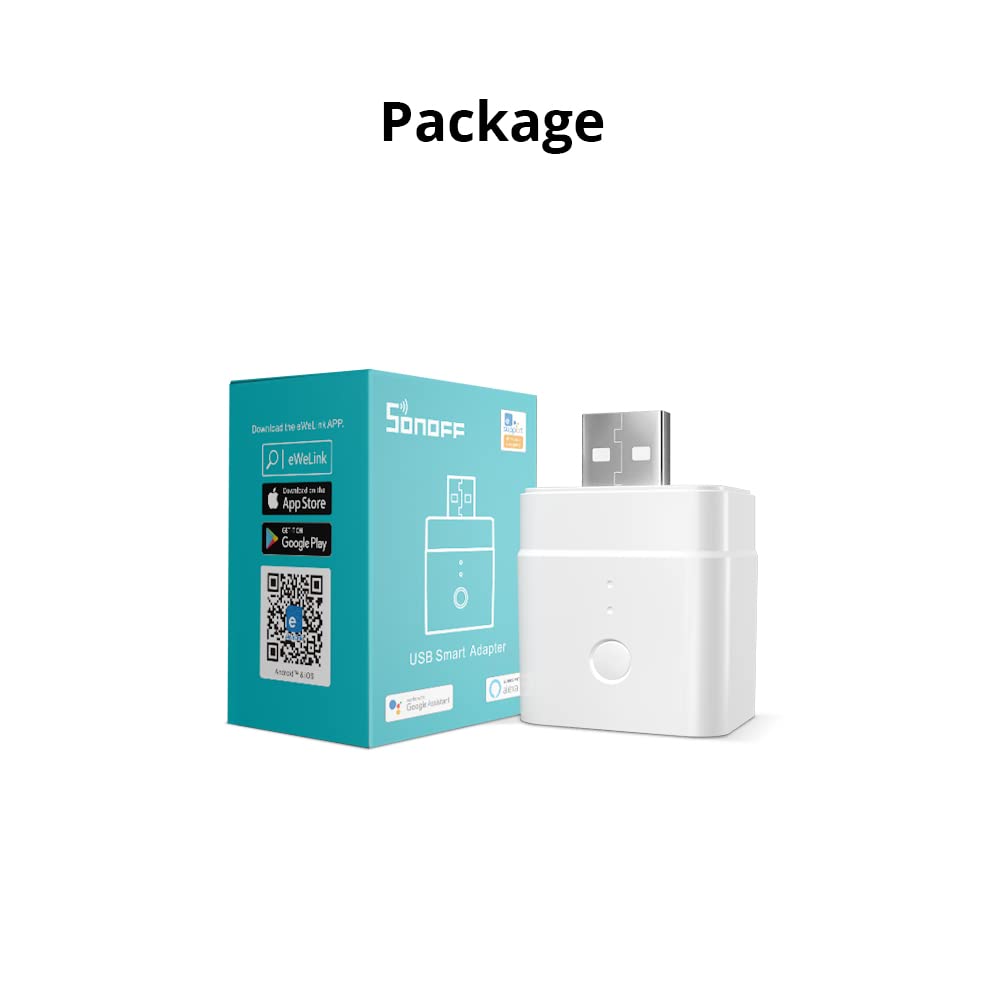

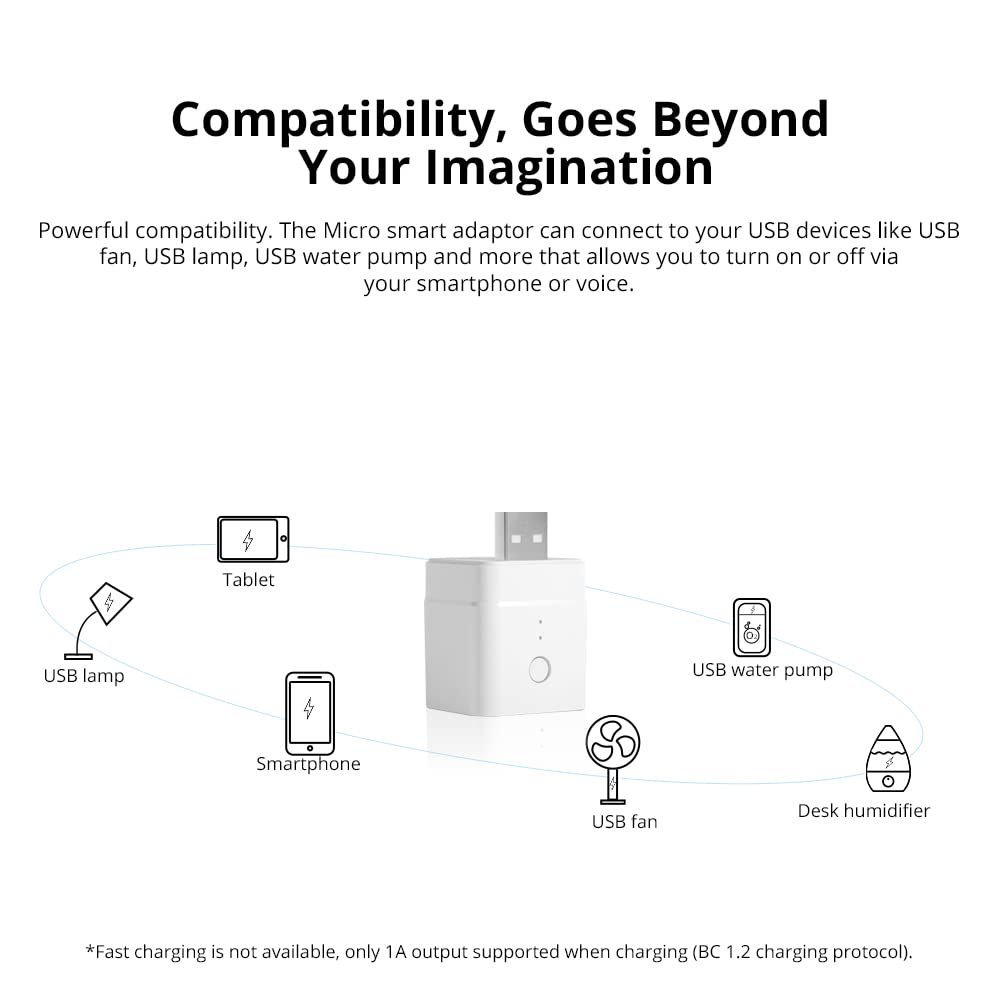
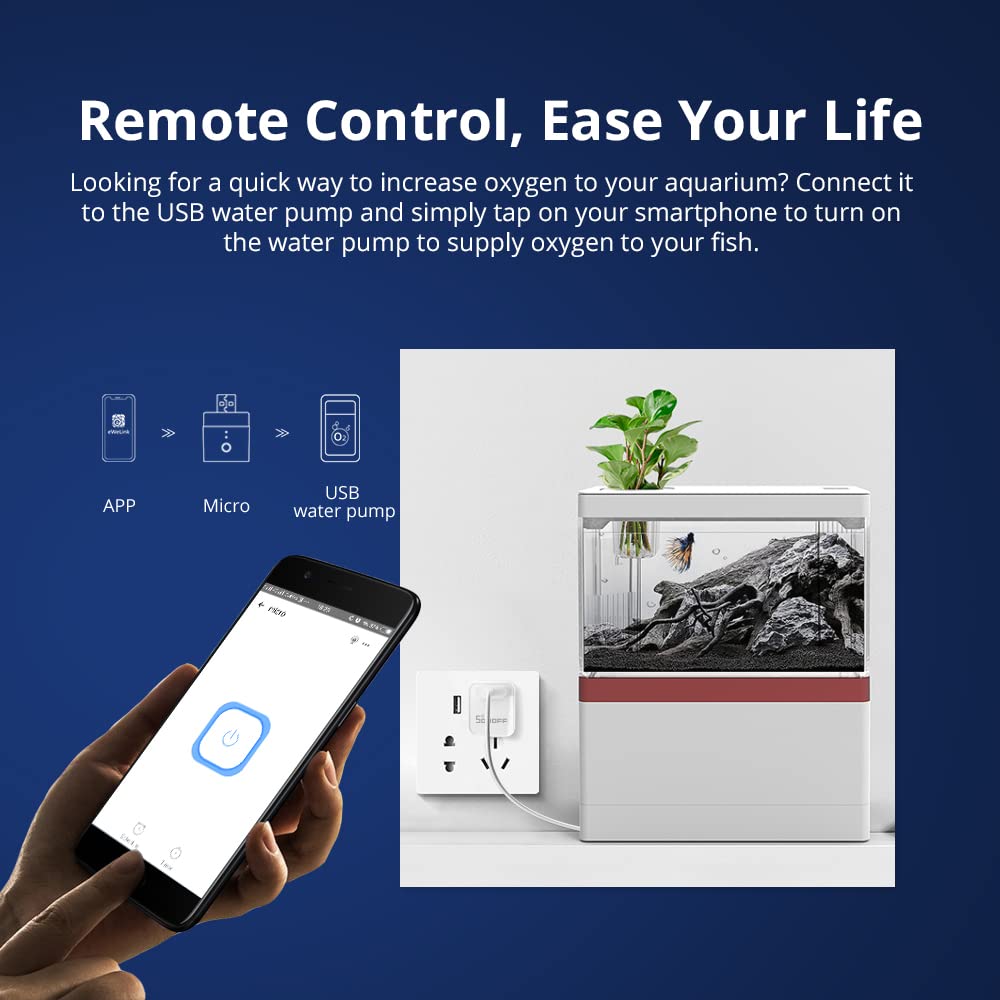

🔌 Power your smart life with SONOFF Micro USB – small adaptor, huge control!
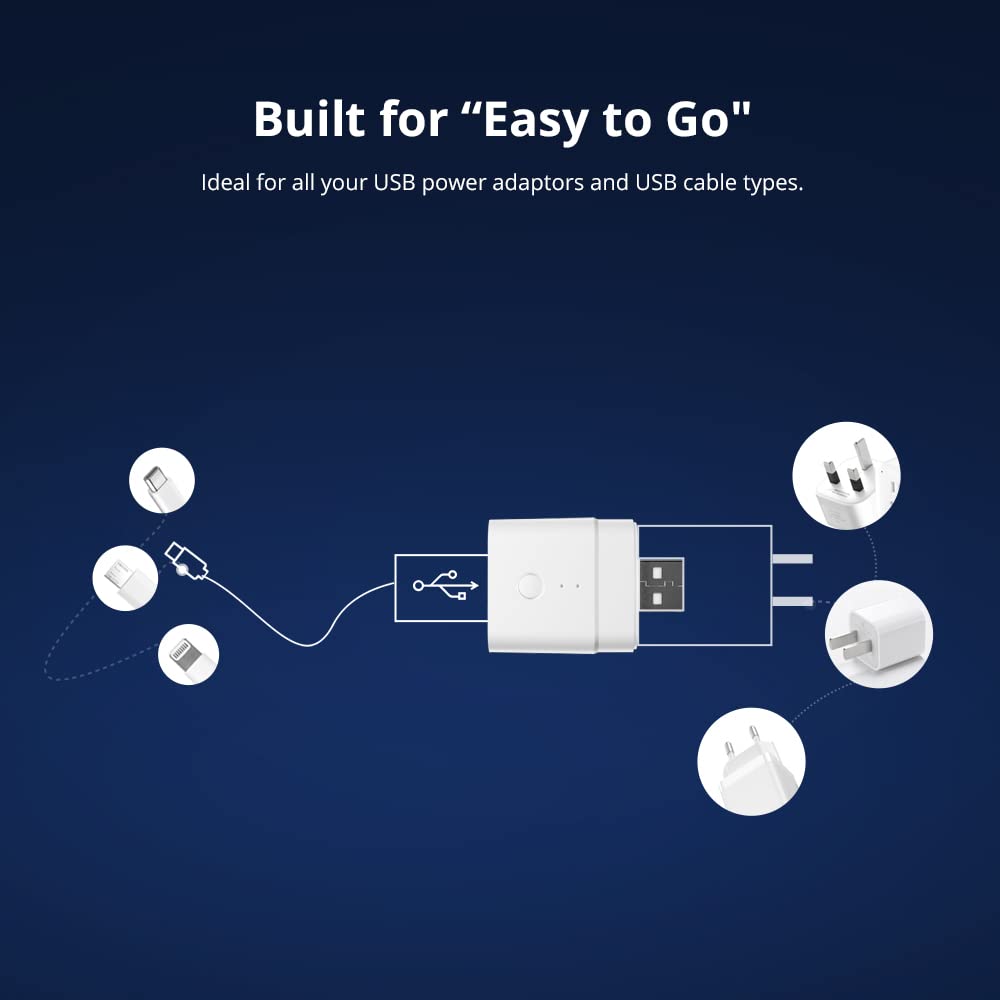
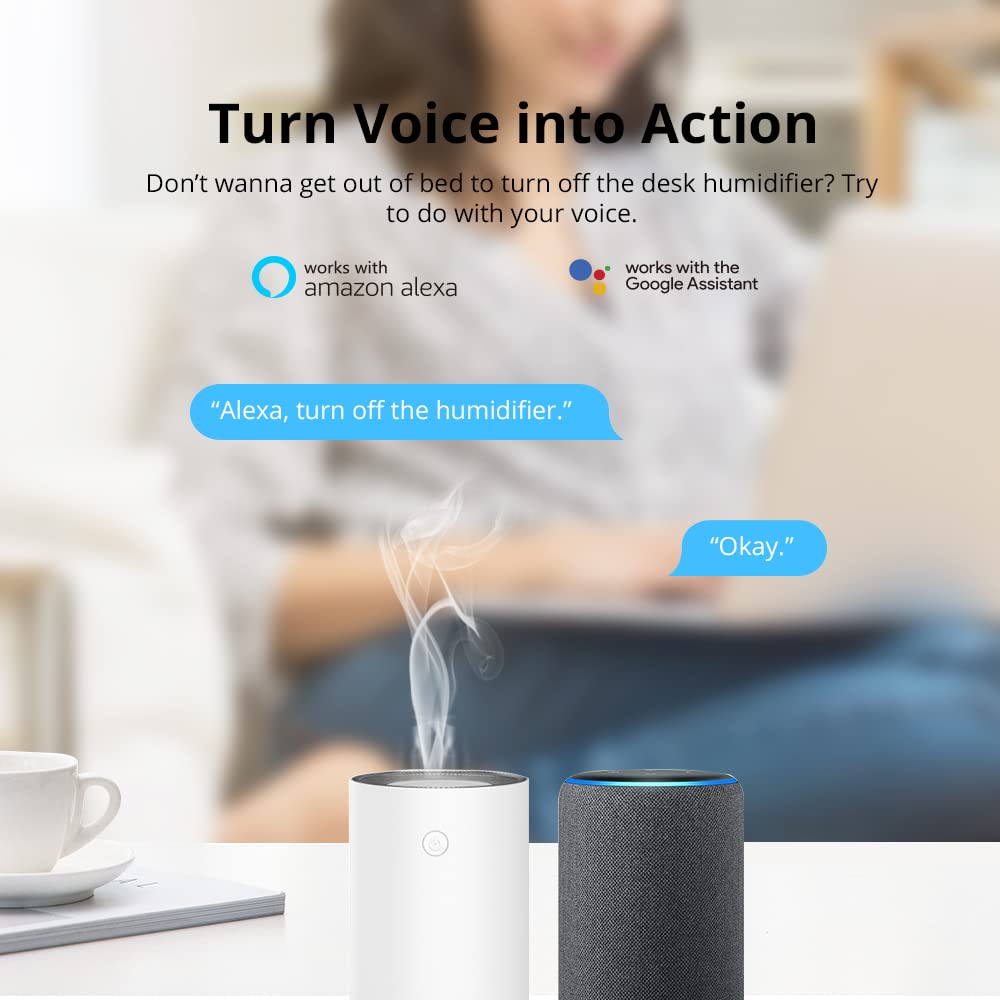
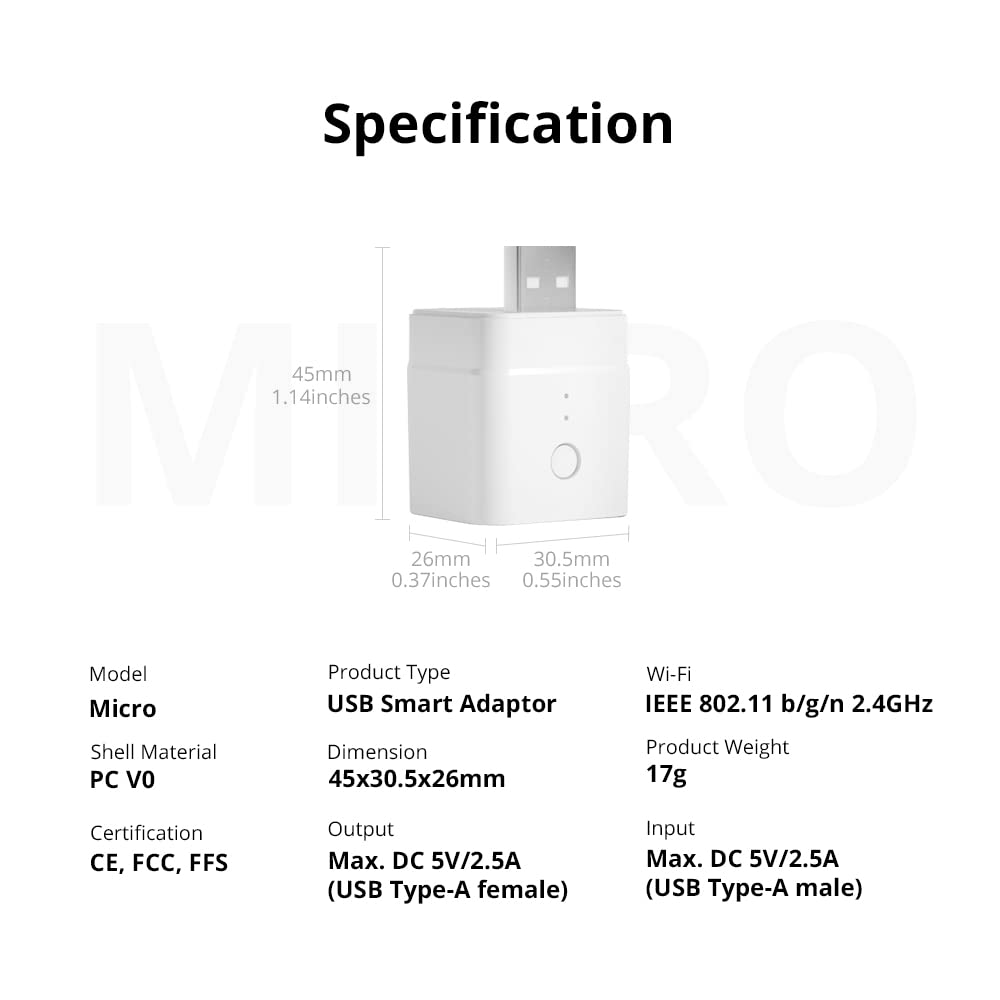
The SONOFF Micro USB Smart WiFi Adaptor converts ordinary USB devices into smart, voice-controlled appliances. Compatible with Alexa and Google Home, it offers app-based remote control, customizable timers, and LAN control without needing a hub. Its compact design supports 5V USB devices with safe charging features, making it perfect for USB lamps, fans, LED strips, and more.


| ASIN | B09PBDQ8KP |
| Brand | SONOFF |
| Circuit Type | 1-way |
| Colour | White |
| Connectivity Protocol | WiFi, Ethernet |
| Connector Type | Plug In |
| Connector type | Plug In |
| Contact Material | Copper |
| Contact Type | Normally Open |
| Contact type | Normally Open |
| Control Method | App |
| Customer Reviews | 3.8 out of 5 stars 619 Reviews |
| Item Weight | 17 Grams |
| Manufacturer | SONOFF |
| Material | Plastic |
| Model Number | Micro |
| Mounting Type | No Mounting Required |
| Number of Positions | 1 |
| Operating Voltage | 5 Volts |
| Operating voltage | 5 Volts |
| Operation Mode | automatic |
| Operation mode | automatic |
| Switch Type | MOSFET |
| Switch type | MOSFET |
| Terminal | USB |
| Unit Count | 2.0 Count |
| Wattage | 2.5 watts |
Z**E
Easy setup and does the job
I did not know a device like this existed but so glad I decided to perform a search and that I found it. I have a usb powered access point for vpn connections that for some reason requires a reboot once a day to stay operational. With no option to do this in the software and feeling a WiFi socket with a usb plug attached overkill I was glad I found this. Now I have it set on a schedule to turn off and in again everyday. No more me having to remember to do it! Setup wise I can see how some people would struggle but it is in fact quite straight forward. Steps I followed: 1st make sure your router supports 2.4ghz, while some may default at 5Ghz most will support 2.4 ( I have a separate ssid/ WiFi name for this and added myself in the router menu. Plug in the device and make sure the blue light is flashing fast. At first I was pressing the button on the side but this didn’t seem to work, I unplugged and added back to the usb and it was fine and constantly flashing blue. So just plug it in without pressing the button 1st. On your phone, make sure you are connected to the same 2.4ghz WiFi that you want the device to use. Download the app, select the option to scan the Qr code (on a card in the box) You will get various prompts about allowing local network access etc, accept these. If you find yourself in settings still after this (I did it in iOS) just go back to the app. It should then show the same WiFi name of your 2.4ghz network in the app with a space asking for the password. Add the password in for your WiFi and hit continue. What I assume it then does is look for the devices own WiFi, ITEAD-xxxxx something. It connects to this wifi uploads your WiFi connection details outlined in the previous step, so make sure your phone is close to the device. After this the device should then connect to your network provided it is in range, I suggest you do the initial setup close to your router to account for any range issues. On the app it should ask if you want to join back to your normal WiFi network. Mine did this automatically but if not switch it yourself and go back to the app. You should then see an option to turn the device on and off remotely and set a schedule. If for any reason it fails to connect to the device try again and make sure you are close to it. While it’s trying the connection to the device ITEAD WiFi if your phone or app fails to do this automatically try switching it manually yourself and go back to the app.
M**K
Works absolutely fine if you know how to install smart home equipment
I brought this despite several reviews of people having issues connecting this product to their WiFi. I quickly discovered that it would appear there are alot of people that do not possess the basic knowledge of smart home product installation and should therefore get someone else to do it for them. Here's my step by step guide which is the same for most smart home devices. Switch off your 5ghz network. Open ewelink app which you're already logged into and registered to. Then plug in USB plug. Then click add. Confirm.your WiFi details. Then it'll ask you to connect to itead WiFi do this and select this time only if your phone prompts for this time only. Then click back until you reach ewelink app again. At which point it installs the new device whereby you can then rename the device and choose device type. You can then operate your device from the app, alexa etc or in my case from a spare light smart light switch in the kitchen which turns on these WiFi usbs which powers my under cupboard blue floor lights. So yes I recommend this product. I just wish people knew how to install these products properly before venting their frustrations and shortcomings in the form of bad reviews.
C**W
Power throughput is unstable
I have a number of these SONOFF micro USB smart wifi adapters and up until now, I have thought that they were excellent. The first batch of 4 that I bought work perfectly - yes they are fiddly to get connected to the wifi, but so are most smart switches, it's not something unique to SONOFF. Most of the people complaining about not being able to connect just need to ensure that they select the 2.4GHZ network on their wifi and not the 5.0GHZ and they will connect. I am digressing, so I will get back on point. The first 4 work perfect, the 5th one was a bit troublesome where an LED light strip connected to it would always need the LED controller reset every few days. I put this down to being a problem with the LED controller, so I swapped it - but the lights continued to have a problem. So I swapped the SONOFF wifi adapter and the problem went away. I thought "Bit weird" and just forgot about it. This week, I have installed more LED lighting and needed more of these SONOFF smart wifi adapters. So I ordered 3 more and all 3 have the same problem, the power output through them is not stable and it is not 5 volts. Each LED lighting strip when connected via the SONOFF adapter displays either the wrong colour or the controller goes nuts and rapidly flashes the strips through every colour available. If you remove the SONOFF adapter, then the lights work properly. I have not tested with a multimeter yet, but I suspect that either the voltage is fluctuating or it's only around 3 to 4 volts and is not providing enough power to make the lights work properly. I am using the same set up all over the building - using a 5 port ANKER USB charger to provide power to LED light strips and they all work perfectly apart from these latest 3 purchased. I've even swapped the USB charger in case it was that generating the wrong amount of voltage, but even when I put a different charger on, it's the same problem. Perhaps this is a firmware issue - but I doubt it as all the SONOFF adapters I have are running the same firmware version. I hope it's not a case of they are getting lax with quality control, but right now I have 3 adapters that are completely useless.
N**K
Handy Little Device
So I thought i'd take a punt given the other reviews & knowing these smart switch can be troublesome to set up at times. I wanted it to control a pump on a water feature in the garden that runs from a solar powerpack. Downloaded the ewelink app. I created an account, ensured I was connected on my phone to the same 2.4ghz SSID I wanted the device to run from, scanned the QR code, found the device, done. The device is connected to my outdoor SSID & I can control it from my phone. I also enabled the Alexa skill by enabling & linking the ewelink skill, searched for new devices which did take a couple of goes to find the USB switch. I then named it fountain, now I can ask Alexa to turn the fountain on or off. Overall pleased, let hope the unit lasts.
W**S
App now supports Siri Shortcuts
Great little product that allowed me to make some usb fairy lights smart. Works with Siri Shortcuts natively from the eWeLink app. Worth noting a couple things for future buyers though. I have all my smart devices work through Siri Shortcuts and so I did my homework with this product only to find people say that the eWeLink app associated with it doesn’t support Siri Shortcuts. The way around this was apparently to use IFTTT and webhooks (google it if you’re interested). I got everything downloaded and ready before the product arrived (my mistake) and saw that to link IFTTT with the eWeLink app, you need to pay an annual subscription of £7 to upgrade the account. Well after being charged 3 times to upgrade my account, my product arrived only to find that the eWeLink app actually now supports Siri Shortcuts natively without having to link it to IFTTT or upgrade it or anything. Just create a new scene for the device and once saved you will see a “add to Siri” button. Hope this saves someone else from making the same mistake.
B**L
Not sure
I am begining to suspect that this needs a strong WiFi signal to function reliably and/or is disrupted by the residual interference from the mains power charger that energised it. It seems to spend a lot of time off-line. In view of my experience cannot recommend for critical applications. Unfortunate because this is potentially a very useful bit of kit. UPDATE: I was contacted by the manufacturer. During a helpful exchange of emails the device suddenly started working reliably and has continued to do so, without any changes at my end. I concluded that there was some weird problem on the Internet that confused it. I repeat this is a very neat and useful device. I hope it keeps working. Will try to give another update in July or August.
K**N
Really useful. Used for heating cat house.
Used on powerbanks for heating pads in a small wooden house for my cat. Placed two Sonoff Micro USB on Belkin 20,000mah powerbanks which where connected to 2x 5V/1A heated pads in a soft cat bed under a thin flannel blanket. The Sonoff Micro USB can be controlled via WiFi and allow we to switch the heated pads on and off whenever I want, and to schedule on/off with Home Assistant. The eWeLink app for the Sonoff Micro USB allows you to set inching settings - turns off after being on for x minutes etc. So i have inching set for 10minutes. On really cold nights (0C degrees or less), I have each powerbank turn on every 30minutes. One turns on at 00:00 midnight, the 2nd one at 00:15, and so on till about 11am. Both powerbanks need recharging if on so frequently. If i have them set to 45min/1 hour spacing from 00:00 to 11:00 then powerbanks can last about 3 days roughly. Heat is warm (ok/decent) from the heated pads. I have Zigbee Aqara temp sensors inside and outside cat house to see the temperatures. The heated pads help keep the small wooden cat house sometimes up to 8 degrees higher than the outside temperature. On days when temperature was 0C degrees or lower I also put out a Snugglesafe (had plastic microwavable heating pad thing with liquid core) to compliment the heating inside the cat house.
I**E
Home automation in a USB device
I bought this for a couple of reasons 1. I was considering changing my current HA setup away from LightwaveRF and 2. I wanted something that I could plug into a USB power output on a 2 gang 13amp wall socket to automate turning a couple of LED fairy lights on and off. This product works brilliantly, so much so that I bought another 2 followed by changing my whole HA setup over to SONOFF devices. I’ve been running my new setup for a few weeks now and it far superior to LightwaveRF and more reliable. Would definitely recommend this and other SONOFF products. Note: does require 2.4Ghz wi-fi
Trustpilot
1 month ago
1 week ago