
DOWNLOAD THE APP


Customer Services
Copyright © 2025 Desertcart Holdings Limited
DOWNLOAD THE APP
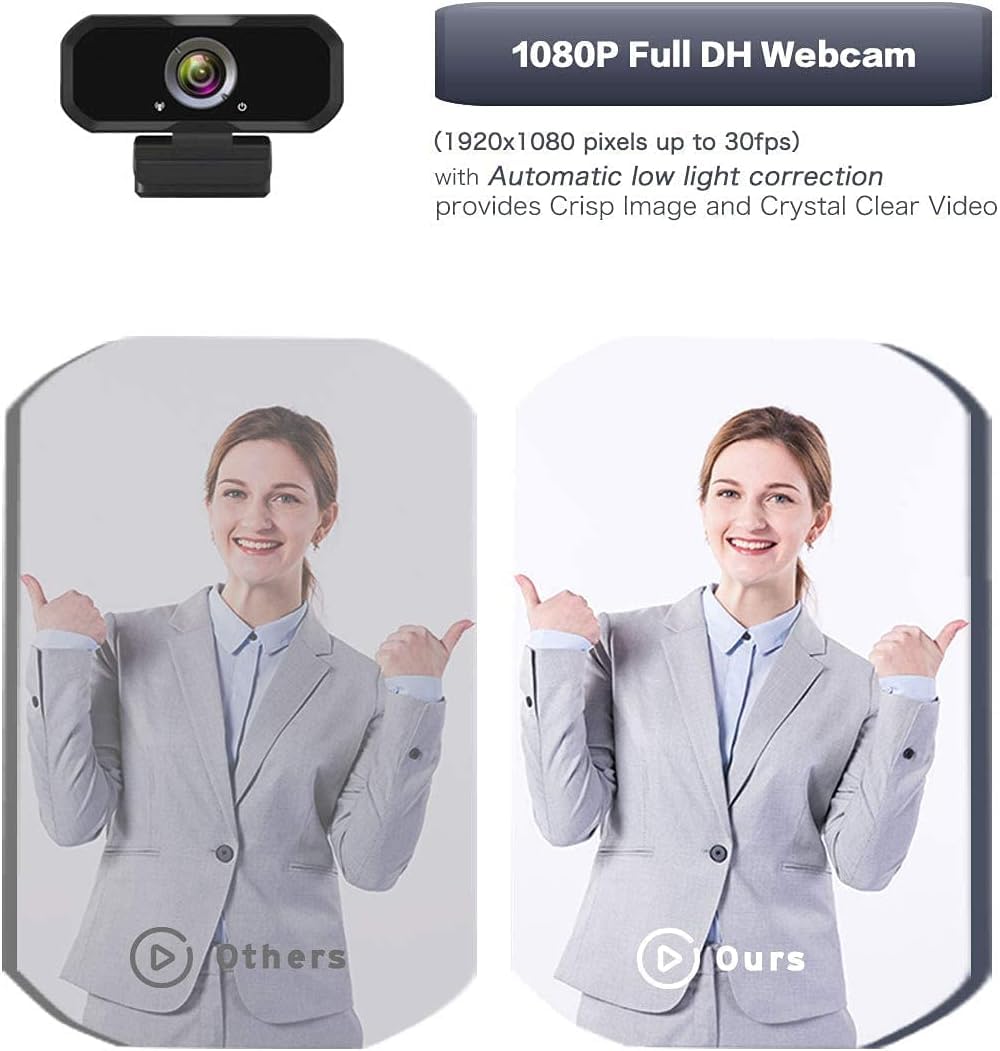
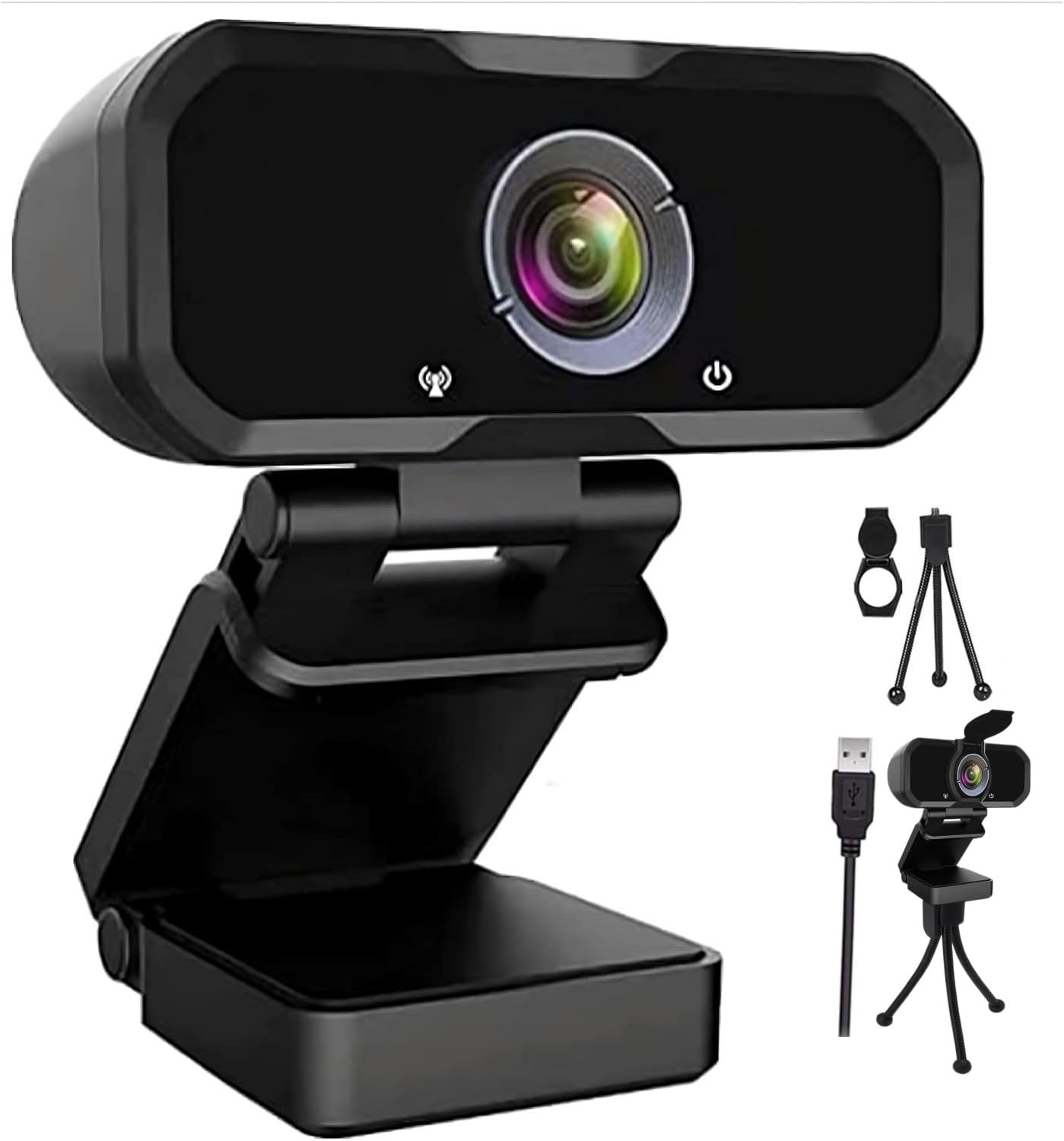
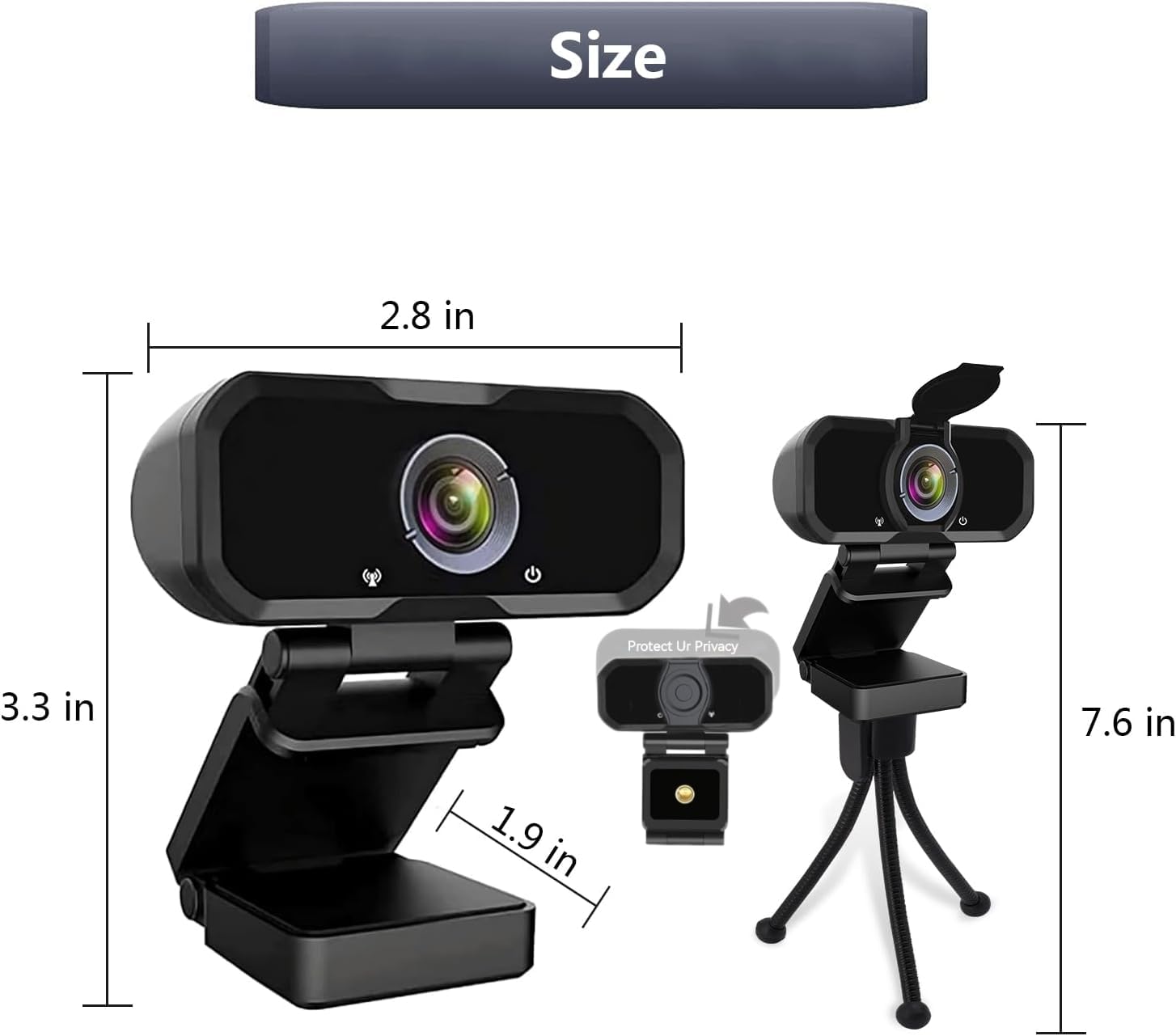
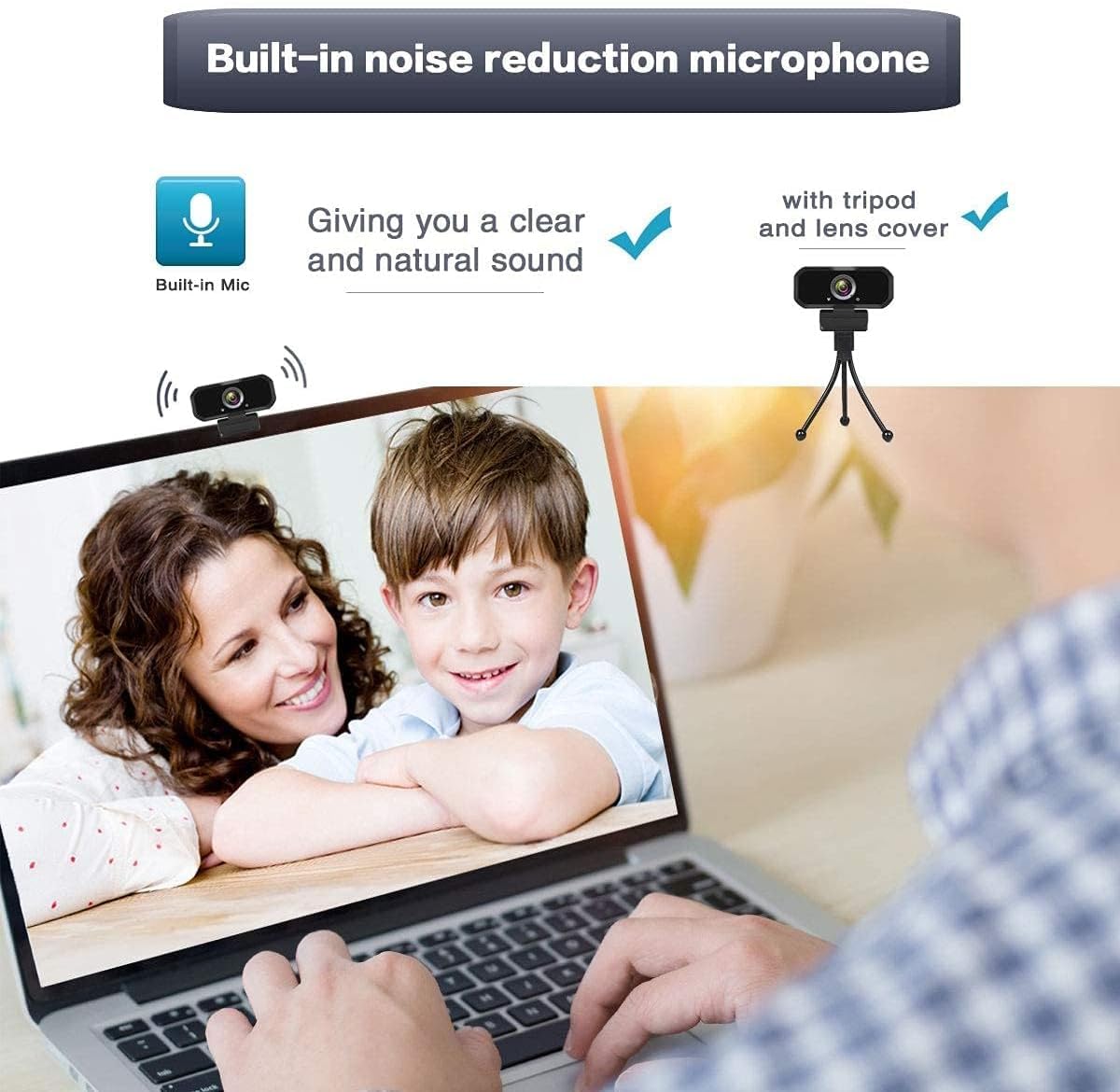
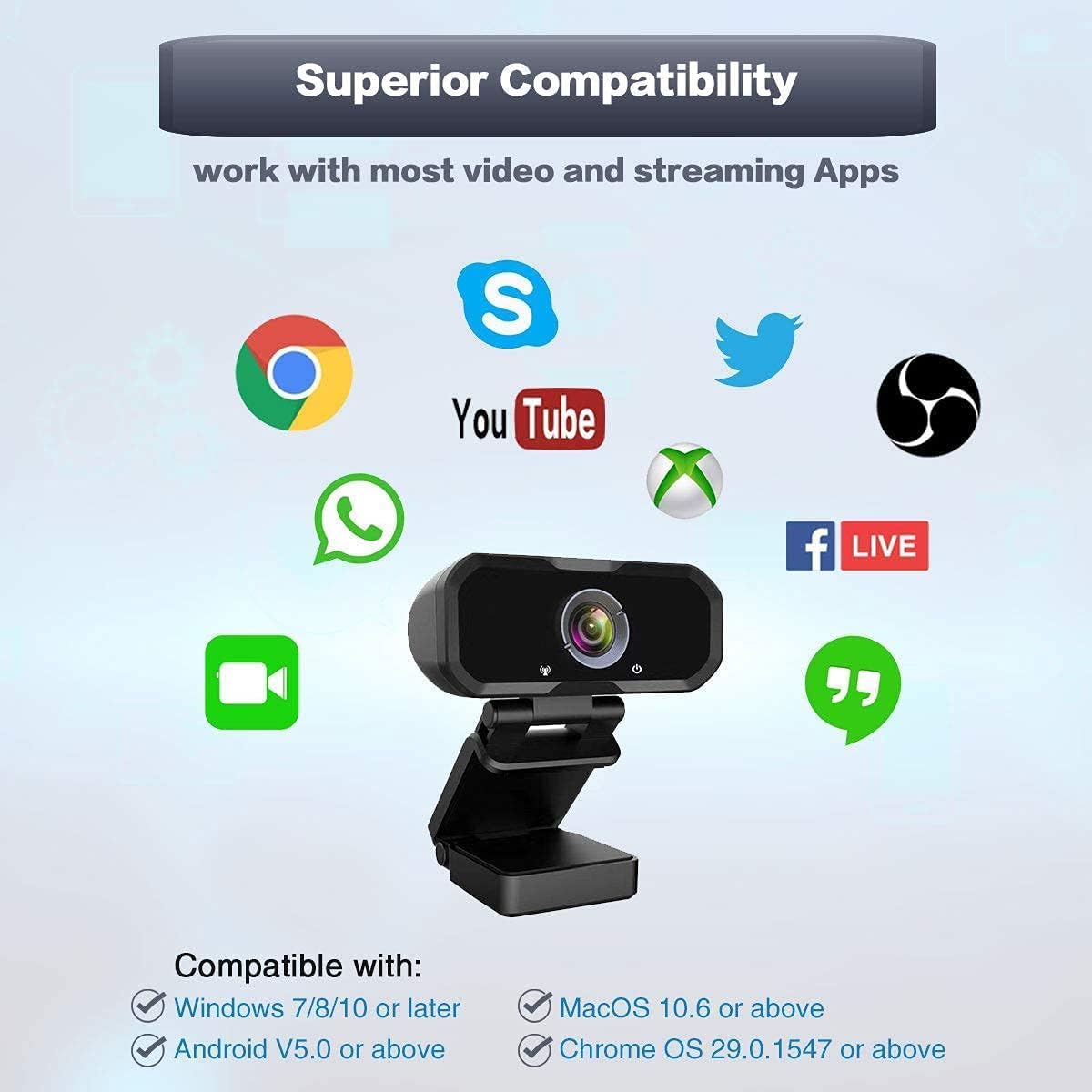
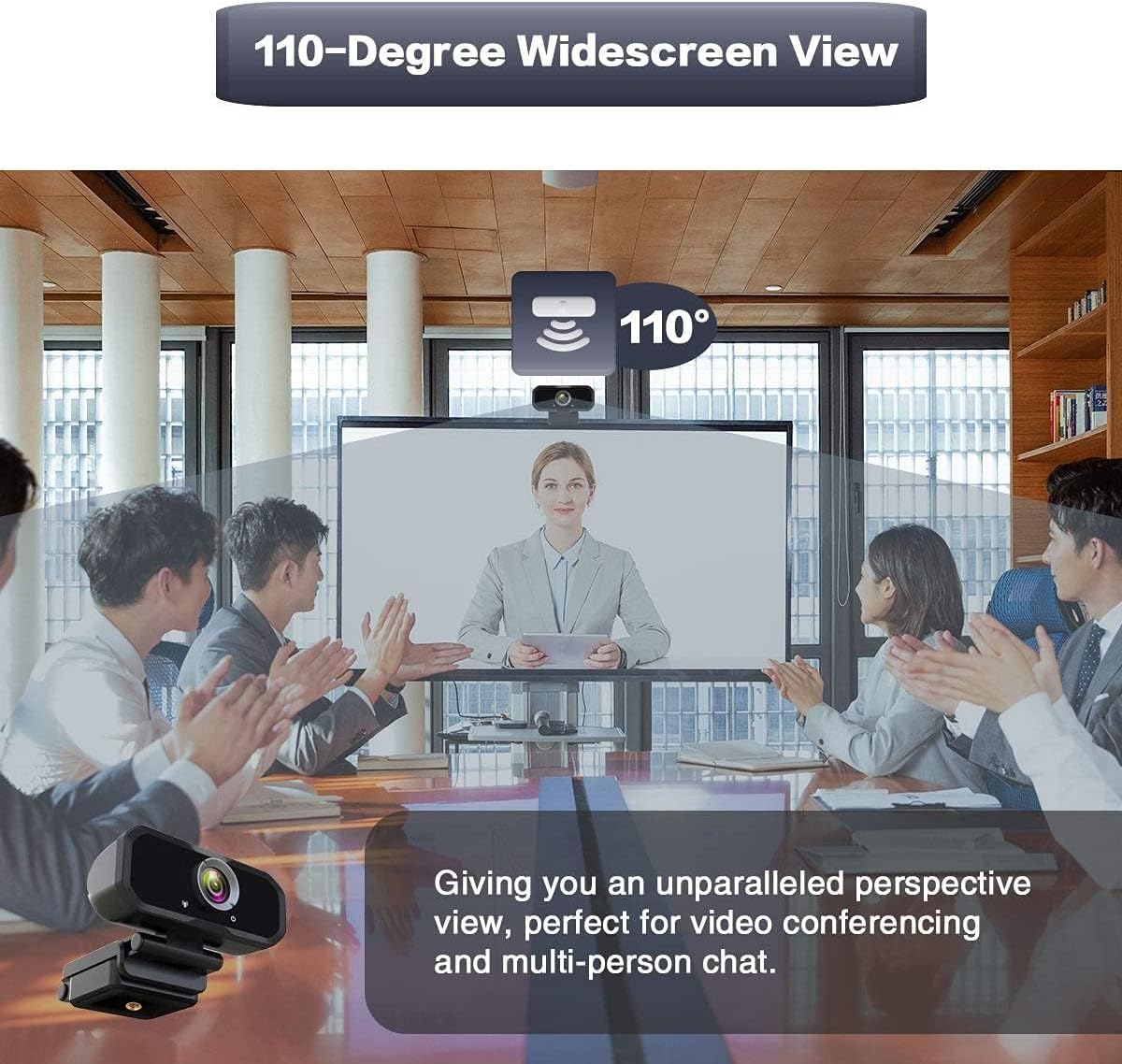
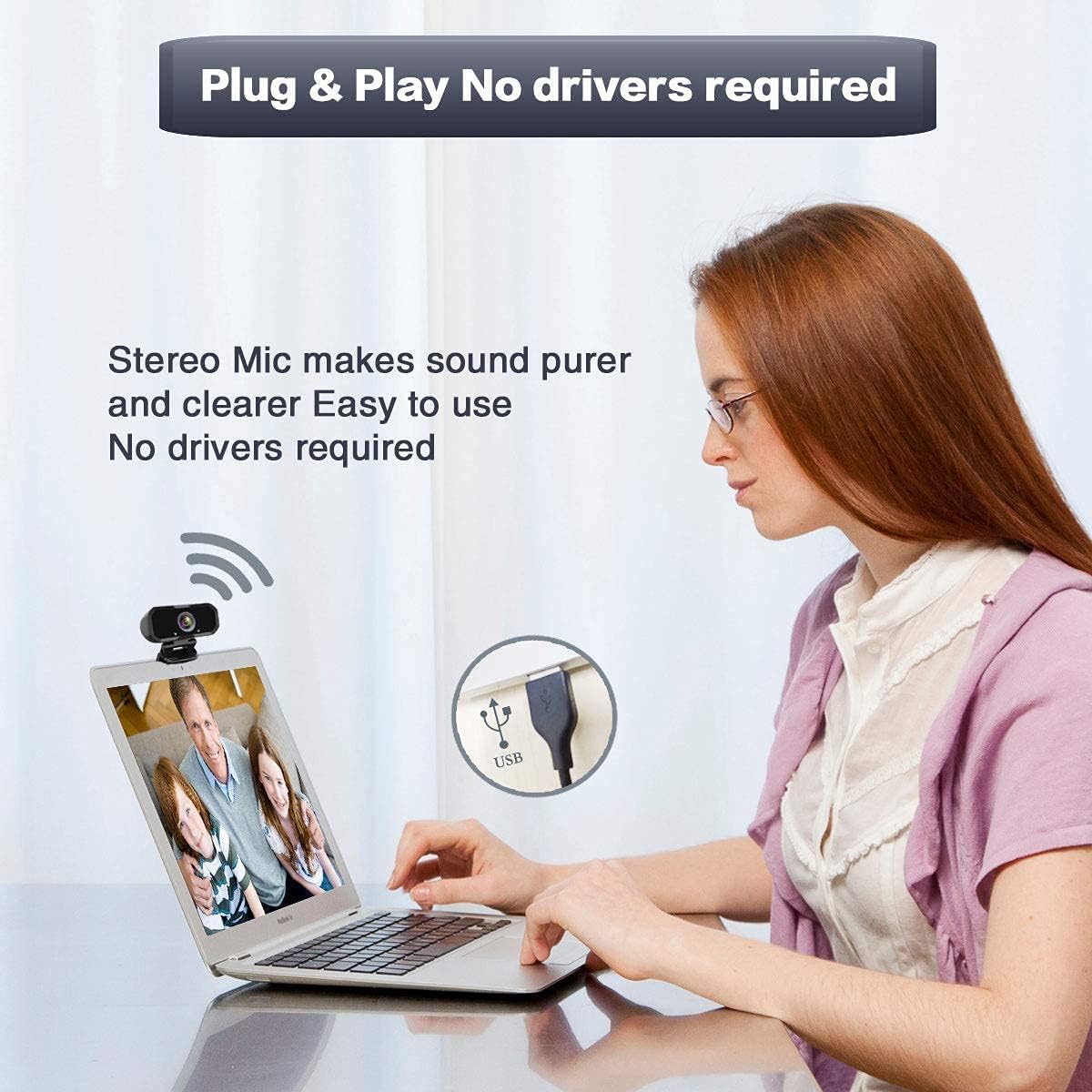
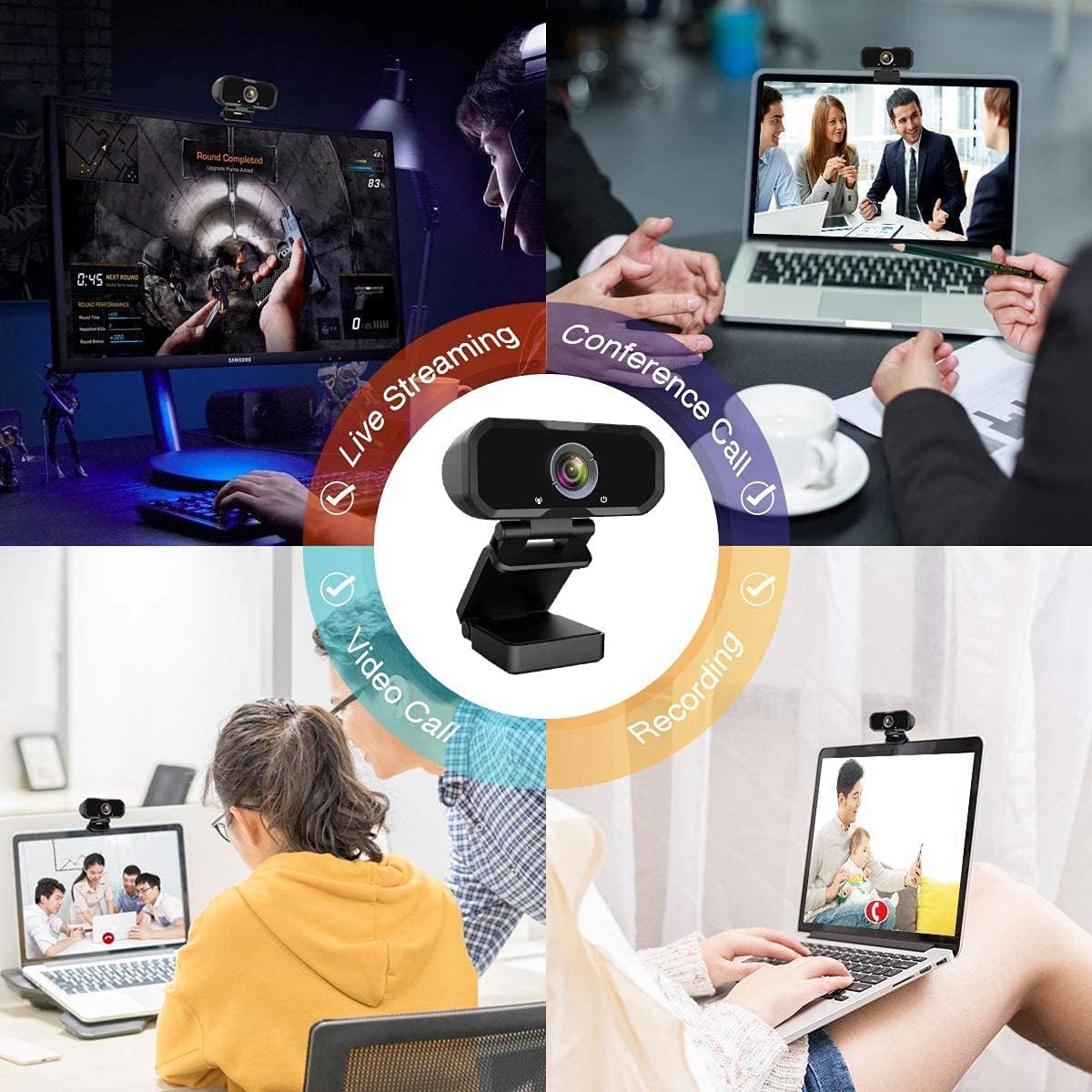
🎥 Elevate your presence with pro-grade clarity and effortless setup!
This 1080P Full HD USB webcam features a premium glass lens with HDR light correction, delivering crisp 30fps video and a wide 110-degree viewing angle. Equipped with a built-in stereo microphone with noise reduction, it ensures clear audio capture up to 5 meters. Plug-and-play compatible across multiple operating systems, it includes a tripod-ready rotatable clip for flexible mounting on laptops, desktops, or flat surfaces—ideal for professional video calls, live streaming, gaming, and conferencing.


| ASIN | B083QM78TV |
| Item model number | WEBCAM |
| Manufacturer | Svcouok |
| Product Dimensions | 14 x 9 x 6 cm; 180 g |
K**D
I was shocked at how easy this was to use. All you do is plug it into USB port on whatever device you're using. Situated the camera where you want it (either on monitor or use tripod). It also comes with a lens cover in case you prefer not to be on camera and can still use the mic. All in all, a great purchase. No regrets!
M**A
This webcam gets the job done when you really need it, it's an easy plug and play camera and it offers some pretty decent quality for the price! If you need a webcam but don't want to break the bank I definitely would recommend this, one thing to note is that the wiring at least on mine; is loose, it kind of feels like maybe it's not secure to the internals but it makes it feel cheaply made, but hey thats why it's a cheap webcam in the first place, you get what you pay for, it gets the job done and it can last a long while if you take great care of it
B**N
It worked well except that it felt a bit flimsy - the security cover you have to stick on by yourself and some of the backings didn’t work very well. So that’s not good where as some of the other ones have a built in cover. The microphone also doesn’t work very well and in other applications it’s hard to actually manage. Use your laptop mic instead of this one.
R**2
I will say that this is a pretty nice webcam for either a MAC or PC. I have been wanting to get a webcam for my mac mini so I can use facetime and this does the job for what I need it to. If you are looking for a camera that you want to stream say pokemon cards this is not the best for that. It has a hard time seeing the details on the actual card even when you hold it stable. That being said, if you are trying to get a better replacement for your mac pro or something then you may need an adapter as this is USB A only and not type C because macbooks have no USB. I tried it with an adapter I had on hand and noted that you are able to use the camera with a type C adapter. I was able to plug this into my desktop and macpro. There is no driver installation required on either operating system which is nice. It pretty much auto detects and starts working in less than a minute. I just tried it with windows 7, 8.1, 10, and 11. The camera works just for fine with all these operating system. The overall camera design look is nice although the plastic layer you need to remove was actually really tough to come off. It has a pretty generic look compared to many other cameras. There is a cover that you need to install yourself which is annoying but it works. It is just a simple plastic piece that you can slide open and close. So it is something that gives you that privacy. You could just turn the camera around as well as needed. There is no cover for the microphone. There is a stand you can use if you do not want to put this on top of your monitor. The picture quality is not bad. I would compare this picture quality is just a bit better than a laptop onboard camera. It has it's own light that you can touch to power it on. The light can be turned on and off but you do need to go through the different settings. There are 3 different light settings. I would say it runs pretty well for facetime and zoom calls. It is not something I would use for conference rooms. Because it does try to focus on your face, it actually will have a hard time adjusting to smaller details. The next thing about this is that the microphone is pretty sensitive so you will need to adjust that before trying your first call. Again there is no issues with the device drivers. It is essentially a plug in play. This webcam can be mounted to the top of your monitor or television depending on which screen you are using. It is fairly secure and easy to adjust although make sure you have enough slack when mounting the webcam. If you happen to be pulling on the cable it is easy to move the camera. The cable length is long enough to reach from my computer monitor to my desktop which is about 2 feet away and still has some slack left. One thing to note is that the device is that the device front is a glossy smooth finish so it can be scratched pretty easily. The picture quality is 1080 p and transmitting quality is going to be dependent on your internet speed. Honestly for the price you are paying for this camera, it is pretty decent quality but it is not the best. It does auto focus so you do not have to do that, nor is there a way to manually focus on the camera itself. The microphone sound again is pretty clear but be sure to adjust it accordingly as you may actually appear louder to someone else. The flexible stand is a nice attachment. Overall I think this camera is great for what you need it to do. It does a good job for me during facetime and work meetings (not conference rooms though. The microphone picks up my voice pretty well with very little background noise. Only thing I wish it has is that the webcam cover comes built in rather than adhered.
K**S
I just opened and installed this before a meeting I had. That process was pretty easy, only took about few minutes. Picture quality is good, focused naturally at the monitor range. The "ring" light is noticeably making a difference, even though subtle in my lighting. Reduced my shadows from window light. The one tech flaw: it was described as having an LED that indicates the camera is on or off. That did not come on for me, but the ring light did give a softer glow indicating it was on, so that lets you know, but that LED didn't work. I have a separate, good mic for my online meetings. On my first couple of calls immediately after install, no one complained about my audio, but I didn't catch it until after that it had switched to the camera's mic, so I have to say it must have done a decent job there. Easy settings change in my app to get sound back to my regular mic. Overall, I'm happy with the camera purchase, and it not being expensively priced. I just wanted something better than the laptop integrated one, and better than an older model "activity camera for when you're on the go" I was using as a webcam. Early into the ownership so hoping it lasts and keeps performing well. Took away 1 star because it didn't technically function as it said it would.
Trustpilot
2 days ago
2 months ago