
DOWNLOAD THE APP


Customer Services
Copyright © 2025 Desertcart Holdings Limited
DOWNLOAD THE APP
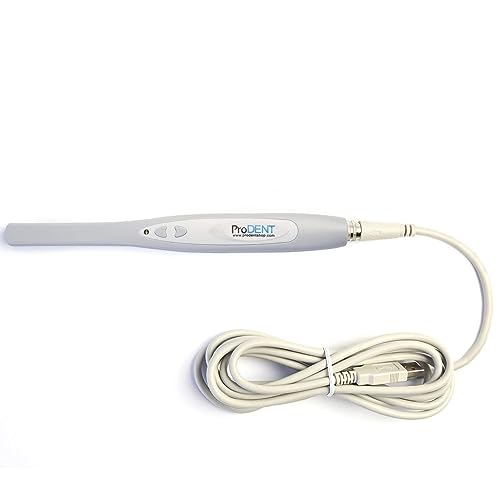
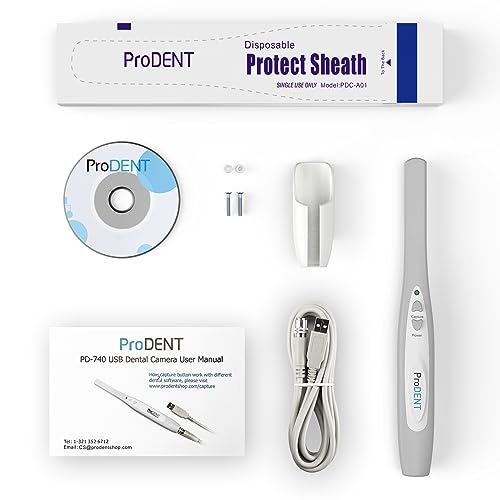


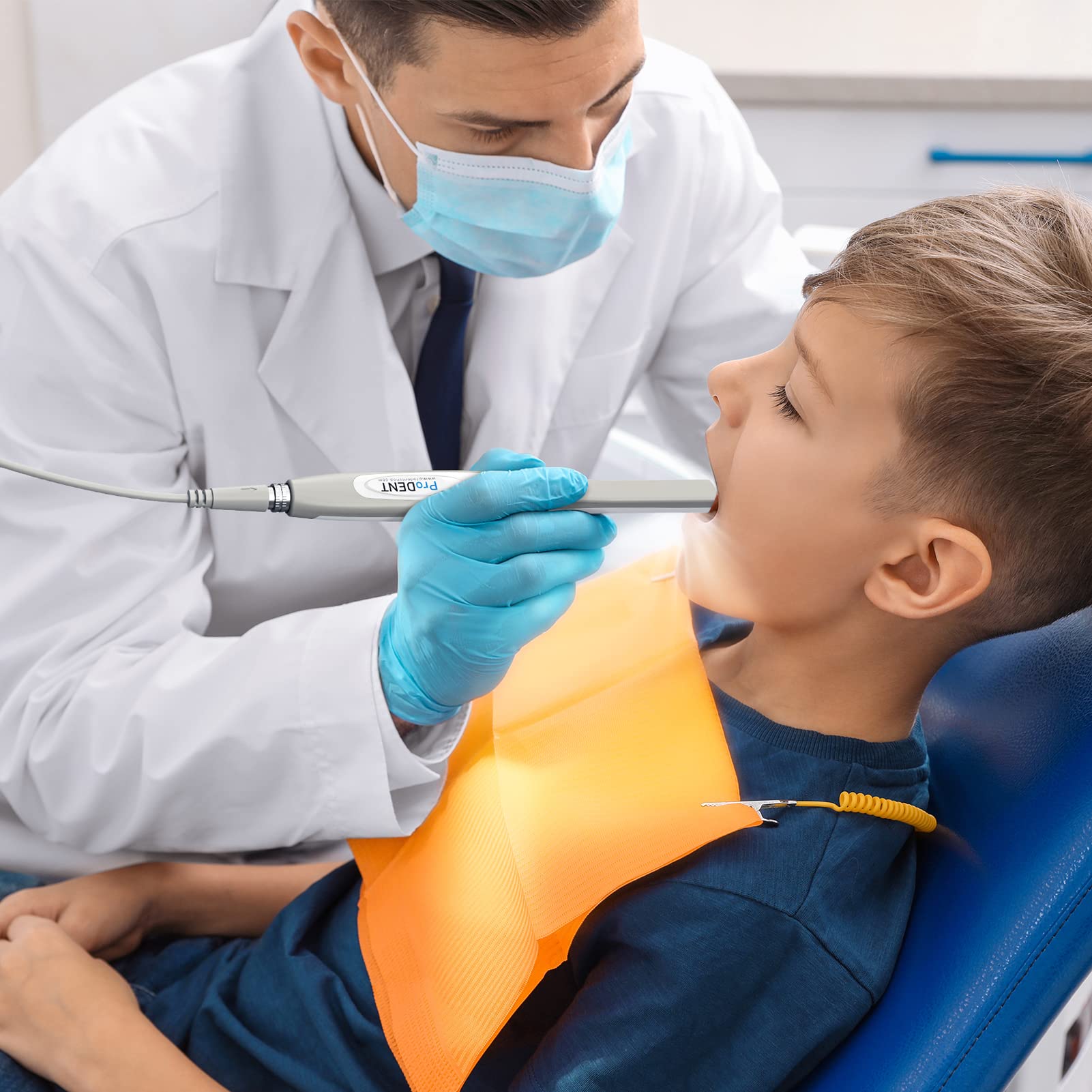
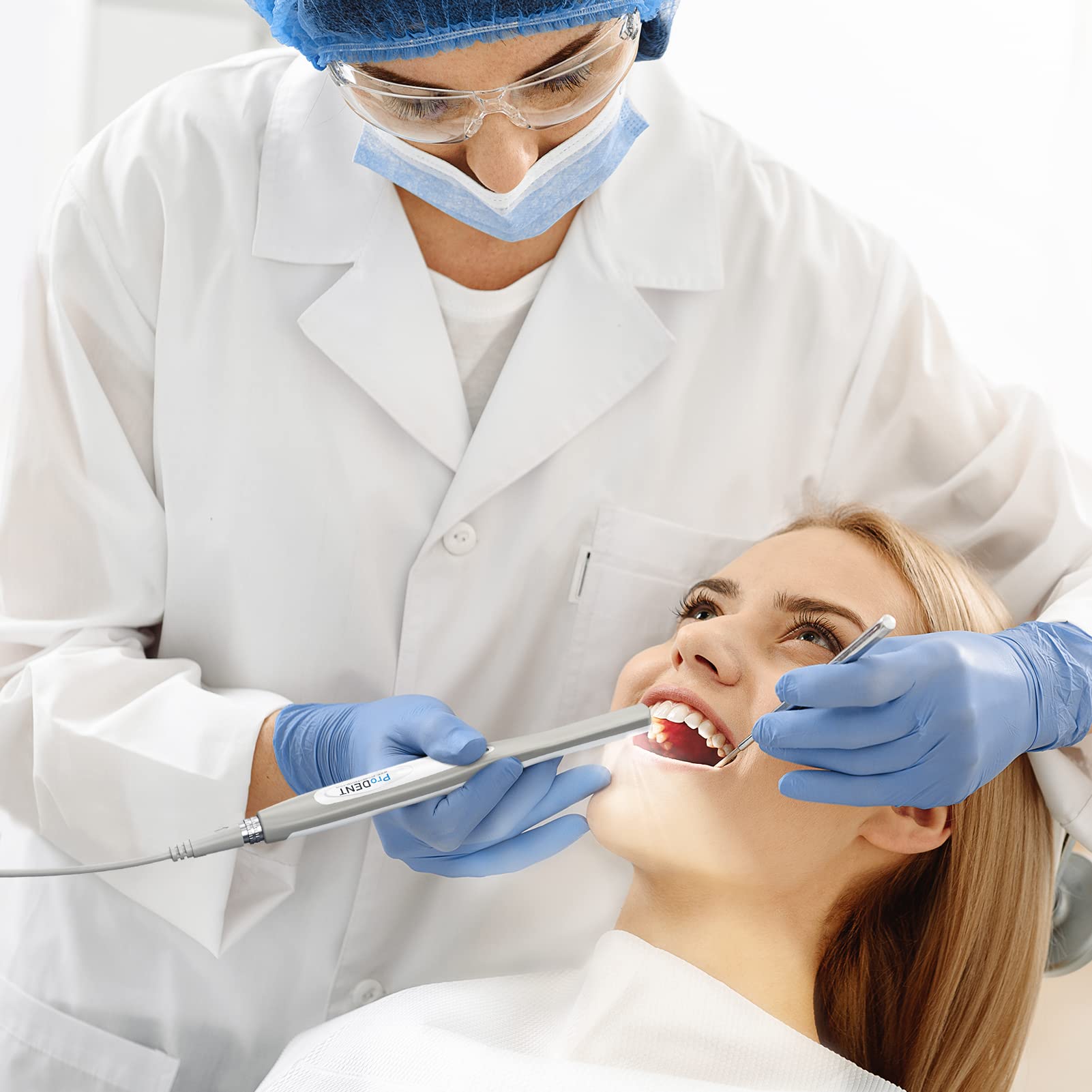
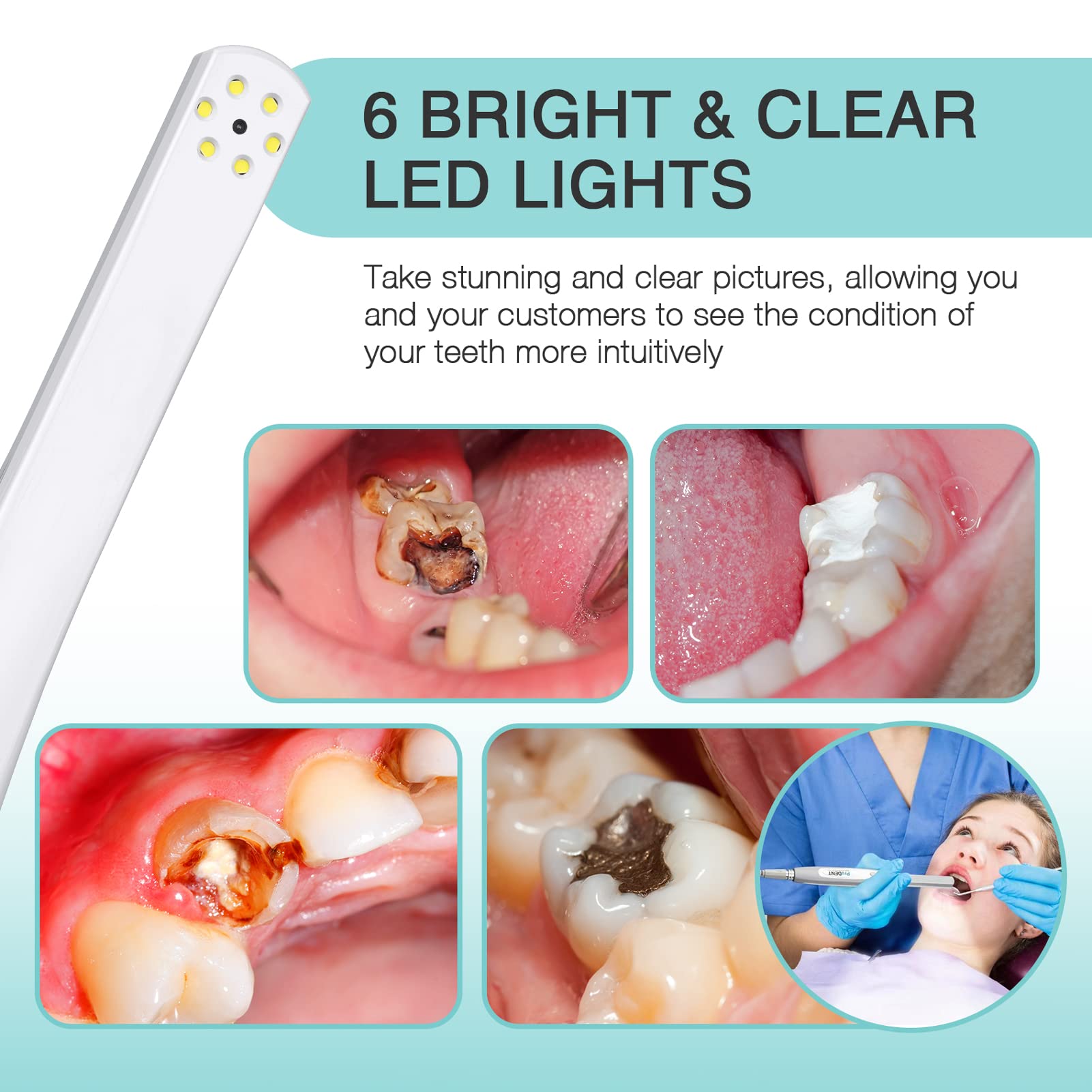
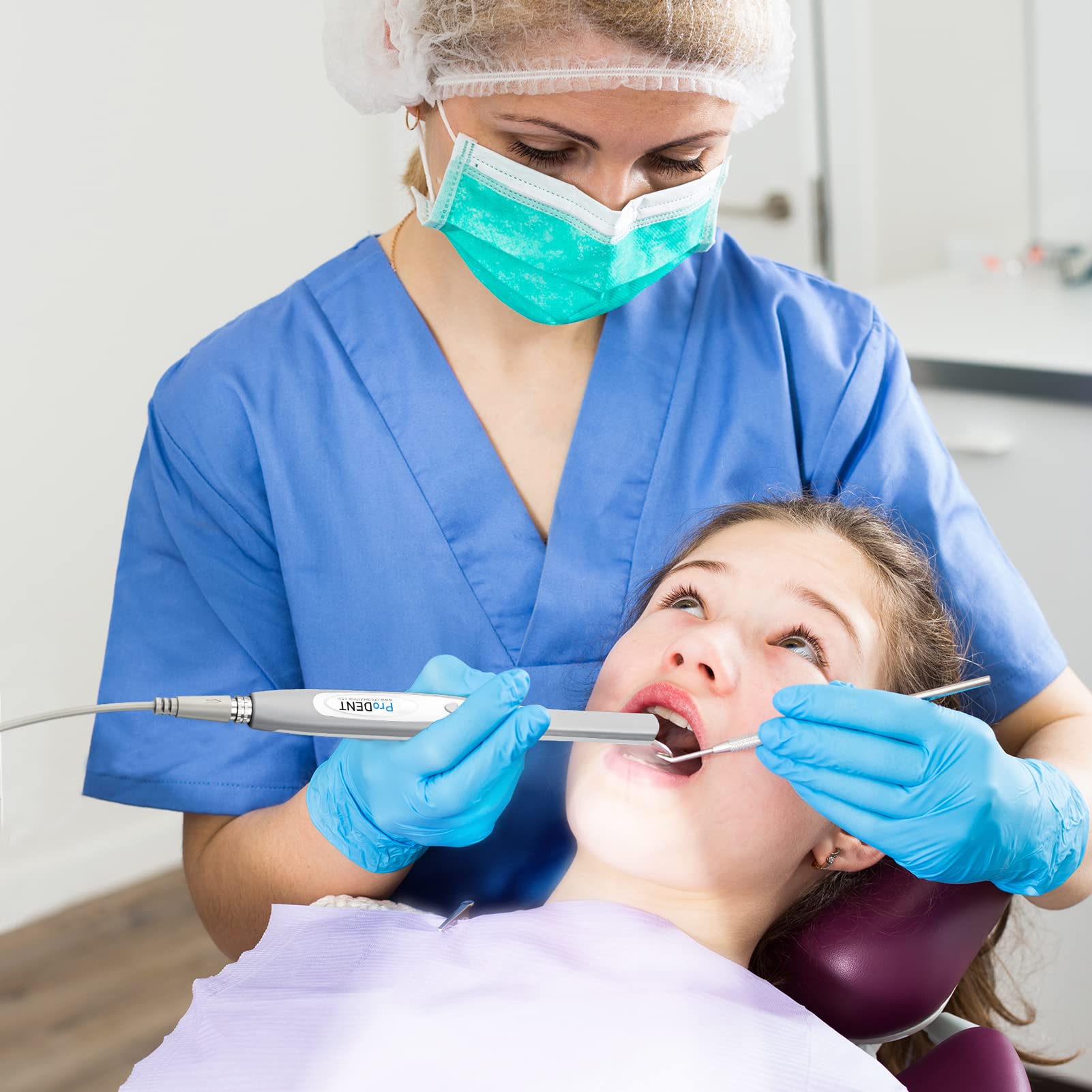
📸 Elevate your dental imaging game — clarity and compatibility that professionals trust!
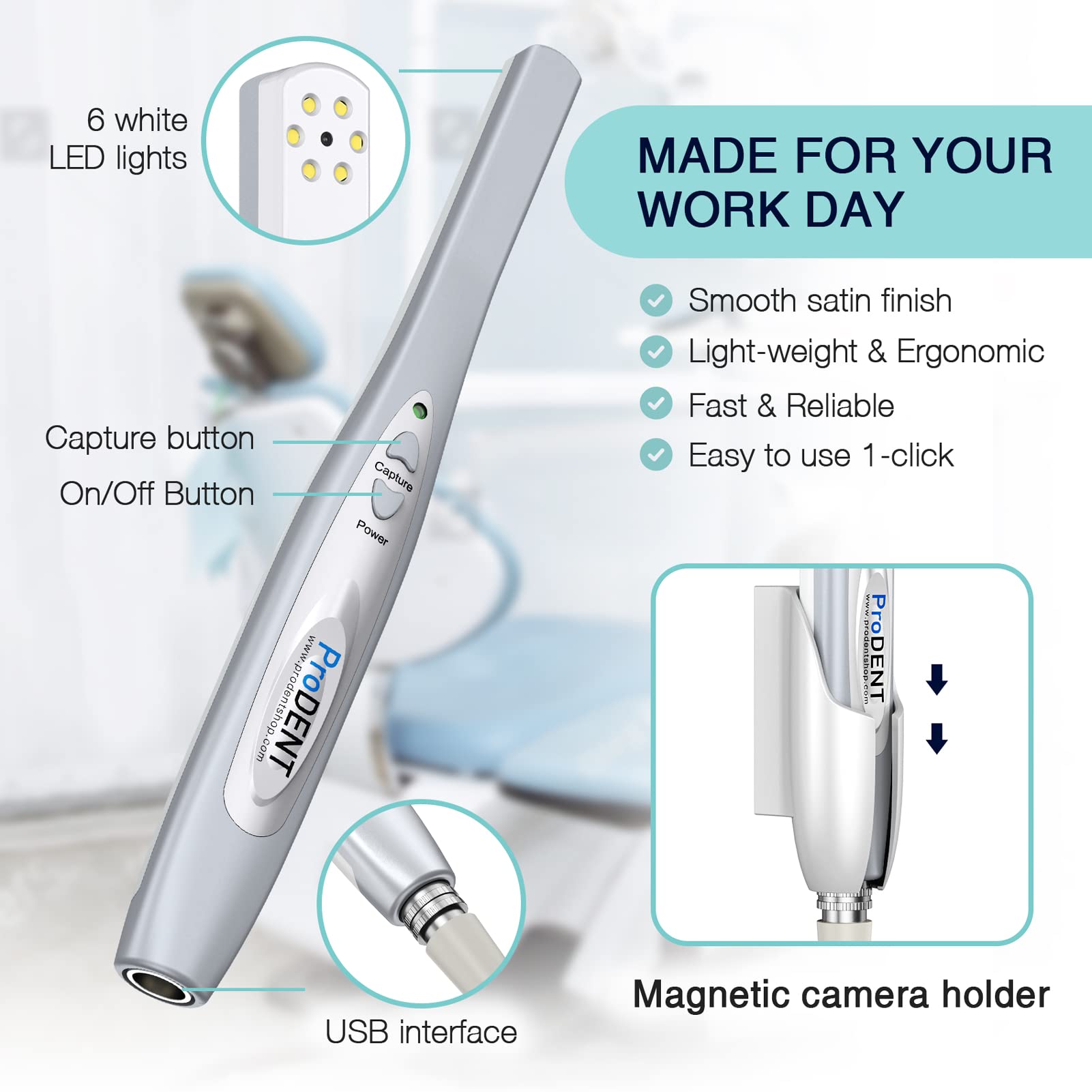
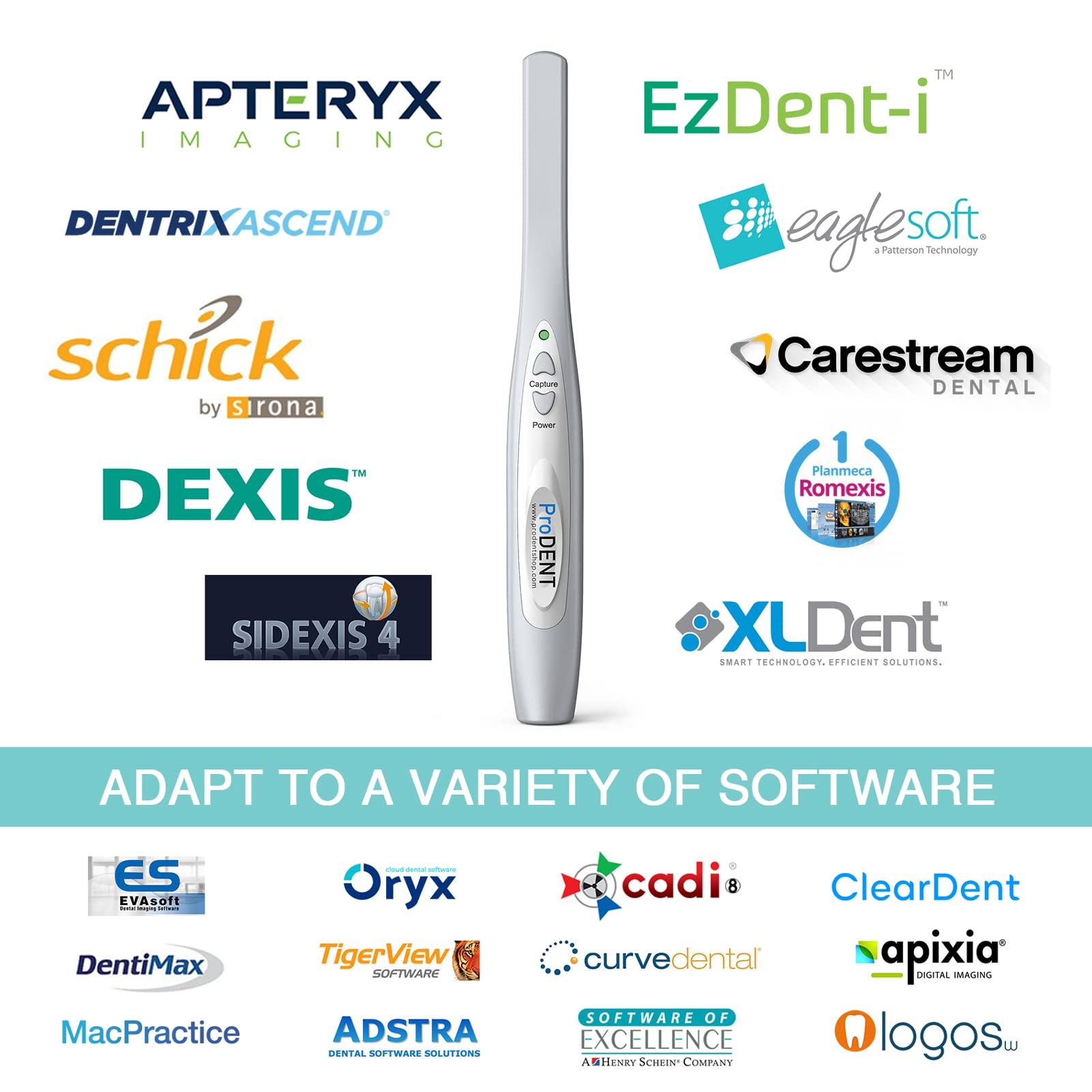
The ProDENT Intraoral Camera PD740 is a lightweight, professional-grade dental camera featuring a 70-degree optically coated autofocus lens for superior image clarity. Compatible with major dental software platforms and Windows 7 through 11, it offers quick USB 2.0 connectivity and smart auto-off functionality. Designed for seamless integration and backed by responsive support, it’s a cost-effective solution trusted by dental professionals seeking high-quality imaging without the premium price tag.


| ASIN | B007BICWB4 |
| Best Sellers Rank | #42,773 in Industrial & Scientific ( See Top 100 in Industrial & Scientific ) #3 in Dental Intraoral Cameras |
| Date First Available | February 21, 2012 |
| Is Discontinued By Manufacturer | No |
| Item Weight | 12.3 ounces |
| Item model number | pd740 |
| Manufacturer | ProDENT |
| Package Dimensions | 9.76 x 4.84 x 2.13 inches |
T**G
Definitely worth the money!
I've had mine for 3 months and It works great! The set up is very easy. It works with Dexis. The image quality is very good. You don't have to fiddle around with an awkward focus switch, It has a relatively deep range of focus (just don't be too close or too far from the teeth). The sheaths are a little cumbersome, I wish they fit a little tighter so that they don't bunch up or move. If you don't hold the sheath tight it can interfere with the image. Definitely as good if not better than cameras 10-20 times the cost! 5 stars because I'm finally happy to see companies making good quality, reasonably priced dental equipment instead of the price GOUGING like the big dental companies do.
P**Y
No Nonsense Camera
I installed its mini-CD program in the computer. Wow - this camera will not fool you or waste your time. It works the first time. It blows us instantly due to its unbelievable performance against price. The clarity of the pictures are so vivid and sharp in a 28 inch TV/PC monitor. After one week of usage, everybody are still happy. We plan of buying another set as a reserve/replacement incase of breakdown. It is use as a stand alone program in a dental office. Patients are impressed. Usage/operation is very simple. Do not buy the companion foot pedal, it is not needed. March 25, 2014 Update: It is almost 2 months now but it is still working perfectly as in day 1.
K**H
So far so good
Wonderful camera that has been going strong for the past year. Needed a cheap intraoral camera to help show patients pictures of their teeth and gums. This worked perfectly. Nice images that get the point across. It is not going to be 4K, but for the price it can't be beat, We use Open Dental and it works well with the imaging feature. The only thing that does not work well is the capture button. We have to use the keyboard to capture the image we want. It's fine when you have an assistant to help, but when you are on your own, it's not ideal.
J**F
Great Alternative to expensive cameras
I was originally very doubtful about getting this camera. My IT guy had been trying to get me to get these or at least try these out before spending $4k or so for the “high end” cameras. With insurance companies trying their best to deny any claim they can, I find taking intra-oral photos a necessity. These cameras do exactly what is needed. I don’t see a need for spending $3-4K for a simple phote. The price point is fantastic, so when you assistant or even you drop one you won’t go crazy thinking how much money was that. This camera doesn’t have all these bells and whistles. but all you need to do is take a good photo so you can educate your patient and maybe even get some money from those insurance companies. I would defintelty recommend these just be careful when you are cleanig near the lens. Use the shealths and you will be fine.
M**C
Bad Product, Bad Services
I bought this roughly a month ago, break it out and tried to install, but didn't get anywhere. The tutorial video was useless. Then someone from the company called me, trying to push me to buy more cameras. I told the rep that I was trying to get the camera working, which id didn't. He told me I'll need the activation keys which are supposed to come with the purchase. So he emailed me the keys. Today, I had a little more free time at the clinic, so I tried to install again. None of the provided keys works. We contacted the support team, and was told that the keys that came with the camera are just temporary keys. And they expires after 30 days. If it's only temporary so the consumer can test the camera, why sending 3 of them? And they sent me the keys on 3/12; today is 4/11, but they are expired anyway "or something like that" according to the technician. So in order for me to even try to get this camera to work, I will have to purchase a permanent key for the price of $25 per work station, or an unlimited option for $100. Clearly, I don't remember any of this "rule" was stated in the product description. He also informed me that this is just standard industry practice. And of course, the best way to solve my dilemma is to purchase more cameras, so I can get at least one to work to test it out. I am not sure what ProDent is really thinking. But I don't think anyone with a sane mind would try to purchase anything that clearly not well supported, and maybe not even working to his expectation. I am bummed that the purchased was made on 3/7 so it's past 30 days and I can't return the camera. But one thing is sure: I would not ever purchase anything from this company, who clearly is out to scam the consumer by selling the product without even a single activation key to make it work.
K**E
Short lived
Works great at first but doesn’t last long and stops working
R**C
Works with XDR imaging software, simple to set up and use!
Plugged it into the USB port, waited for Windows 7 to automatically install the software, ran XDR imaging software, and it worked after setting up the template. Didn't have to install any third party software to use it. When you are ready to capture images, remove the camera from the included holder and it automatically turns on. Place the camera back in the holder to shut it off. The button closer to the camera end saves the image / takes the picture. The button closer to the cord end freezes the image (push again to unfreeze). If you like the paused / frozen image, push the save button (button closer to the camera end) to save the image. Once the image is saved, XDR software will allow you to take another image, provided you created a template to take multiple pictures. Image quality isn't the best when the photo is enlarged, but you can see what you need to see. More importantly, patients can see what they were previously unable to see. Saves me a lot of time from trying to describe the problem or draw pictures to explain what is wrong.
P**K
Bonnes images. Très bien pour le prix Remarque le logiciel bof ....mais ce prix rien à dire .je conseil l'achat
A**Y
Für die Intraoralen Bilder in der Zahnarztpraxis sehr gut, einfach von der Installation, und gute Bildqualität. Hätte mir gerne noch zwei oder drei Stück auf Reserve bestellt, aber leider derzeit nicht verfügbar.Schade.
D**L
Nach vierzehn tägiger intensiven Benutzung der intraoralen Kamera kommen wir zu folgendem Ergebnis: funktioniert gut, sehr akzeptabl. Preis Leistungsverhältnis, alltagstauglich
D**G
Belle qualité d'image et d'éclairage. Mais notice et ergonomie logicielle laissant à désirer. On aurait souhaité une inversion gauche droite pour agir sur le tartre sans être perturbé par l'effet miroir.
Trustpilot
3 days ago
4 days ago