We remain fully operational. Our teams are working around the clock to ensure your deliveries continue safely.

DOWNLOAD THE APP


Customer Services
Copyright © 2025 Desertcart Holdings Limited
DOWNLOAD THE APP

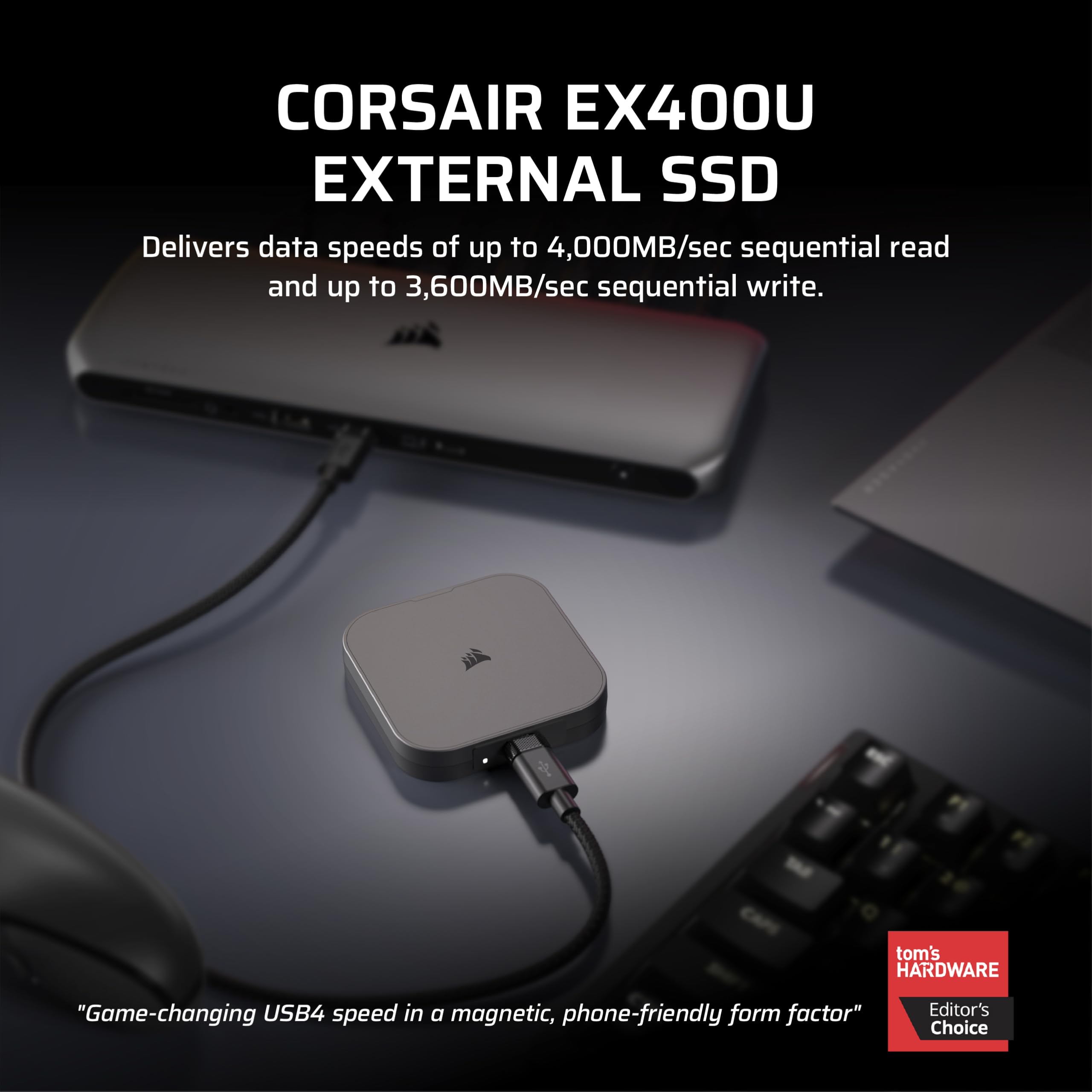
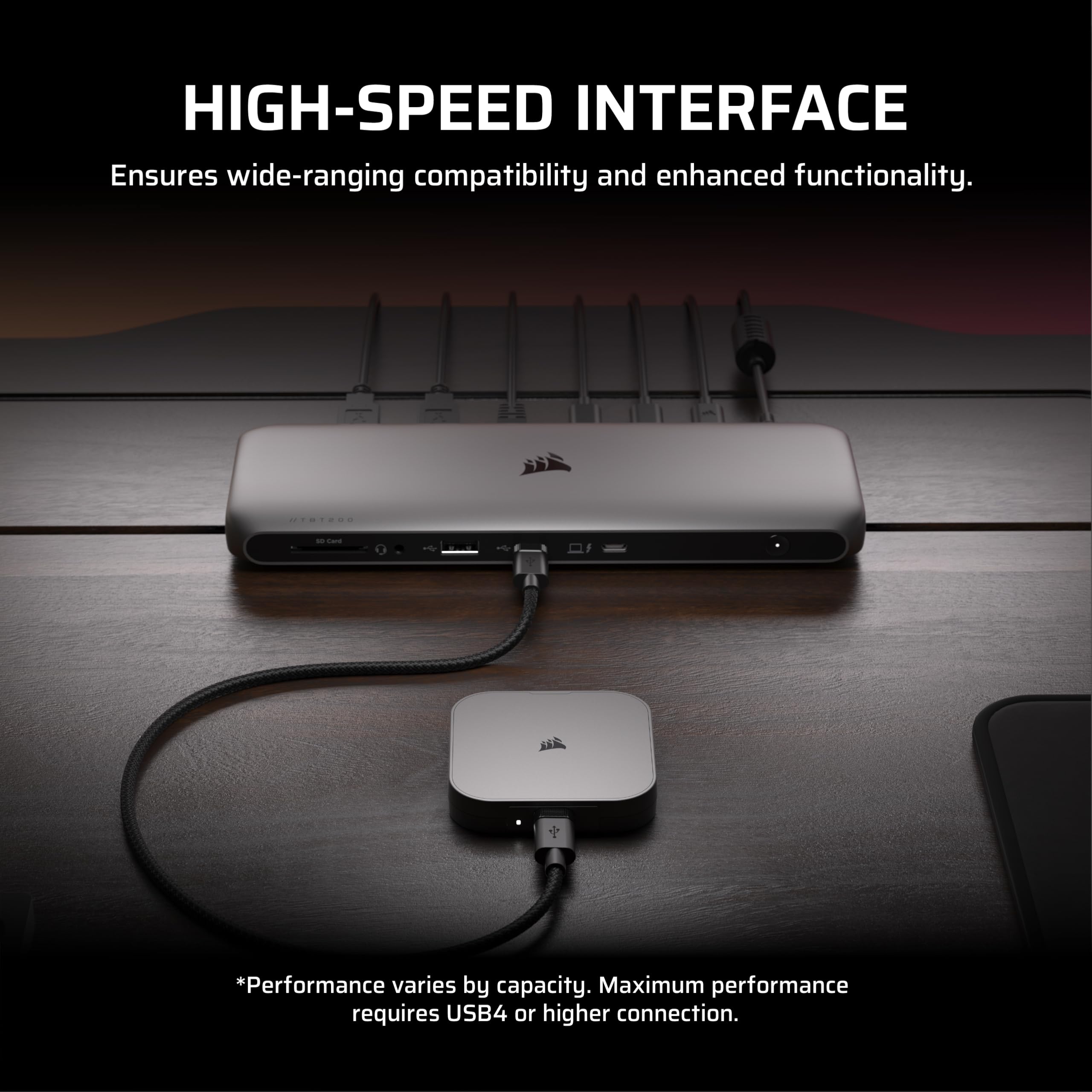
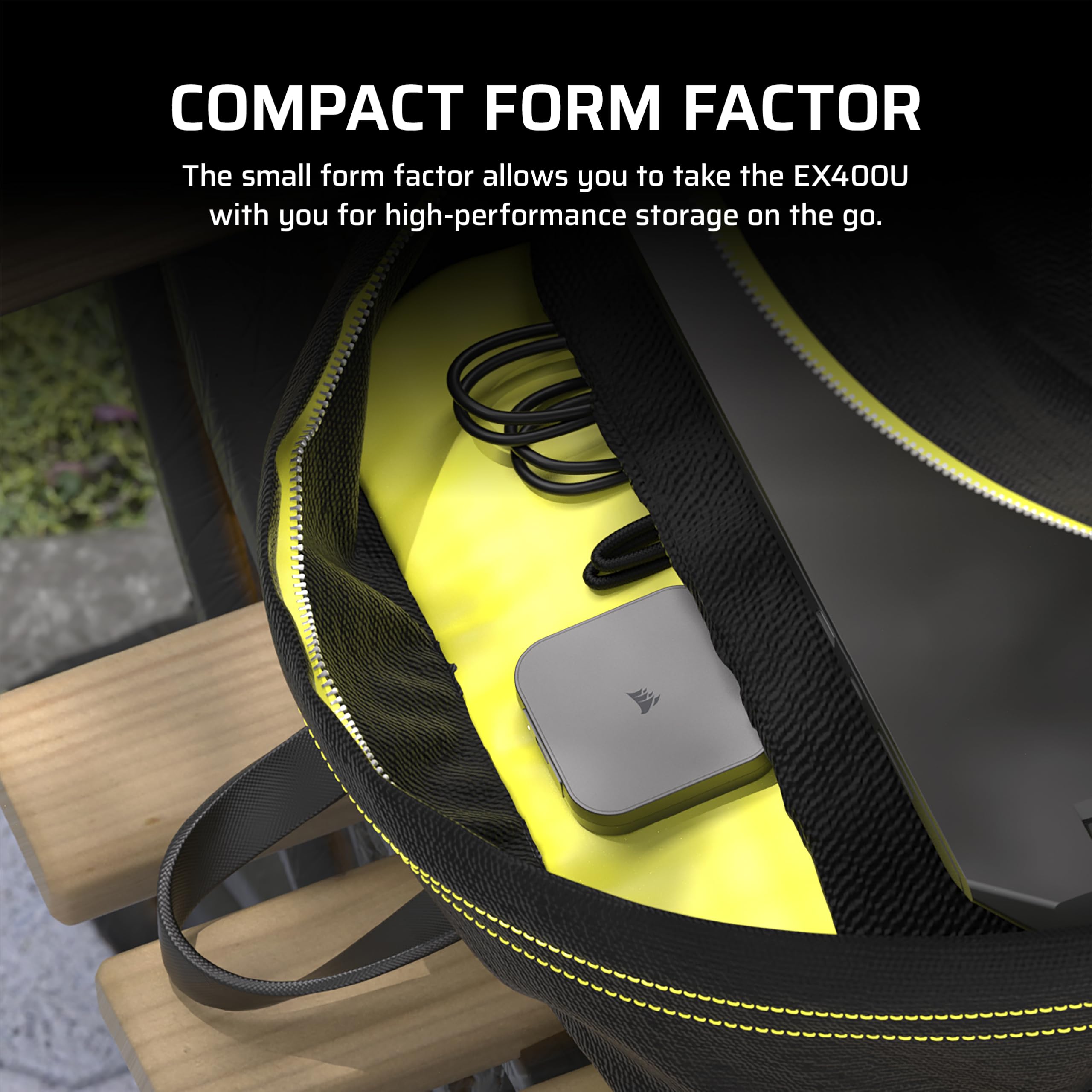
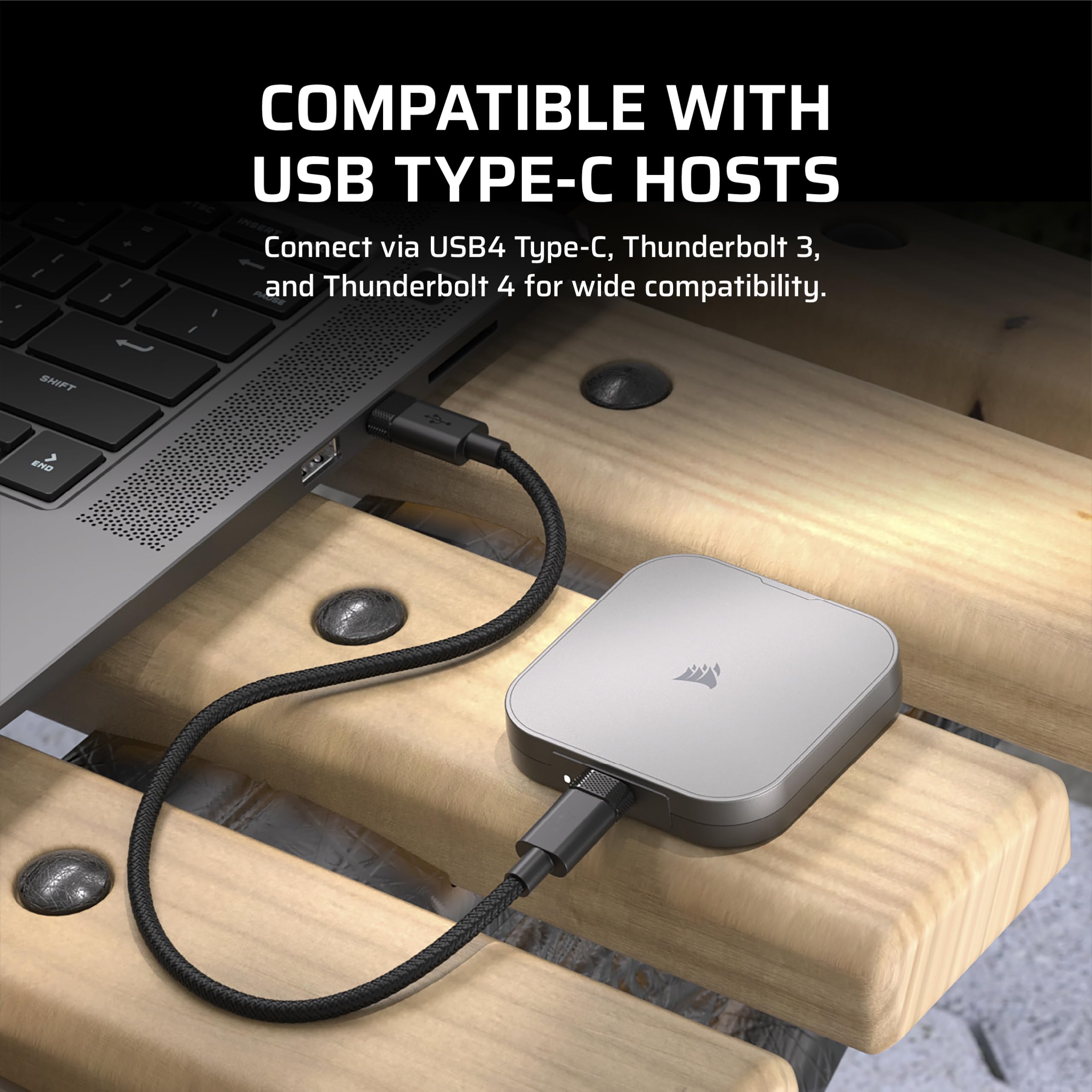
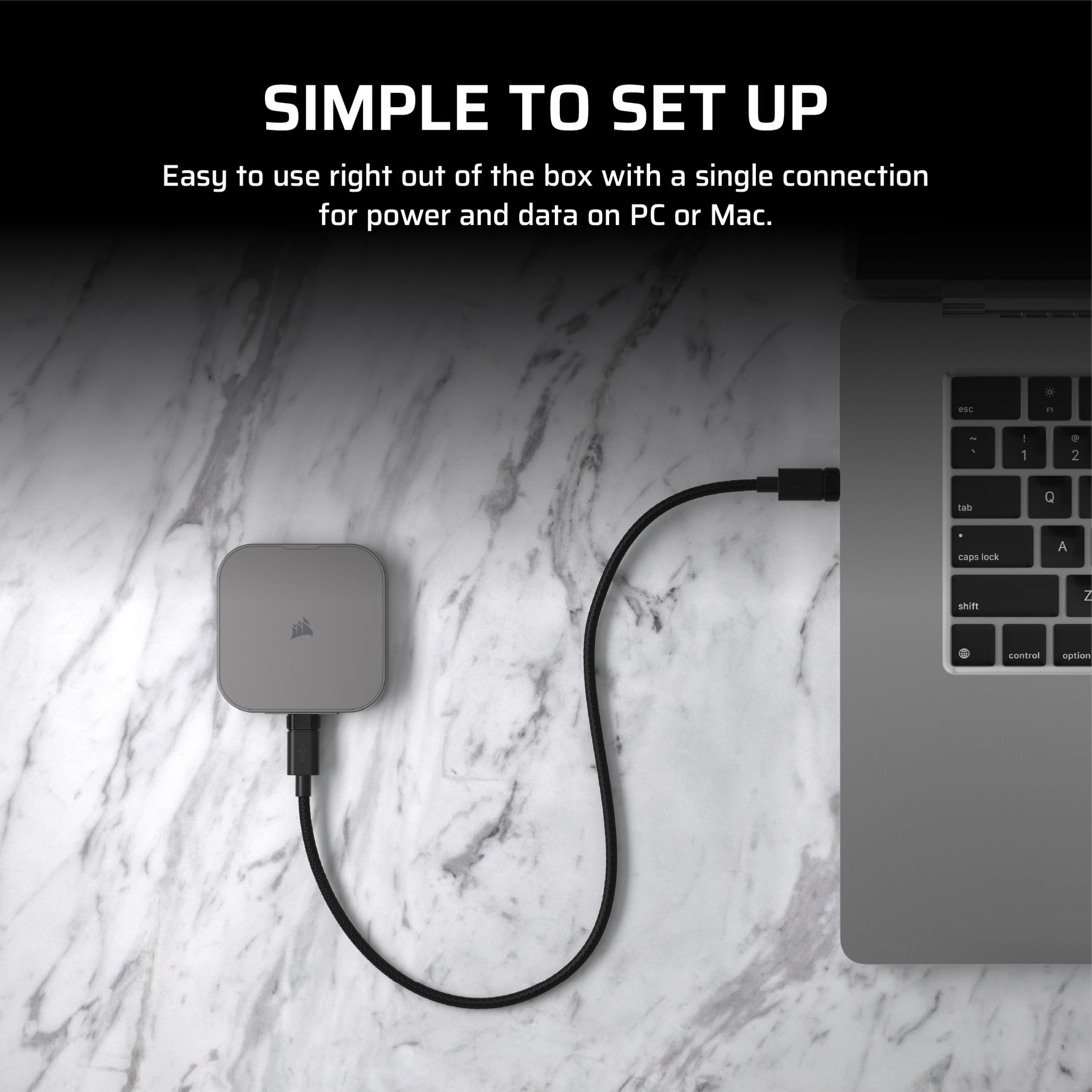
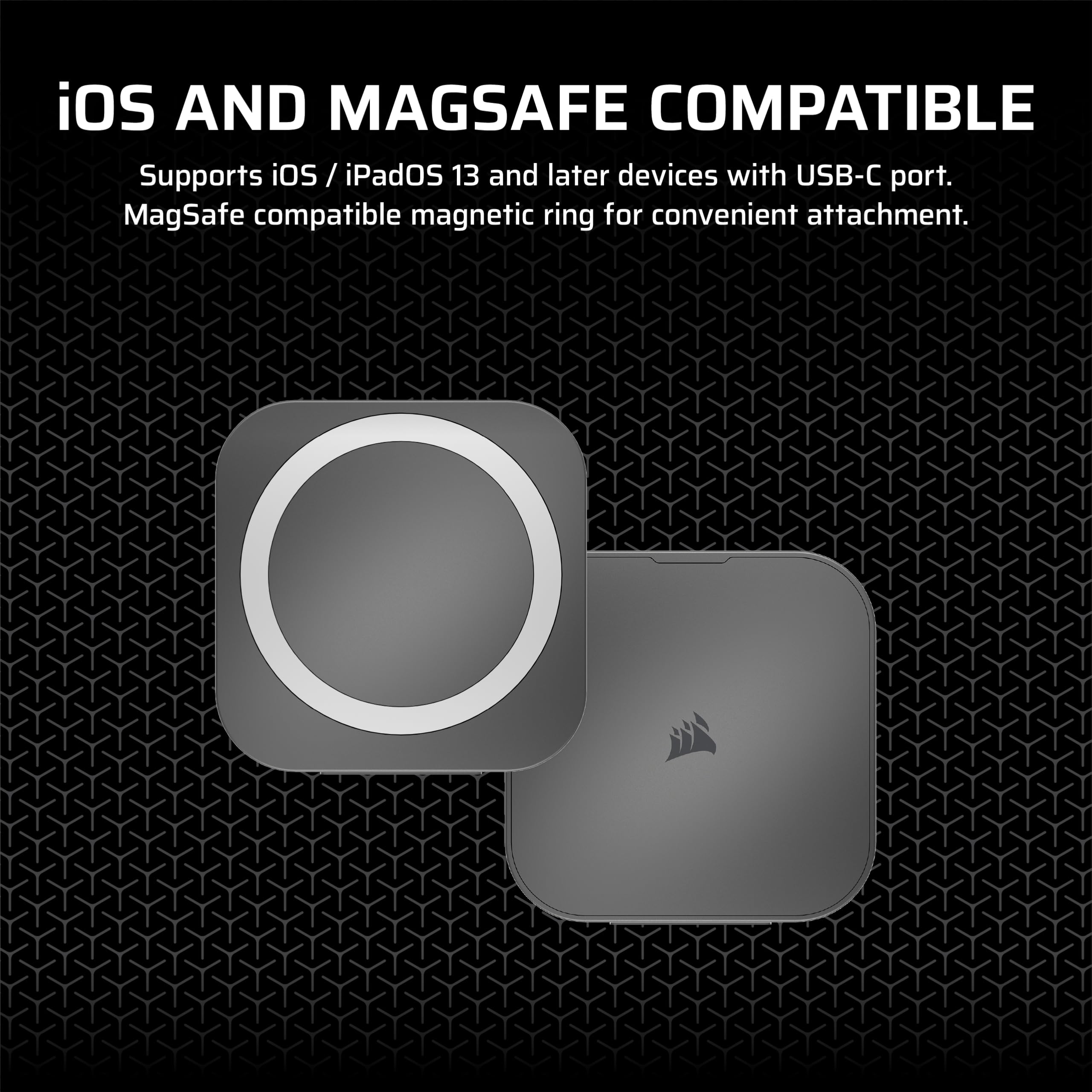
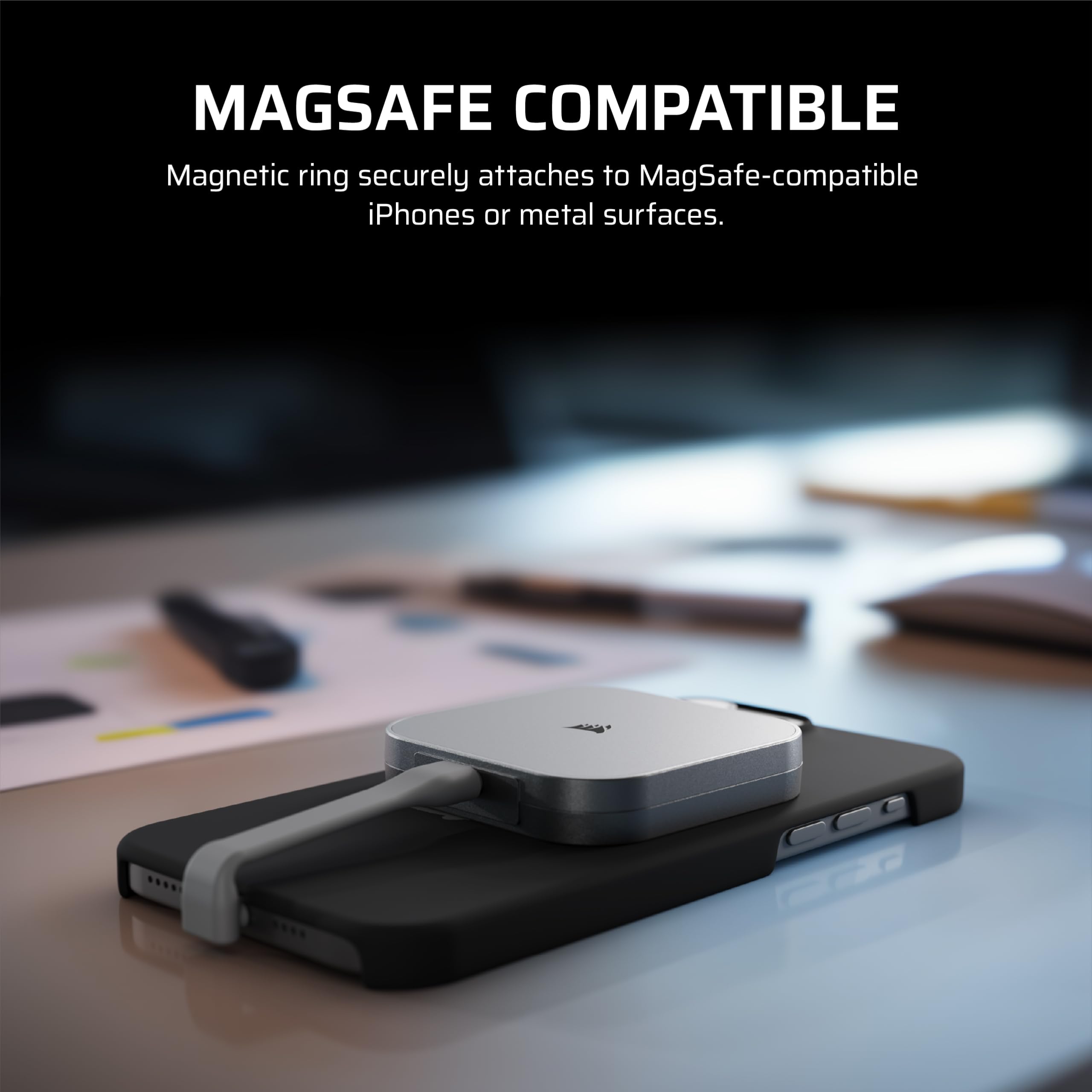
🚀 Speed Meets Style: Carry the future of storage in your pocket!
The Corsair EX400U 1TB USB4 Portable SSD delivers ultra-fast 4000MB/s read and 3500MB/s write speeds via USB4 and Thunderbolt 4 connections. Its compact, lightweight design fits perfectly into a professional’s mobile workflow, offering plug-and-play ease for both Mac and Windows users. With advanced SSD management software and a 3-year warranty, it’s a reliable, high-performance external drive built for today’s demanding data tasks.


| ASIN | B0DR37B7H4 |
| Best Sellers Rank | #179 in External Solid State Drives |
| Brand | Corsair |
| Color | Gray |
| Customer Reviews | 4.2 4.2 out of 5 stars (785) |
| Date First Available | January 23, 2025 |
| Hard Drive | 1 TB Solid State Drive |
| Hard Drive Interface | USB-C |
| Hardware Platform | Mac, PC |
| Item Dimensions LxWxH | 2.53 x 2.52 x 0.47 inches |
| Item Weight | 3.25 ounces |
| Item model number | CSSD-EX400U1TB |
| Language | English, English, English, English, English |
| Manufacturer | Corsair |
| Product Dimensions | 2.53 x 2.52 x 0.47 inches |
| Series | EX400U |
D**.
Highly satisfying (and fast) 4TB SSD
Fantastic, speedy, little (about 3 and 3/4”, square), lightweight, 4TB SSD. Some earlier buyers, apparently, had issues with its compatibility with Mac Silicon computers, but the one I have has worked flawlessly with an M4 Max Studio Mac, so hopefully, going forward from here, Corsair has addressed the firmware inadequacies that affected Silicon Macs. My little Corsair drive runs fairly cool. It definitely doesn’t get hot - maybe slightly warm. No worries that it gets too hot to touch. I’ve had mine for just about a month, now, and its performance is fast, as advertised. I’m very satisfied with this small wonder.
F**.
Cool little thing.
This is a powerhouse of technology, the file transfer is crazy fast , it’s MagSafe you can use this to record promax resolution on your iPhone , I own the 16pro max . You roughly can get 3 hours of recording time using maxed out video recording settings. Enough to get multiple shots and to edit them . You can just attach this bad boy on the back of your iPhone and plug it to your iPhone . The price is a little steep but hey, this thing is so small and this are 4T of storage!!! So far no complaints. I can’t feel if it gets hot , formatability is a breeze , you can set it up to your MacBook to have it as an external storage drive and to also run programs. You only have to format the storage unit to the appropriate format and your done.
S**S
Hardware Failure Threatened M4 Hardware - Radioactive
I had hoped with the purported speeds of 3,200MB/s by users, the compact size, and the USB4 interface that this could be a boot drive for a MacBook Air "backpacked" with a magnetic mount to the lid. It did not have the firmware problem reported by many Mac buyers, BUT after formatting successfully in APFS with GUID--the unit became very warm--and then suddenly the M4 Mac Mini it was first attached to crashed, rebooted, and then the video blacked out and the Mac M4 crashed again. I swapped cables. Same result. Then consulting Gemini, it said that it was likely a hardware failure that overloaded the video board + USB/Thunderbolt 4 card and it powered down to protect itself. Wow. Since the drive was destined for the M4 MacBook Air, I plugged in the "formatted" drive and it immediately crashed the brand new M4 MacBook Air. I would regard this Corsair drive as literally dangerous to other hardware -- and could cause damage many times more expensive than it's cost if it is indeed overloading boards inside the Mac. Overall the quality is cheap, it feels like a plastic prototype, the cable plug looks delicate and I wouldn't rely on it for on-the-go use. The magnet works on an iOS, and holds firmly, but that's small consolation for a drive that was essentially DOA. I'm glad it failed before I had copied all my data to it. I guess I would issue a warning to other Mac users who are using this drive to be very careful, and backup, I don't think I've ever seen a worse quality drive in modern times. Avoid at all cost. I would never attach it to any hardware again. I've never had such a low trust in a peripheral. Needless to say RMA'd.
B**F
Great compact size with decent transfer speed and reliability.
These have been a life saver for my trips. Compact and been reliable thus far (knock on wood). Bought two of these and were able to backup all my trips camera photos as well as my action cam and insta360 videos.
A**A
Transfers in the speed of light
Took about 11 days to arrive in South East Asia. Super fast and super small. Smaller than expected and very portable that way. For everyone in need of fast data backup or transfer. It comes with 2 short USB C cables capable of transferring thunderbolt speed. 100% recommendation.
1**E
Fast drive Thunderbolt4-265 Gb back up 7 min.
It works really well on a Mac. Fast external drive. Great value for the money. Using it as a backup clone on a PowerBook Pro M3 and getting great speeds. Also split the drive to use the other Half as a Time Machine back up also.
M**D
Special considerations for Macs
This review is for the 2TB version of the EX400U (2025) SSD. My original review (below) was negative, but after returning the drive I had a conversation with the Corsair support team, who suspected a hardware problem. So I ordered another one. The replacement drive installed correctly and runs correctly at the full Thunderbolt speed on my M3 MacBook. For your reference, the symptom on the bad drive was that the M3 MacBook wouldn't even boot with the drive plugged in. Original Review: It worked great as a USB3.1 drive on a 2015 Intel-chip MacBook Pro 13 inch using Sonoma 14.7, but it wasn't recognized on a 2024 M3 MacBook Pro 14 inch running Sequoia. The difference is the 2015 one recognized it as a USB3.1 device, but the 2024 one presumably saw it as a Thunderbolt device with some kind of incompatible configuration. The Internet told me that this is a well known problem with some versions of this drive, and to download a firmware update. Unfortunately the firmware update required a Windows computer to install. So I plugged the drive into a Windows computer and ran the firmware update. At first the firmware update wouldn't run because the file name was too long (yay Windows!), so I renamed the update file and ran it. Then the update utility said that the drive firmware didn't need updating. So I returned it. What I got from this experience is that Corsair is not all-in on supporting Macs with this drive - especially since they thought it was a good idea to require a Windows system to fix a Mac problem. If the device needs a firmware update to run on a Mac, why on earth wouldn't you provide an update utility that runs on a Mac? It looks nice though, and I particularly liked the MagSafe that lets you attach it to the lid.
M**E
Running Like a Top
I've been running it with a true thunderbolt setup and its fast and silent. Runs warm. Still trying to figure the best way to use the "L shaped" cable. I run my iTunes from it.
B**E
This is a small power pack with a neat built in USB C cable.
A**K
GÜZEL VE HIZLI SSD ÇOK İŞ GÖRÜYOR TAVSİYE EDERİM
C**.
Excellent product ,functional and reliable great 👍🏼
D**Y
Good product. Fast.
M**S
O SSD é extraordinário! Nota 10
Trustpilot
2 weeks ago
2 days ago