We remain fully operational. Our teams are working around the clock to ensure your deliveries continue safely.

DOWNLOAD THE APP


Customer Services
Copyright © 2025 Desertcart Holdings Limited
DOWNLOAD THE APP

🖱️ Elevate your workspace with precision, comfort, and style — don’t get left behind!
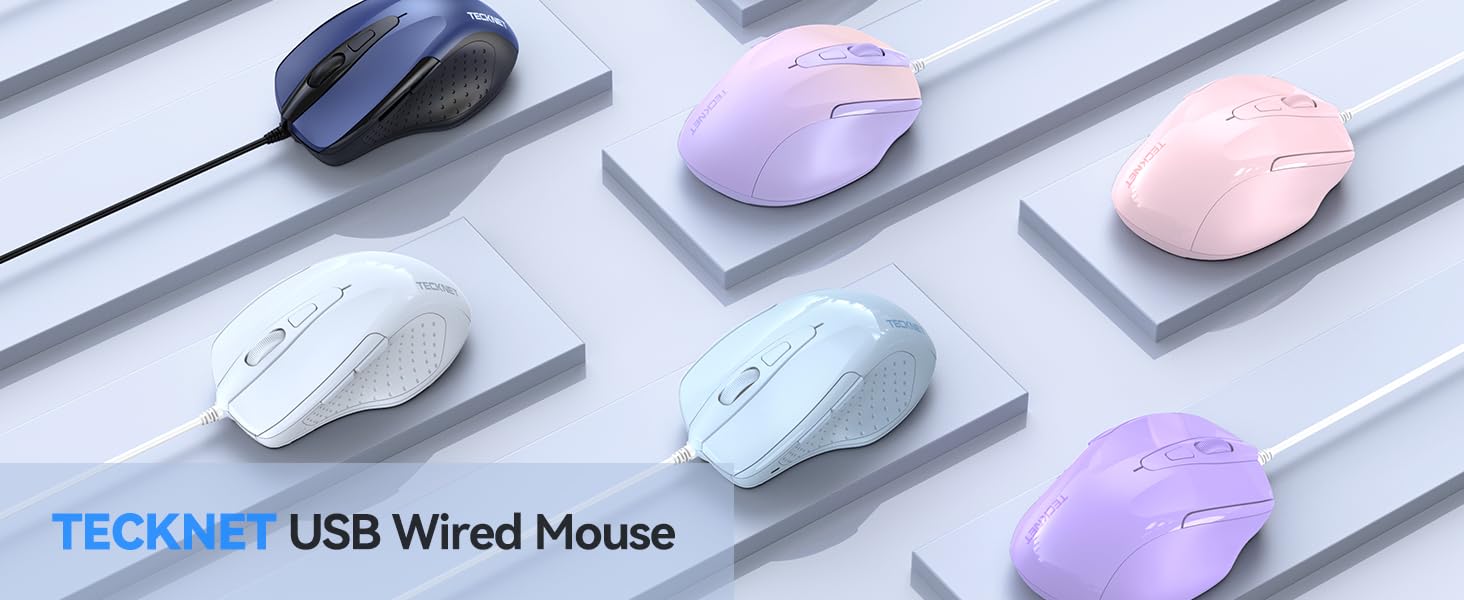
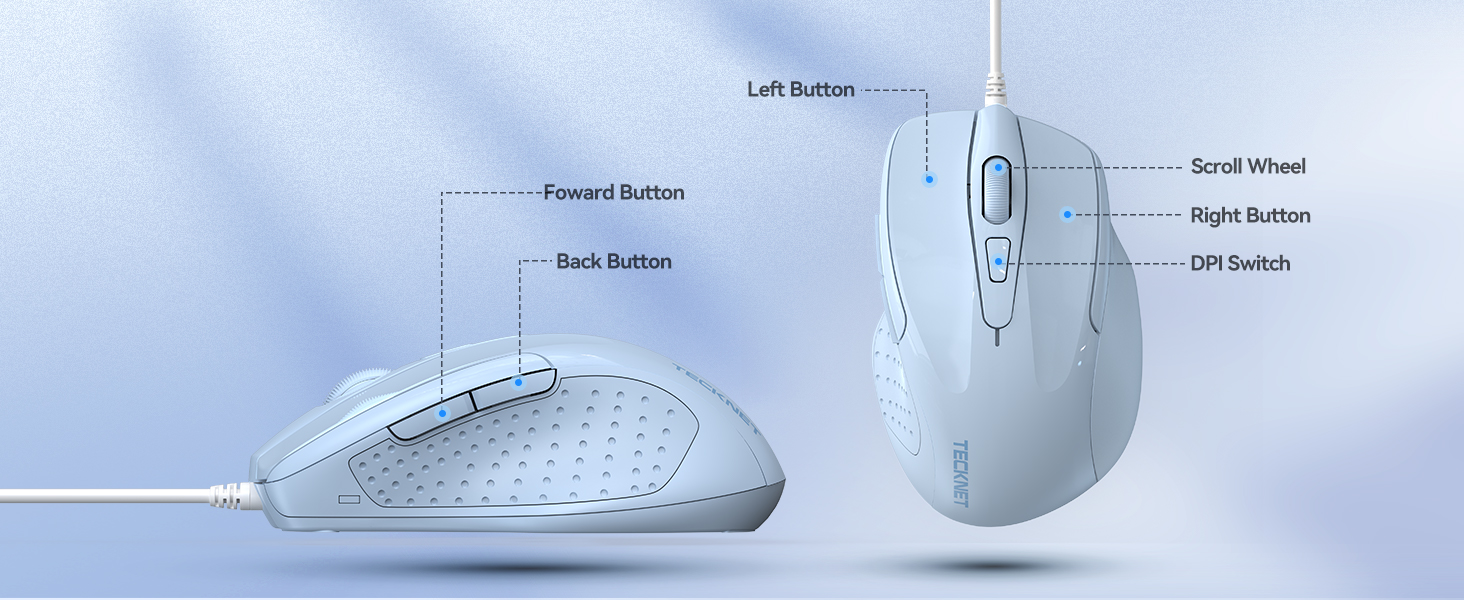
The TECKNET Wired Mouse LT.Blue combines high-precision Tru-Wave optical tracking with 4 adjustable DPI settings up to 6400 for versatile use across home and office. Featuring 6 buttons including dedicated Back/Forward keys, it enhances productivity with intuitive navigation. Its ergonomic design with soft rubber grips ensures comfort during extended use, while the 5-foot USB cable guarantees reliable, lag-free connectivity without batteries or software. Compatible with Windows, Mac, Chromebook, and more, this durable mouse is tested for over 6 million clicks and backed by a 36-month warranty, making it a smart, stylish upgrade for any professional setup.



| ASIN | B0CH9JP7JP |
| Antenna Location | Indoor/Outdoor |
| Are Batteries Included? | No |
| Are Batteries Required | No |
| Battery Average Life | 36 Months |
| Best Sellers Rank | #786,347 in Electronics ( See Top 100 in Electronics ) #1,568 in Mice |
| Box Contents | USB Cable |
| Brand | Tecknet |
| Brand Name | Tecknet |
| Button Quantity | 6 |
| Colour | LT.Blue |
| Compatible Devices | Personal Computer |
| Connectivity Technology | USB |
| Country of Origin | USA |
| Customer Reviews | 4.6 out of 5 stars 830 Reviews |
| Enclosure Material | Rubber |
| Hand Orientation | Right |
| Hardware Platform | Laptop, Personal Computer |
| Manufacturer | TECKNET |
| Mouse Maximum Sensitivity | 6400 Dots per Inch |
| Movement Detection | Laser |
| Movement Detection Technology | Laser |
| Network Connectivity Technology | USB |
| Number of Buttons | 6 |
| Operating System | Windows |
| Power Source | Battery Powered |
| Product Features | USB Wired Mouse |
| Product Finish Type | Glossy |
| Range | 100.0 feet |
| Special Feature | USB Wired Mouse |
| Style Name | Modern |
| Theme | Gaming |
| Unit Count | 1.0 Count |
C**N
Very quiet clicks, comfortable, short latency
The mouse has a smooth matte texture that is pleasant to the touch, but oils easily adhere to it. There is no 'click' you except from a normal mouse, making it ideal for quiet spaces. The scroll wheel click is still very audible though, its what you can imagine from a normal mouse click, so louder than other scroll wheel clicks. The wider shape and thumb and finger rests can take some to get used to, especially if you are comming from a more standard narrow mouse shape- like gaming mice. There are alternative shapes around though, if you prefer a smaller mouse, especially if you want to use a finger-tip grip I used this on a macbook pro with the pro-motion display, which goes up to 120hz refresh rate. It functions well in productivity applications like CAD programs, general use, and in video games. Consequently, macOS doesn't support the additional side buttons, so I cannot comment on the functionality of them, but they should work fine on other systems. I don't believe you can program them, as there is no software for the mouse The side buttons also provide a silent tactile response, with a slightly squishy travel after the click. I tested the latency online, with the reciever, it is on average 4ms, which is equal to a 250hz polling rate when in use. When connected via Bluetooth, it is approximately 7.5ms or 133hz polling rate. This makes it suitable for screen refresh rates up to 240hz and 120hz respectively. The Bluetooth connectivity is good when you don't want to, or cannot use the USB-A 2.4ghz adapter. You can use the mouse while it is charging AND connected wirelessly. The mouse does not work when only connected via usb type c cable when on or off, so you do not gain any latency or stability benefits from connecting it to your device via cable. You can connect 1 device via the adapter, and 2 more Bluetooth devices. At first I thought this is a useless feature. like, how many people are going to use a separate laptop and a desktop at their desk at the same time? But the more useful application is to use the same mouse, but on different systems. For example, you can use this mouse at home, but also take it to work (still a niche feature, and alot of other wireless mice have it too, but it's there). The DPI button has a good range of settings that work in MacOS. There is no indicator which dpi setting you are on, only the change in cursor speed you percieve on screen. In very quiet rooms, the electronics in the mouse does make an almost inaudible beeping sound when using it, but honestly, it shouldn't bother you unless you are in an Anechoic chamber. The scroll wheel motion is smooth, and the individual scroll 'bumps' are less pronounced compared to others I've felt. This makes it fast for scrolling through pages, but you can still slow down to scroll line by line. Excellent quality, well priced, don't even think about getting a logitech for double the price that still wants you to use an AA battery for no reason.
A**R
Fantastic all round
Really good, reliable, value for money. Battery life is long, its comfortable and very lightweight
P**L
Souris jolie et efficace
Souris silencieuse et très agréable a utiliser. Attention le format est un peu petit et peut ne pas convenir à tout le monde. Se connecter sans problème en bluetooth.
D**R
Interesting build
I have a mouse I really like to use, however the wheel is not great, so this is replacing that. The Look is fine, nothing about the look stands out, being a plain matt black all the way around. Build quality feels good, it feels pretty solid, with no wobbles or creaks and the USB dongle fits snuggly in it spot under the mouse. The feel is interesting mostly due to the finger rest on the right, all my other mouse(s?) have not had that and it has taken me a little while to get used to it, but now when I use this mouse I do not worry about the right finger rest. I connected mine with Bluetooth on windows and was working in under a minute. There was no fuss and it was easy to get up and running. Selecting whether to use 2.4 Ghz wireless or Bluetooth is done under the mouse. Usage is pretty good, the clicks are clean and work well, the roller is nice, it moves smoothly. The gliders underneath work well and I was whizzing around the desk without any problems. The Mouse Polling varies depending on whether you do Bluetooth or wireless. Bluetooth polls at about 125Hz max with Wireless Polling at 250Hz, so for general use the Bluetooth is fine but if you need fine control, for instance 3D graphics, CAD or gaming I recommend switching to the wireless. DPI can be controlled by a flat button behind the wheel, I like that it is flat, but I would like a light to let me know what DPI I am on, there is no way for me to know if I am on the DPI I want and that can mean sometimes I have to do the fling mouse point around screen to check. Overall I am fine with this, this is being used on my work laptop when at my desk, and fits my need perfectly. It is a bit bulky for my slim laptop bag, so I tend to not use it for travel ( I have another slim one for that )
K**R
Would buy again
Arrived on time. Very sturdy and comfortable. Works great
Trustpilot
1 month ago
3 weeks ago