Some deliveries may take a little longer than usual due to regional shipping conditions.

DOWNLOAD THE APP


Customer Services
Copyright © 2025 Desertcart Holdings Limited
DOWNLOAD THE APP
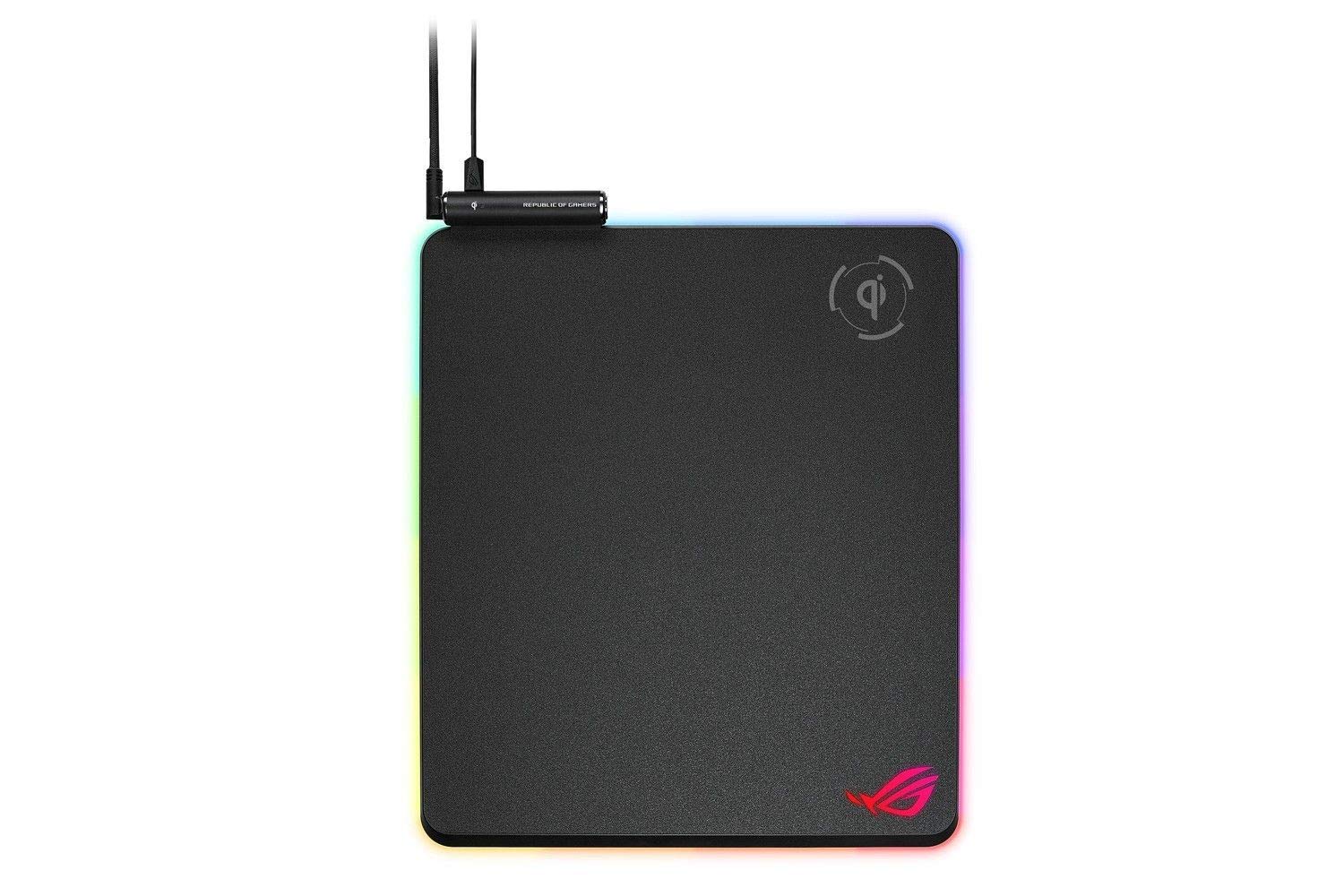
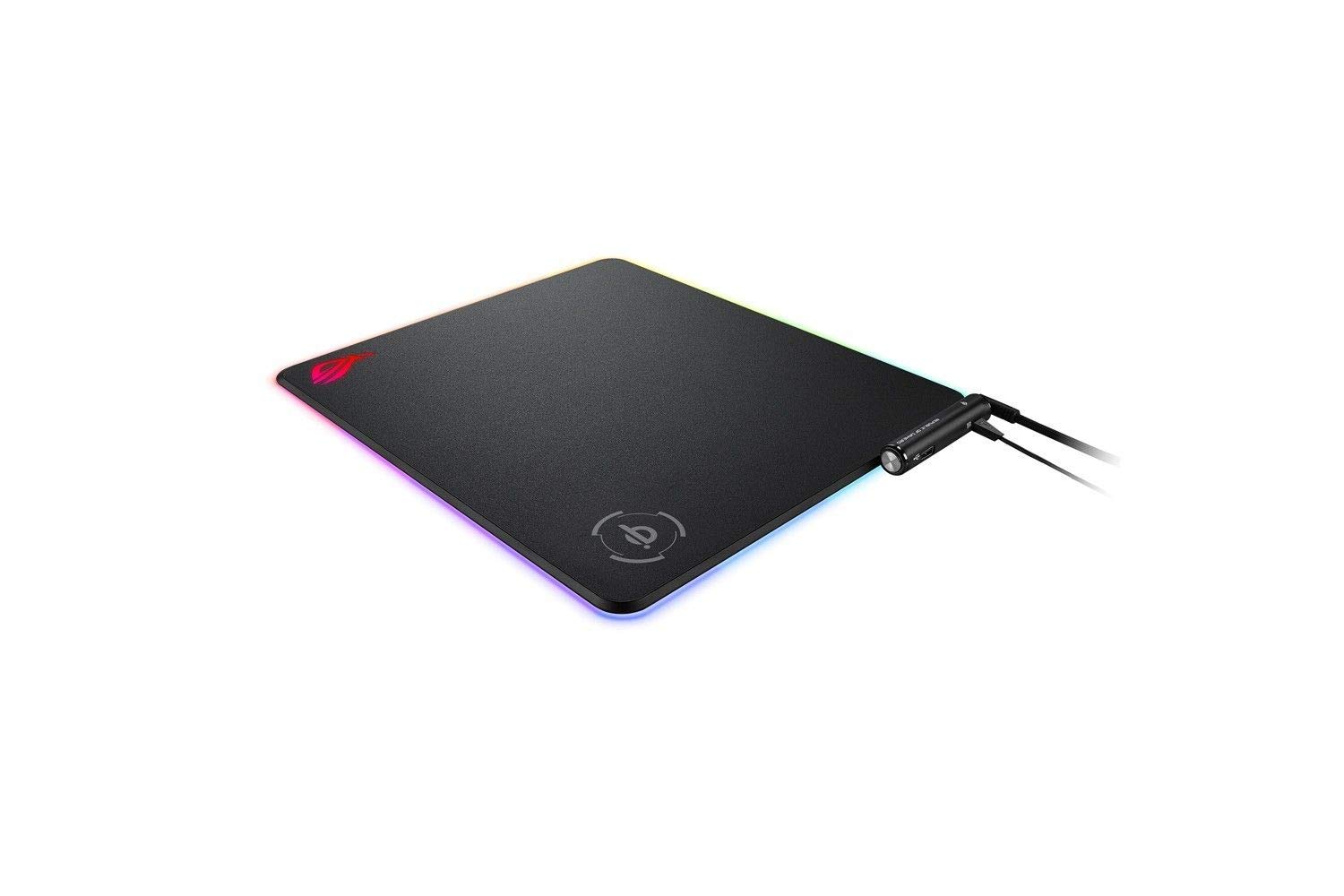
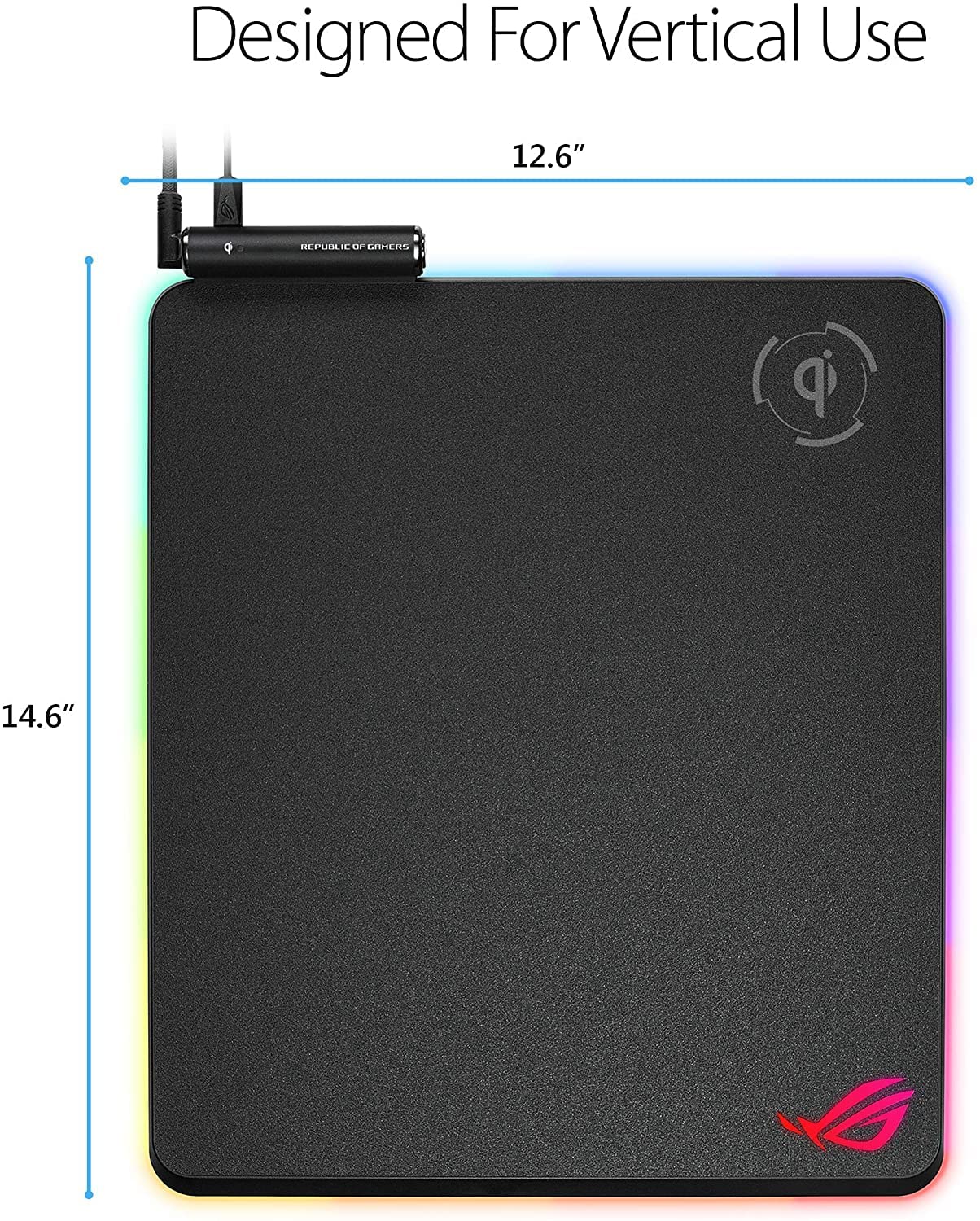
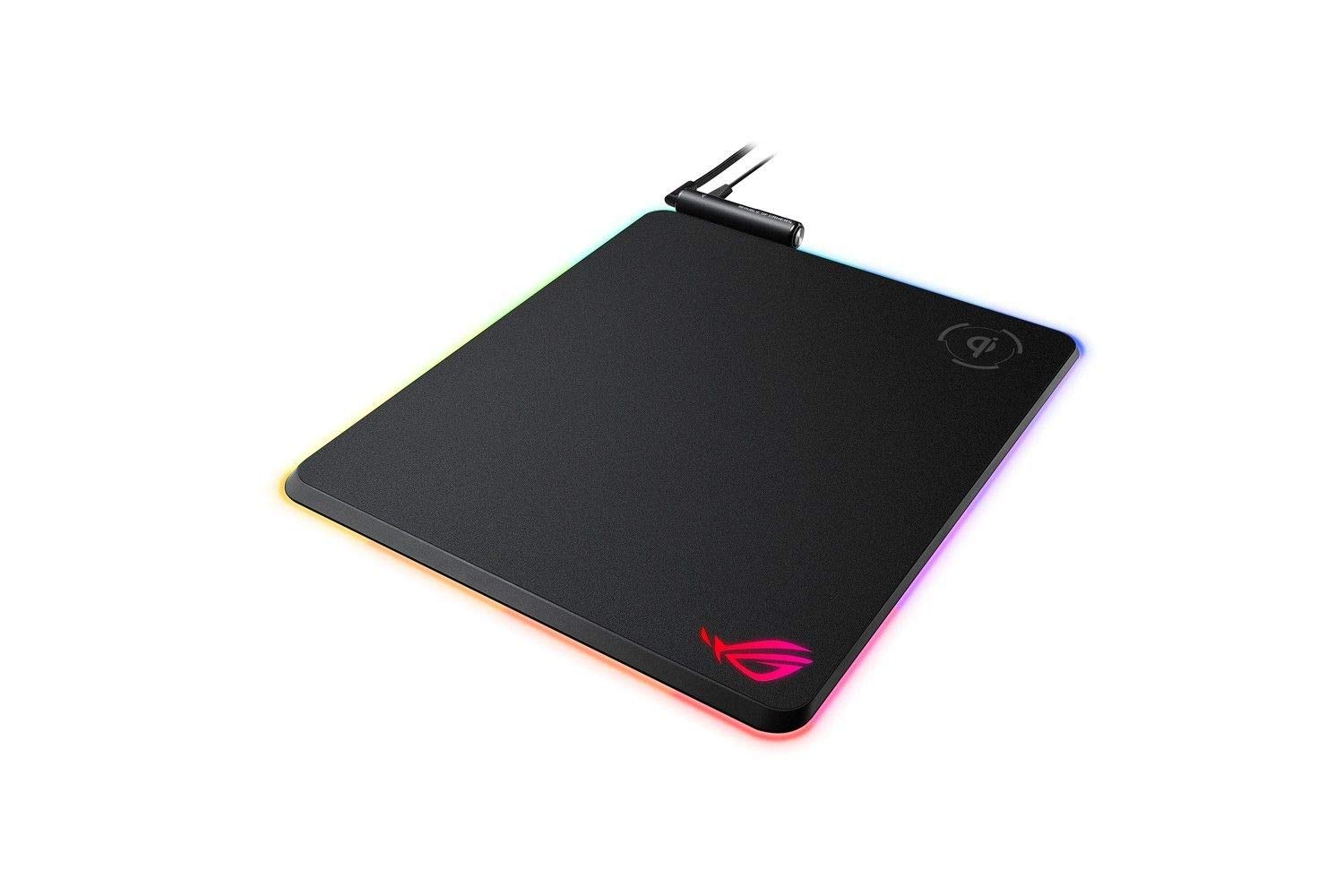
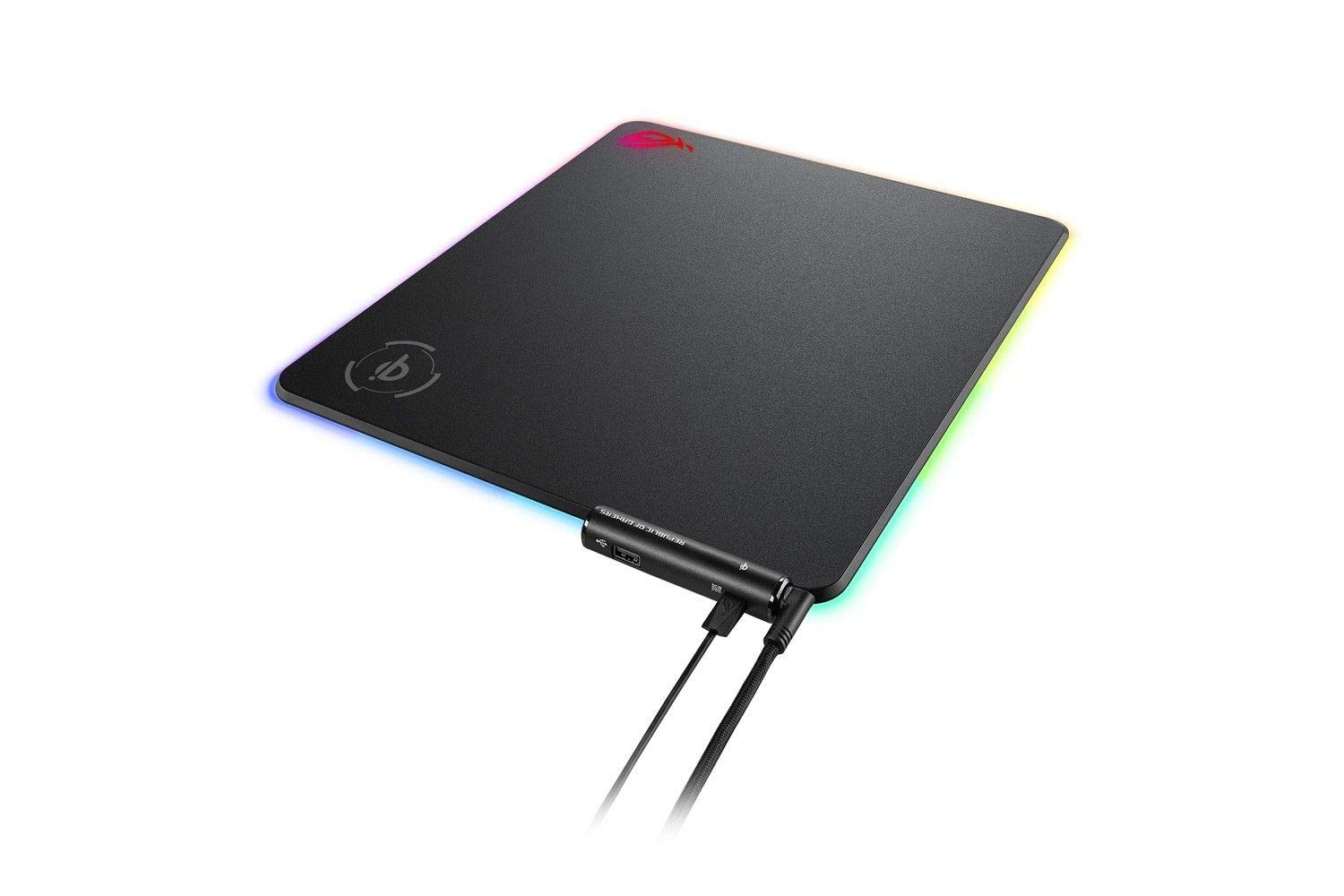
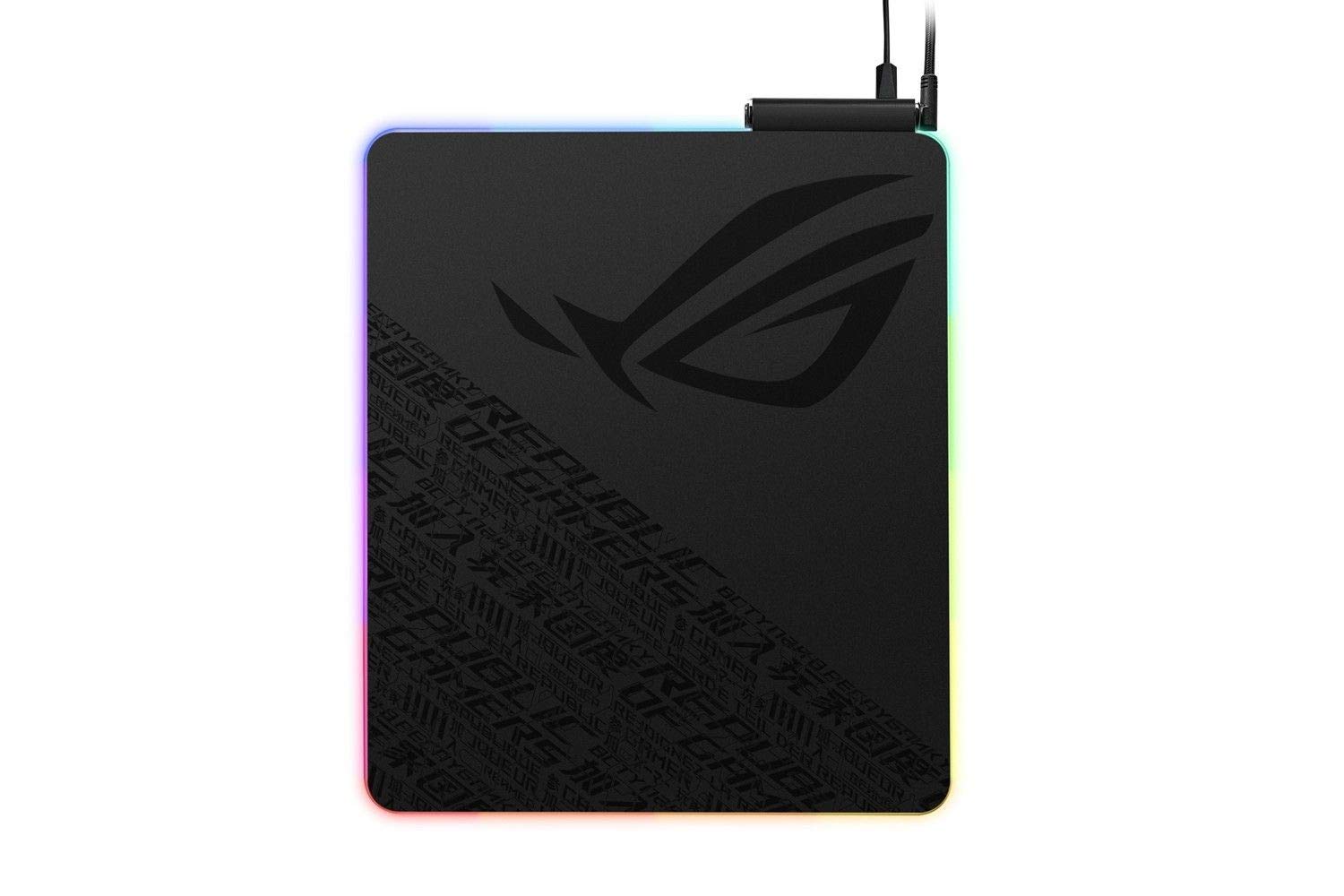
⚡ Illuminate your game, power your gear, dominate your desk.
The ASUS ROG Balteus Qi is a premium gaming mouse pad featuring a large 320x370mm micro-textured hard surface for precise mouse control, 15-zone customizable Aura Sync RGB lighting for dynamic desktop aesthetics, and integrated Qi wireless charging with LED status indicator. It includes a USB 2.0 passthrough port and a non-slip rubber base, making it the ultimate all-in-one accessory for gamers seeking performance, style, and convenience.


| ASIN | B07MQ9LS8Q |
| Antenna Location | Gaming |
| Best Sellers Rank | 102,276 in Computers & Accessories ( See Top 100 in Computers & Accessories ) 2,294 in Mouse Pads |
| Brand | ASUS |
| Brand Name | ASUS |
| Colour | Black |
| Customer Reviews | 4.2 out of 5 stars 419 Reviews |
| Enclosure Material | Rubber |
| Global Trade Identification Number | 04718017059886 |
| Item Dimensions L x W | 37.1L x 32W centimetres |
| Item Thickness | 4 Millimetres |
| Item Weight | 1 Grams |
| Manufacturer | Asus |
| Material | Rubber |
| Product Features | Convenient Qi Wireless Charging, Aura Sync RGB Lighting, Micro-Textured Surface, USB 2.0 Port, Non-slip Base with ROG Cybertext Graphics |
| Product dimensions | 37.1L x 32W centimetres |
| Recommended uses for product | Gaming |
| Shape | Rectangular |
| Size | 371L x 320W mm |
| Special feature | Convenient Qi Wireless Charging, Aura Sync RGB Lighting, Micro-Textured Surface, USB 2.0 Port, Non-slip Base with ROG Cybertext Graphics Special feature Convenient Qi Wireless Charging, Aura Sync RGB Lighting, Micro-Textured Surface, USB 2.0 Port, Non-slip Base with ROG Cybertext Graphics See more |
| Theme | Abstrakt |
| Unit Count | 1.00 count |
D**N
If you are already invested in the ROG ecosystem, this mousepad is an ideal accessory
In my assessment, the ASUS ROG Balteus Qi stands out as a superior wireless charging mousepad due to its outstanding design and impressive array of features that can enhance one's gaming experience. One noteworthy aspect of this mousepad is its surface, which facilitates smooth mouse gliding. The RGB effects are also a spectacular feature that adds to its appeal. I experienced exceptional wireless charging performance with this mousepad, regardless of the type of gaming mouse used. Overall, our experience with the ROG Balteus Qi was highly satisfying, and I strongly recommend it. If you are already invested in the ROG ecosystem, this mousepad is an ideal accessory to complement your system. It's a convenient way to enhance your gaming experience while simultaneously charging your mouse and other devices.
M**K
Excellent mouse tracking; Qi Wireless charging; Vibrant RGB colours
Now that I've finished decorating the whole office with RGB strips, the PC with RGB fans and the ceiling with RGB lamps - I suddenly realised that I don't have an RGB mouse pad. After doing some research, I stumbled upon this beauty: Asus ROG Balteus QI Pad. · If you love lighting effects, you might be happy to hear that the ASUS ROG Balteus Qi mouse pad has 15 customisable RGB lighting zones on it, although you really have to use the Armoury II to maximize this feature of the mouse pad. · It also supports «AURA Sync» which means that the mouse pad can synchronize its lighting effects with other AURA-compatible peripherals such as keyboards, mice, headsets etc. · The mouse pad has onboard memory, which means that - it keeps the lighting settings you make even if you disconnect it from your PC. · On the top corner of the pad - there is control box. It has a button for lighting adjustments and an indicator that flashes when you place a device for charging, confirming that you have placed it correctly. It also houses an USB 2.0 pass-through to easily connect other devices such as a mouse and there is a Micro-USB port for Qi charging to work. · The mouse pad feels durable and well built. The hard surface is very comfortable under my hand and wrist. · The rubber base keeps the ROG Balteus in place at all times. No slippery dancing on the table. · The wireless Qi charging plate inside the mouse pad works well, and its available surface is quite large. The wider mousing area makes a lot of sense for gamers, at least in theory, due to the freedom to move from side-to-side. For general use, however, it causes a bit of an issue in that to keep a keyboard centered below the monitor in an ergonomic typing position. · If you're a hard-core gamer using a tenkeyless keyboard (keyboard without a tenkey/number pad) like the ROG Strix Scope, this will be less of an issue. 👉 I have been using it for 2 months now – and no problems so far. ✔ Pros: + Customisable RGB Lighting + compatible with AURA Sync + Comfortable hard surface; excellent mouse tracking + Qi wireless charging plate + Dedicated physical button for adjusting the light effects ✖ Cons: - The USB cable that is used for the Qi charging plate is not braided and is also shorter than the USB splitter cable (3.28ft /90cm vs. 6.56ft /180cm) Definitely recommended! ↘ ↘ ↘ I rely on reviews when I make purchases, so I put a lot of time into reviewing everything I buy on Amazon. Please, show your appreciation by clicking the "Helpful" below when it asks if the review is really helpful! Thank you for your time and Have a Wonderful day!
N**M
Looks nice but constant errors
When I first got this I thought "wow, this looks really nice" after a while the novelty of that wore off My mouse glides across it making for very smooth gameplay and the rgb element fits well with the rest of my rog setup but the wireless charging is constantly stopping and giving me error messages for which the only fix is to unplug it and plug it back in, I may as well have just bought a cheap hard mat
B**N
Great mouse mat, but be aware of one bit!
Fantastic, well built mouse mat. Oversized, comfortable, really good! Only thing that caught us out, and I'm not sure if I just missed this in the description (haven't checked) - the Qi charger needs to be given a separate power supply! Not one in the box, so we had to wait a bit to start using that. Not the end of the world, but if you're picking this up, grab yourself a USB mains charger. But be careful not to use something like Anker IQ charging as it seems the IQ style ones cut out and don't supply a consistent service to the Qi pad when in use. We ended up using a HTC phone charger, happy enough with that!
B**E
Hight end product
Quality is here, Asus made à beautyfull mouse pad. IQ charge is lors formation m'y galaxy fold, but excellent for my Apple products
J**H
Just amazing straight from the box
So I got my hands on this today and it has not disappointed! Even though the size is noted I hadn't quite realised just how big this would be, I have no concerns about charging my phone and using this pad at the same time. For the size of it I wasn't expecting this to be as light as this is, which is great as I have a glass desk. The rubber underside stops it from skidding around and does exactly what it should The RGB lighting is stunning and that's before I've even had a played around with the customisation. I would recommend this product for someone who wants an RGB pad and could uterlise the QI charging
T**T
Very Poor
Very poor. Qi does not work reliably and wires everywhere. Returned.
S**G
Excellent mousemat
This is my first time buying this RGB mousemat, out of my expectation, very useful and comfortable, I love it! ROG is always good.
Trustpilot
2 weeks ago
2 weeks ago