We remain fully operational. Our teams are working around the clock to ensure your deliveries continue safely.

DOWNLOAD THE APP


Customer Services
Copyright © 2025 Desertcart Holdings Limited
DOWNLOAD THE APP
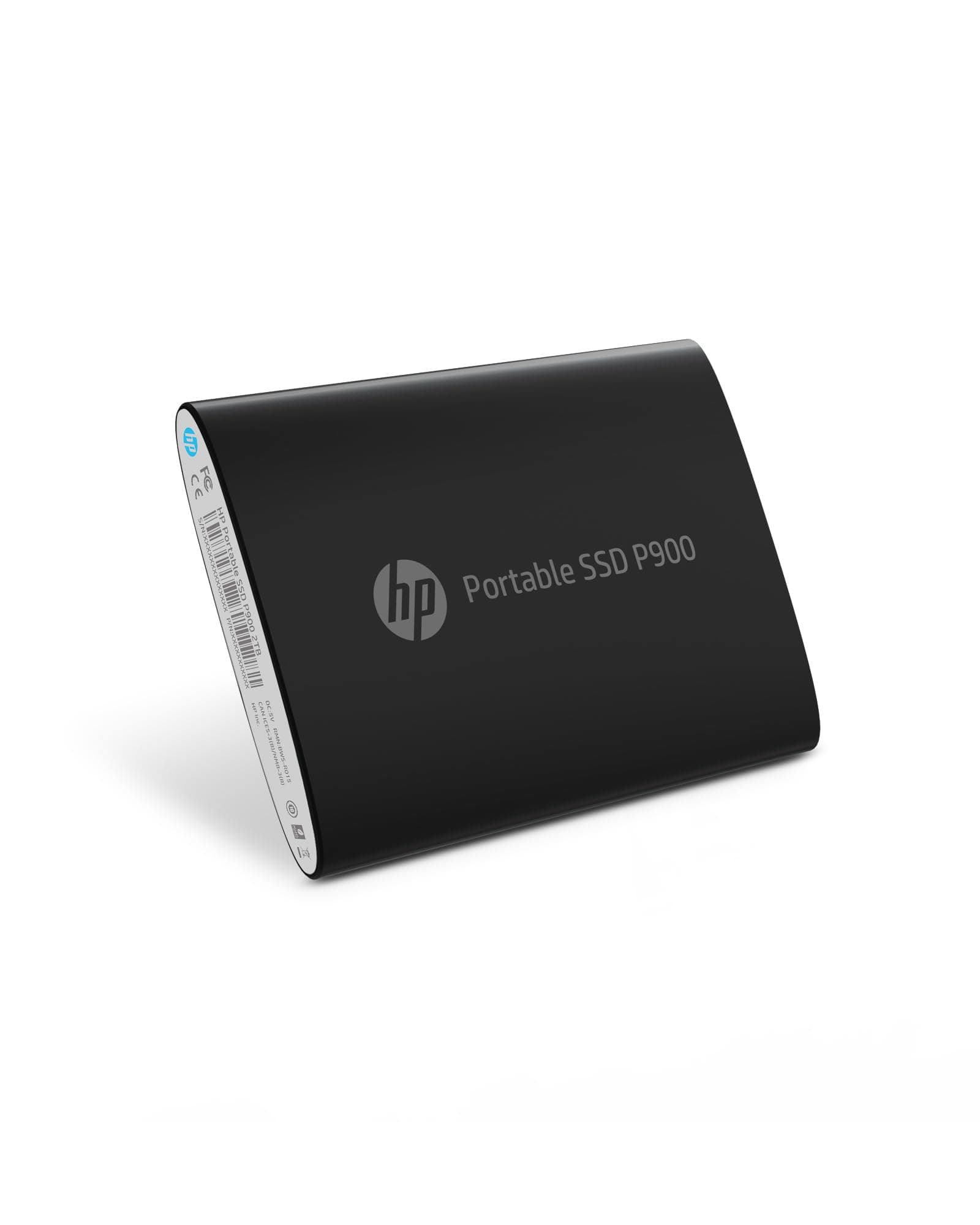


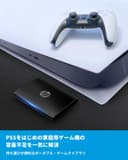

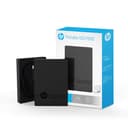
💼 Elevate Your Storage Game!
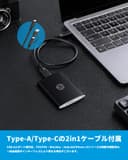
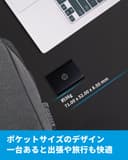
The HP P600 250GB Portable USB 3.1 External SSD offers high-performance storage with lightning-fast read speeds of up to 560MB/s. Designed for versatility, it features a USB 3.1 Gen 2 Type-C connector and includes adapters for Type-A compatibility, making it perfect for Windows, Mac, and Android users. Weighing just 5.9 ounces and measuring 3.62 x 2.56 x 0.82 inches, this SSD is both compact and reliable, meeting HP's high-quality standards.


| ASIN | B07B2Z2LQF |
| Additional Features | 250GB, Portable, External SSD |
| Best Sellers Rank | #968 in External Solid State Drives |
| Brand | HP |
| Built-In Media | Instruction Manual, Cable |
| Cache Memory Installed Size | 250 |
| Color | Black |
| Compatible Devices | Laptop, Desktop, Computer |
| Connectivity Technology | USB |
| Customer Reviews | 4.4 4.4 out of 5 stars (66) |
| Data Transfer Rate | 560 Megabytes Per Second |
| Digital Storage Capacity | 250 GB |
| Enclosure Material | Metal |
| Form Factor | Portable |
| Hard Disk Description | Solid State Drive |
| Hard Disk Form Factor | 2.5 Inches |
| Hard Disk Interface | Solid State |
| Hard-Drive Size | 250 GB |
| Hardware Connectivity | USB |
| Installation Type | External Hard Drive |
| Item Type Name | External SSD |
| Item Weight | 0.37 Pounds |
| Manufacturer | HP |
| Media Speed | 470 Megabytes Per Second |
| Model Name | P600 |
| Model Number | 3XJ06AA#ABC |
| Number of Items | 1 |
| Read Speed | 560 Megabytes Per Second |
| Specific Uses For Product | Business, Gaming, Multimedia, Personal |
| UPC | 192545259187 |
| Warranty Description | 3 Years Limited Warranty |
M**6
Affordable,high speed and good quality
Works perfectly. I use it as a backup for some pictures, videos I've posted or am editing and more. It is pretty high speed and very adorable. It works with PlayStations for external storage and also on PC or Android.
M**1
It works.
As of now, it is large enough. Yea, yea, I know, you can never have too much storage space. This is providing an adequate amount, for now. It is small enough to slip in a pocket, or Velcro to the outside of a Chromebook and still fit it in laptop bag.
G**S
Works as expected.
Works as expected. Very nice.
A**N
Portable, rugged, but with some undesirable hidden attributes
A lightweight, solid-feeling, perfectly rectangular box about the size of a deck of cards, these drives are great for tossing in a briefcase and hauling back and forth every day. Files copy quickly without the delay you'd get on a thumb drive, even on USB 2 ports. The actual drive is actually only half the thickness of the package -- about 8 mm -- with the bottom half dedicated to a magnetically-attached case for holding the detachable cord and adapter plug. However, as others have said, the drive contains three independent controllers: two 125.0 GB drives, and a 49.4 MB read-only drive detected as a CD-ROM. These are not partitions -- they really are separate drives. However, this can be useful since you can dedicate each drive to a specific task (install programs on one, store data on the other) or format each with a different file system (handy if you switch between Windows and Linux systems often). The only obnoxious part is the read-only drive, containing a Windows disk encryption application. It clutters up drive listings and you're stuck with it whether you want it or not.
A**S
storage
It will work well with my hp laptop
A**R
Terrible Terrible Terrible Terrible
This is one of the only reviews I've ever written because I just wasted 4 hours of my life trying to get this thing to work. It comes as two drives. Not partitioned into two drives; two separate drives. Why....? I bought this to store something that is 150GB, but I can't do that with this drive since the manufacturer split it into two 120GB Chunks. Part of the problem might be that i'm running Linux, so the software that comes with it isn't supported. Okay, great, I have a windows system too thank goodness, so I boot up the pre-installed "BiwinDiskTool.exe" on it. And it lets me choose the size of the two drives (Finally!). Okay great, but now it makes me put a password protect the drive (fine? I didn't really WANT to password protect the drive, I just wanted a giant USB, but that's the only way to re split the drives I guess). In broken English it asks me to do reset the powercycle or something. Okay great, so I reboot my computer, load the tool back up again, and click on the drive (after entering my password). And then the icon turns a different color, and then nothing happens. Where do I access my files from? Why doesn't it show up as a drive? Well great, now I can't even wipe the drives and to try and salvage the HDD space since they won't even show up. This is actual garbage, no instructions, no documentation on how to actually USE it besides setting up the password. 0/10
B**W
Portability
Small portable device with good storage capacity.
U**2
easy instalation.
nice very easy to install. thanks
R**S
... you probably won't want this. This device by default has a CD partition for related software. There is NO WAY to reformat to remove it... it's built into the hardware interface rather than on the disk. This device also triggered kernel panics when left attached (I checked the logs, it was definitely this device). I ended up returning this — as the non-removable partition was frustrating and the crashes made it unreliable.
Trustpilot
1 month ago
1 week ago