Buy anything from 5,000+ international stores. One checkout price. No surprise fees. Join 2M+ shoppers on Desertcart.
Desertcart purchases this item on your behalf and handles shipping, customs, and support to Indonesia.
🚗 Capture every moment, protect every mile — invisibly.
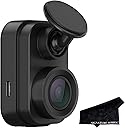
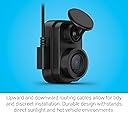
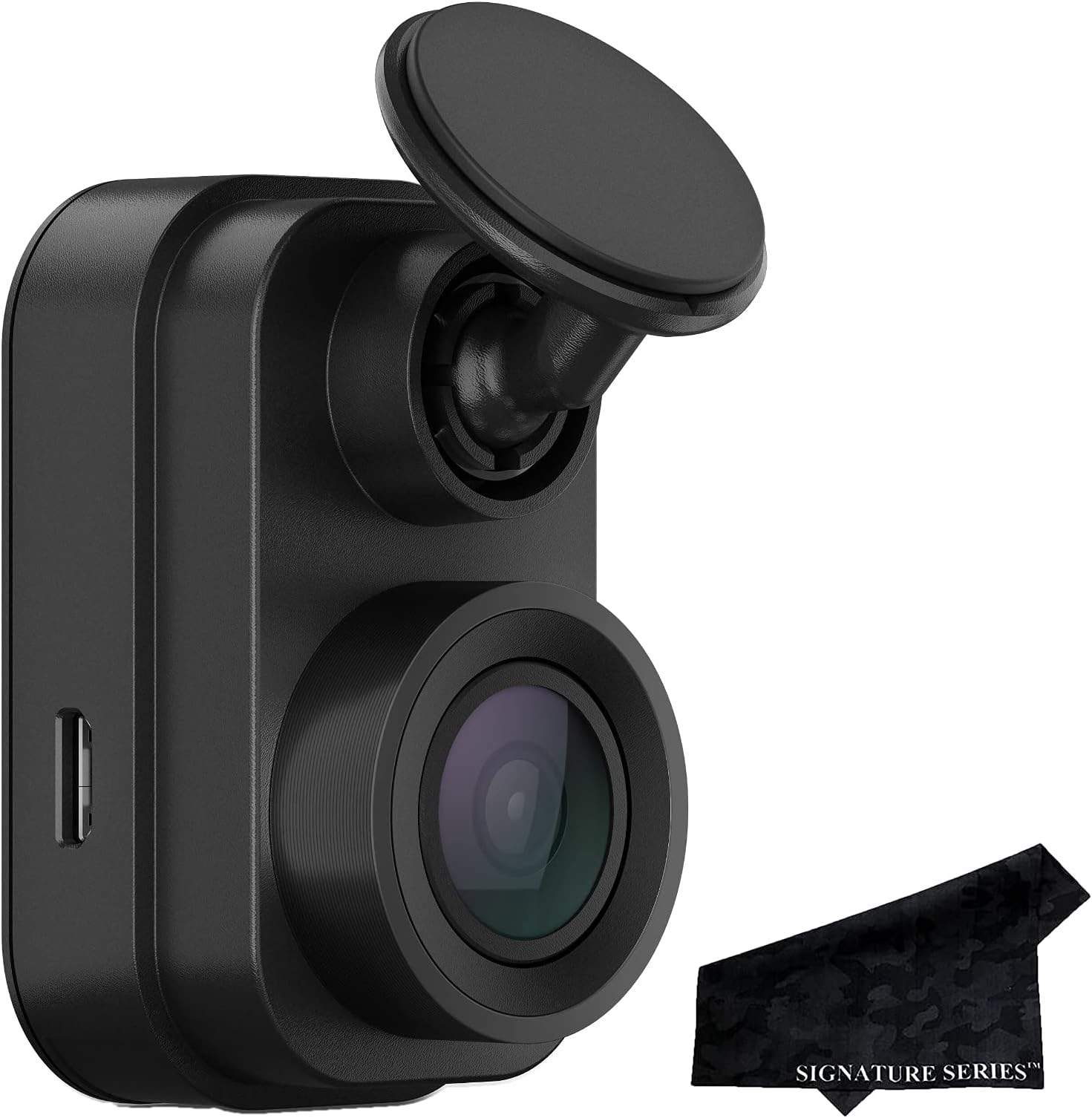
The Garmin Dash Cam Mini 2 is a sleek, car key-sized dash camera that records crisp 1080P HD video with a 140-degree wide-angle lens. It features automatic incident detection and recording, voice control in six languages, and remote live view and parking alerts via the Garmin Drive app. Included is a premium black camo microfiber lens cloth for screen and lens care. Designed for discreet mounting, it offers professional-grade security and peace of mind for modern drivers.
| ASIN | B09FWH6CQK |
| Batteries | 1 AAA batteries required. |
| Brand | Garmin |
| Colour | black |
| Customer Reviews | 4.1 4.1 out of 5 stars (1,498) |
| Date First Available | 29 July 2025 |
| Guaranteed software updates until | unknown |
| Included components | Garmin Dash Cam Mini 2, Signature Series Black Camo Extra Soft Microfiber Lens Cloth |
| Item Weight | 0.49 Pounds |
| Item model number | 010-02504-00, SSLensCloth |
| Package Dimensions L x W x H | 14.1 x 9 x 7.2 centimetres |
| Package Weight | 0.24 Kilograms |
| Part number | 010-02504-00, SSLensCloth |
| Plug profile | Windshield Mount |
| Product Dimensions L x W x H | 7.4 x 8 x 13.5 centimetres |
S**C
Its clever to take out the built-in screen used on other cameras that is not needed most of the time. This saves space and money. The camera is easy to setup and install. Mine didnt come with the cloth as advertised. 2 cables are included, one for power and one (shorter) one for data transfer. The very sticky windshield mount is small and 2 are included. The ball socket is tight and gives infinite adjustment. The camera is lightweight and stays in place. The power cable is long with a mini-USB on one end (for camera) and a USB-A on the other. A 12V cigarette lighter adapter is included if you need it, or you can plug it directly into a USB-A port. Because of its size its easy to mount this anywhere. I mounted mine in front of my rearview mirror and I cant see it when im driving. 2 LED lights on the unit indicate status. Downloading the free Garmin App and connecting is simple. You can live view for adjusting and also adjust other settings and view recorded videos and pictures. Image quality is HD and files are a good size, unlike 4K files which are large. Im using the recommended high quality microSD card (Sandisk High Endurance) to ensure fast and reliable recording. Overall a very good dashcam from a trusted brand.
R**O
Es una cámara con un excelente rango de visión, excelente calidad, un material resistente, se adhiere al vidrio, cosa que se ve tremendamente fuerte, al mover la cámara hacia arriba o hacia abajo, es como si fueran pequeños clics, y yo pensé que en cada movimiento brusco o golpeteo de algún bache o algo así, la cámara tendería a moverse, porque no es algo que se ajuste como tal, se ve muy flojo, pero para mi sorpresa, no se mueve para absolutamente nada, quede impresionado con la adherencia y al fijar la lente de la cámara no se mueve por nada con los movimientos del carro. Si me costo trabajo vincularla con la aplicación, puedo compararlo con otras aplicaciones, ya que he tenido varias dashcam, pero si me fue difícil, ya entendiéndole, pues se vuelve sencillo, e incluso hasta ahora no se si se conecta con bluetooth o con el wifi, porque según yo es con los dos, cosa que con otras cámaras únicamente es por medio de wifi, no es algo que afecte, pero si es molesto andar desconectando el bluetooth del carro (quitar la música, lo de llamadas etc) y pasarlo a la cámara, pero fuera de eso, cumple con sus expectativas, aun no he comprobado la calidad de audio, ya que la estoy usando para la parte trasera del carro, ya que considere que es tan importante la parte de frente, como la trasera grabar. Si recomiendo la cámara, me hace falta mucho tener una pequeña pantalla en ella, cosa que en otras he tenido y facilita las cosas al configurar, pero te acostumbras a manejarlo todo al conectarlo al cel. Repito, cumple con su función, calidad-precio, y pues llevo poco tiempo usándola, prácticamente 25 días, pero ha funcionado a la perfección, actualizare algún detalle que pudiera surgir mas adelante, y se los hare saber.
S**S
A Garmin é pioneira em produto de qualidade e satisfação sendo assim dificilmente me decepciono.
R**R
The camera is great. I like the small size and the quality of the video. The one caveat is if you're using multiple cameras (i.e. front and rear) you'll find that it's a bit of a challenge to combine them later. The Drive app does allow you to export a picture-in-picture view of the two cameras but it's agonizingly slow to export the video to your phone. If you only plan on doing that for a short clip of an event then that may not be a major issue. The other option is to pull the memory cards (one in each camera) and use a video editor on your PC or Mac to create a video with both views. The main challenge is that the video files from the two cameras are not in sync so there's a bit of an offset that you'll need to account for in your video editor. In my case it was a number of seconds. The video from the rear camera starts a few seconds later than the front camera. That was my experience using iMovie on my Mac. Once you realize that the offset is there it's not that difficult to align the two videos in the editor close enough that it's not noticeable. It's just an extra step that takes a little time. I'm not planning on making a bunch of dash cam videos so it's not enough for me to switch to anther camera option. Another thing to consider is that each camera needs its own power source. Every camera comes with a 12V adapter (cigarette lighter adapter) that has two USB ports so you can actually connect both cameras to one adapter. If you plan on hard wiring two cameras you'll need two hard wire kits and both will need to be connected to a power source. If you're buying one of these, I would recommend that you also buy the polarized lens filter offered by Garmin. That substantially reduces the reflection from the dash that will show up in your video. This is not unique to this camera. I would recommend a polarized filter for any dash cam. A rear facing camera may be different. If you're adding a second camera in the back window I would wait until you see how it looks before buying a second polarizing filter. It may not be necessary. Finally this is a great option if you need more than two cameras. The Drive app can manage up to 4 cameras (I assume that's per vehicle) which may be a nice feature for something like a motorhome where you may want views out of the sides of the vehicle.
V**E
Tiene que estar siempre conectado a un puerto USB del auto,e que estar siempre conectado a un puerto USB del auto, El producto no se puede devolver.
Trustpilot
5 days ago
2 days ago