Buy anything from 5,000+ international stores. One checkout price. No surprise fees. Join 2M+ shoppers on Desertcart.
Desertcart purchases this item on your behalf and handles shipping, customs, and support to Indonesia.
🚀 Print Smarter, Ship Faster, Stay Ahead!
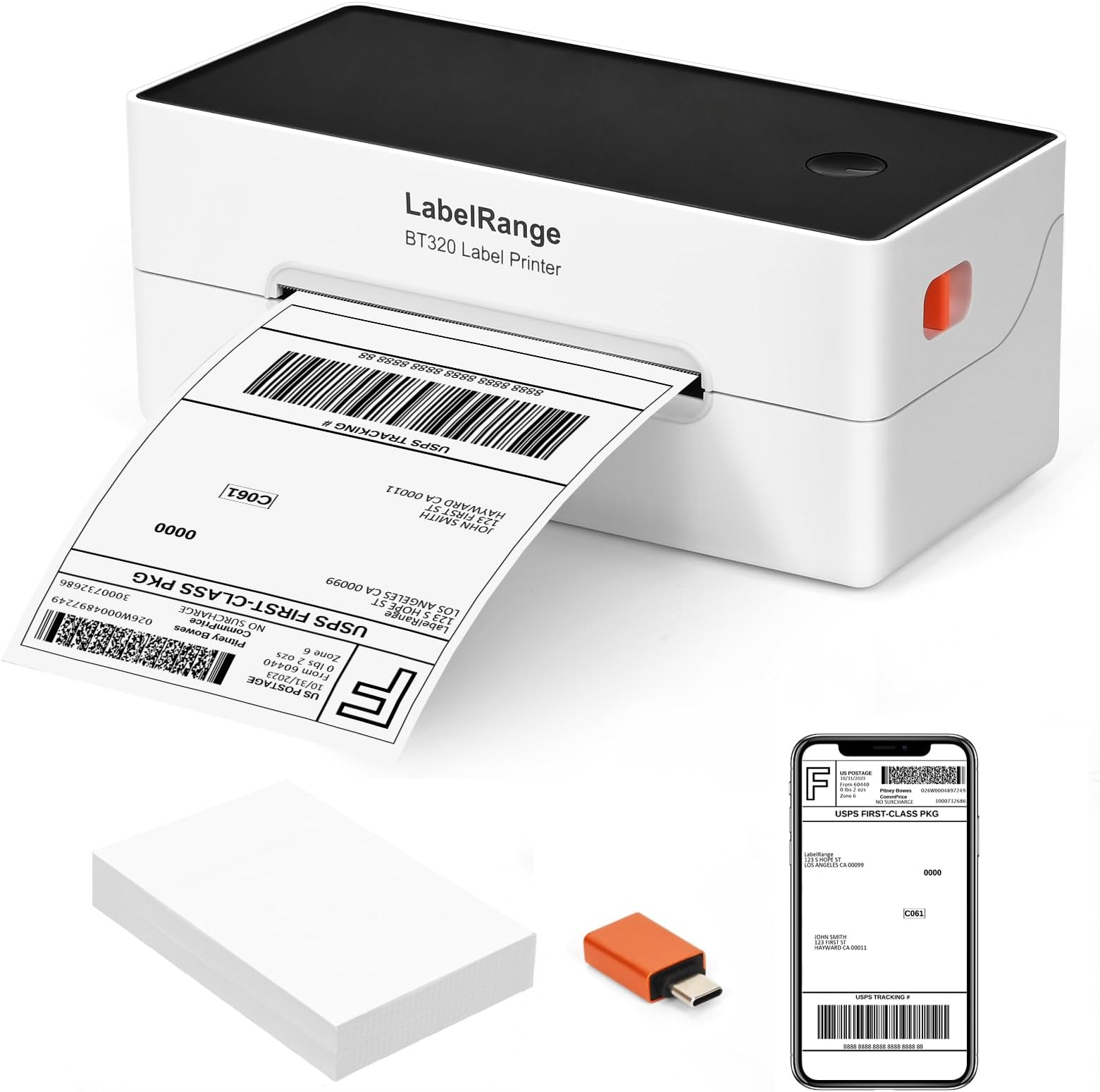
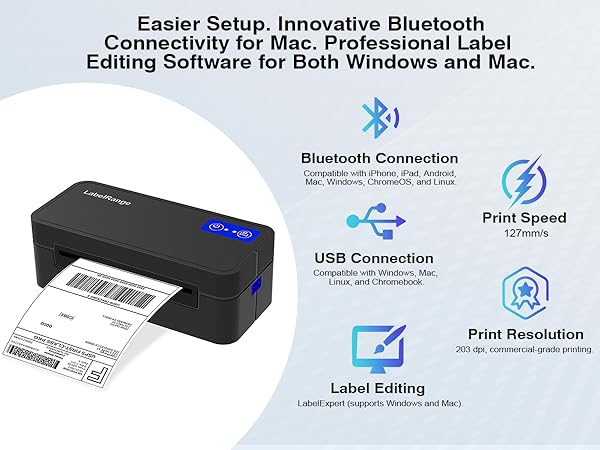
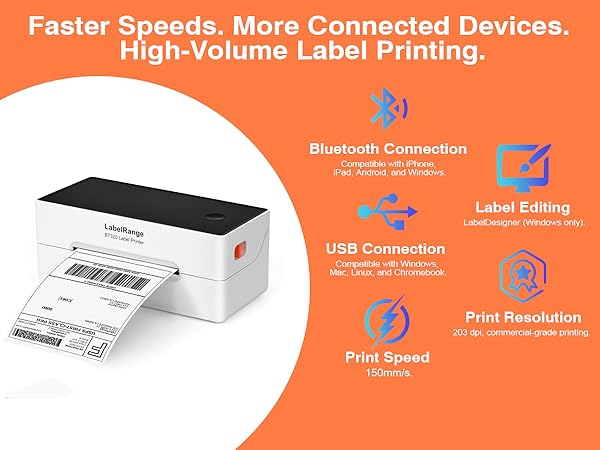
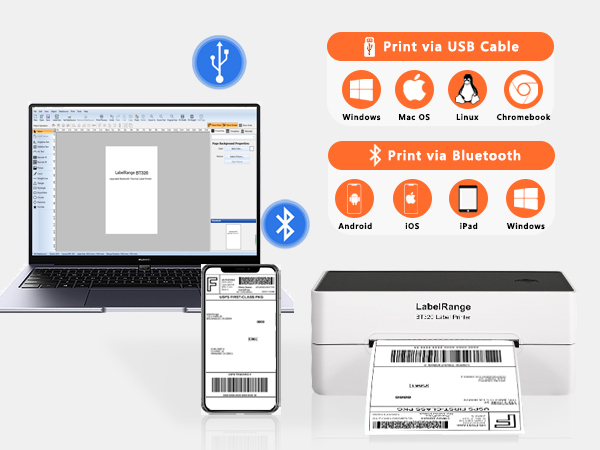
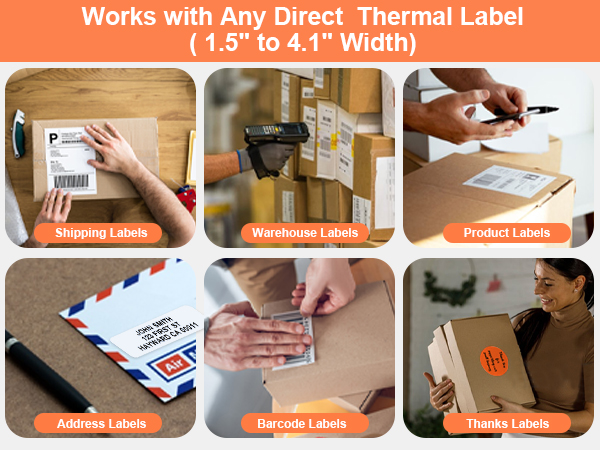
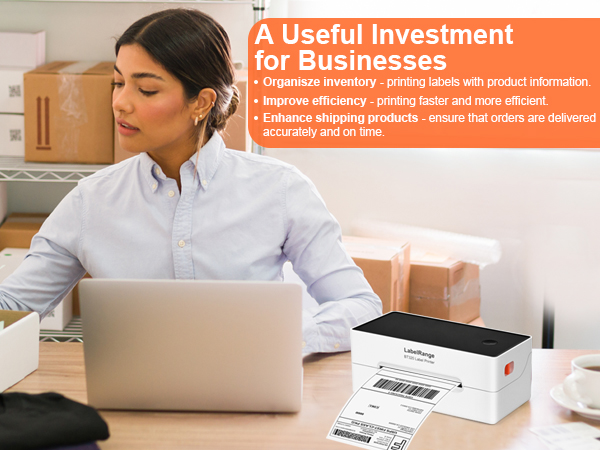
The LabelRange BT320 Ecommerce Label Printer is a high-speed, 203 DPI thermal printer designed for professional sellers and managers who demand efficiency. It prints up to 72 labels per minute without ink or toner, connects via Bluetooth or USB across multiple platforms, and supports a wide range of label sizes. Backed by 5-star customer service and easy app control, it’s the ultimate tool to simplify your shipping workflow and keep your business moving.


| ASIN | B0CKVWQLGK |
| Additional Printer Functions | Print Only |
| B&W Pages per Minute | 150 ppm |
| Best Sellers Rank | #10,763 in Office Products ( See Top 100 in Office Products ) #43 in Desktop Label Printers |
| Brand | LabelRange |
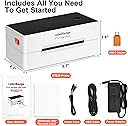
| Built-In Media | LabelRange BT320 Bluetooth Label Printer, power adapter/power cord/ USB cable, 100 sheets 4x6'' labels, USB-C adapter (for computers without a USB port), user manual |
| Color | White+Black+Orange |
| Color Pages per Minute | 150 ppm |
| Compatible Devices | Laptops, PC, Smartphones, Tablets |
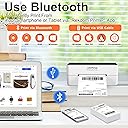
| Connectivity Technology | Bluetooth, USB |
| Control Method | App |
| Customer Reviews | 4.4 out of 5 stars 987 Reviews |
| Display Type | LCD |
| Dual-sided printing | No |
| Duplex | Simplex |
| Hardware Interface | Bluetooth, USB |
| Item Dimensions D x W x H | 4.1"D x 8.7"W x 3.6"H |
| Item Weight | 2.6 Pounds |
| Manufacturer | LabelRange |
| Maximum Copy Resolution Black and White | 203 x 203 DPI |
| Maximum Copy Resolution Color | 203 x 203 DPI |
| Maximum Copy Speed Black and White | 150 ppm |
| Maximum Media Size | 4.1 x 9.5 inches |
| Maximum Print Resolution Black and White | 203 dpi |
| Maximum Sheet Capacity | 72 |
| Maximum print Resolution Color | 203 DPI |
| Model Name | BT320 |
| Model Number | BT320 |
| Model Series | Ecommerce Label Printer |
| Number of Drivers | 2 |
| Other Special Features of the Product | "Rekdom Printer" app made for an easier print, 203 dpi thermal technology for high quality print, 150mm/s high print speed, Auto label identification, Bluetooth and USB connection, No ink no toner required |
| Paper Size | 4 inches |
| Print media | Labels |
| Printer Connectivity Type | Bluetooth, USB |
| Printer Output Type | Monochrome |
| Printer Type | Thermal |
| Printing Technology | Thermal |
| Processor Count | 1 |
| Resolution | 203 x 203 DPI |
| Series Number | 1 |
| Specific Uses For Product | Labeling solution |
| Total Usb Ports | 1 |
| UPC | 762715411662 |
| Unit Count | 1.0 Count |
| Warranty Description | 1 year |
| Warranty Type | 2 years warranty |
S**D
Best little machine!
Works great! 😊
M**A
Great for Small Business and Beginners!
Owned this for almost 2 years now, still works just as great as the first time! Once ordered it arrived in the next 24-48 hours. Packaged nicely and protectively. Even after two years I still have the film on top of my printer lol. I also still have the same foam packaging to help hold the printer in its original box. Setup was super easy and it even came with 100 complimentary thermal labels! I ordered the Bluetooth version and it’s very helpful when you’re on the go and need to make a quick print. You need to have the app downloaded and it’s very easy to use. I make a label in less than a minute or so. It connects to my computer as the other option to print it! When I did need several labels for my small business it did the job quick and efficiently. It didn’t get warm or hot. The size of the printer itself is very compact and spacious I’d say. Not too small or too big. Labels are so far the best economically spent in my opinion. It’s not heavy in my opinion but for maybe if s toddler would to hold it, it might be. In regards to color, I don’t mind it, pretty standard for a printer. Would be cool to see printers in other colors though! Overall, almost 2 years later and I would very much recommend this to anyone needing a thermal printer for their small businesses or even if they make a few returns and are able to print their own label. Saves you time and ,ones for sure. 10/10! Thank you LabelRange!
J**.
Easy to use!
Normally when I get any kind of "techy" thing, I leave it in the box until a friend comes over to help install it. Today, I decided to open the box the same day I got it and walk through the steps on my own. Within 20 minutes, I was able to print labels and get boxes ready to drop off at UPS- I literally laughed with joy when the first label came our right! I am not using the wireless option-that would have really tested my skills. :) I would recommend this product to any small business looking for a cheap, efficient way to print labels.
S**L
Consistent results
This printer works well. Easy to setup and straight forward. You must modify your paper size correctly to get a good result. Very happy with purchase
P**F
Great Printer, Sketchy Bluetooth
Very nice overall - printing is fast (this is my first thermal printer) and pretty cheap, nice to just peel the label and stick it on a package. Would have rated 5 stars, but while it is possible to connect this to a PC via Bluetooth, it's a bit of a manual process - have to override com ports in the PC menu. (Looks like it may be much easier to connect to a phone.) Every once in a while it drops the connection and have to do it all over again. The company does give clear instructons on their website.
A**R
Reasonably priced.
It’s perfect.
L**R
It’s tricky to make it work, but it does work if you patient.
I couldn’t make it work, it was really frustrating. It needed it to work for my Etsy shop. I ask AI chat GPT and it guides me to the tricks and after that it was easy. I’ll put some pictures of how to print from your iPhone. 1 - you need to go to your Etsy orders and choose as usual postage label and then choose print. 2- here is the trick- click on share button and it will show you Redkom printer in the bottom of you phone. 3- click on redkom printer, then adjust, rotate and print. Note: you need to download the app first.
R**S
Works Okay at First, But Has Some Issues
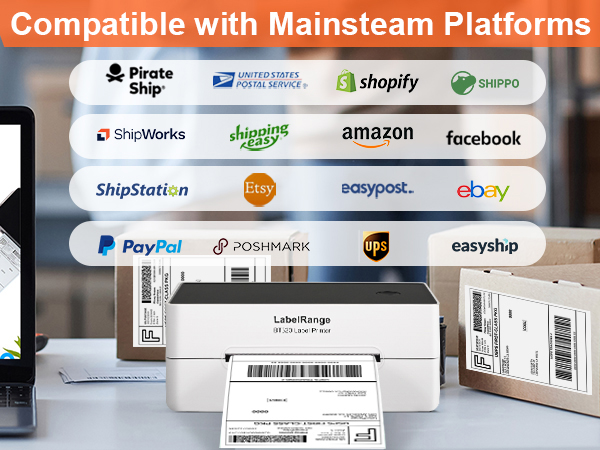
I had mixed feelings about the LabelRange Ecommerce Label Printer. In the beginning, it worked pretty well for basic shipping labels, and I really liked that it’s Bluetooth and compatible with multiple platforms like Etsy, Shopify, and USPS. The setup was fairly simple, and the app is actually easy to use, which made getting started pretty smooth. However, I started noticing some problems pretty quickly. When printing smaller labels or anything detailed, the quality isn’t great—the lettering comes out messy, unclear, and not very legible, which can be frustrating if you need clean, professional-looking labels. After about 2 months of use, it started having bigger issues. It stopped feeding labels continuously, so instead of printing sheet after sheet, I had to manually restart it every single time. That slowed everything down a lot and made it inconvenient to use, especially when printing multiple labels. I also tried using the app for more than just labels, like printing pictures, but it didn’t seem to work for that (or at least I couldn’t get it to user fault). So it feels a bit limited in functionality. Unfortunately, by the time these issues really became a problem, it was too late to return, which was disappointing. Overall, it does work, especially at first, and the app is user-friendly, but the print quality on smaller items and long-term reliability just weren’t great for me.
G**M
Muy buena impresora
Exelente productos
Trustpilot
3 weeks ago
3 weeks ago